wan / animate-2Coming soon

Wan Animate 2

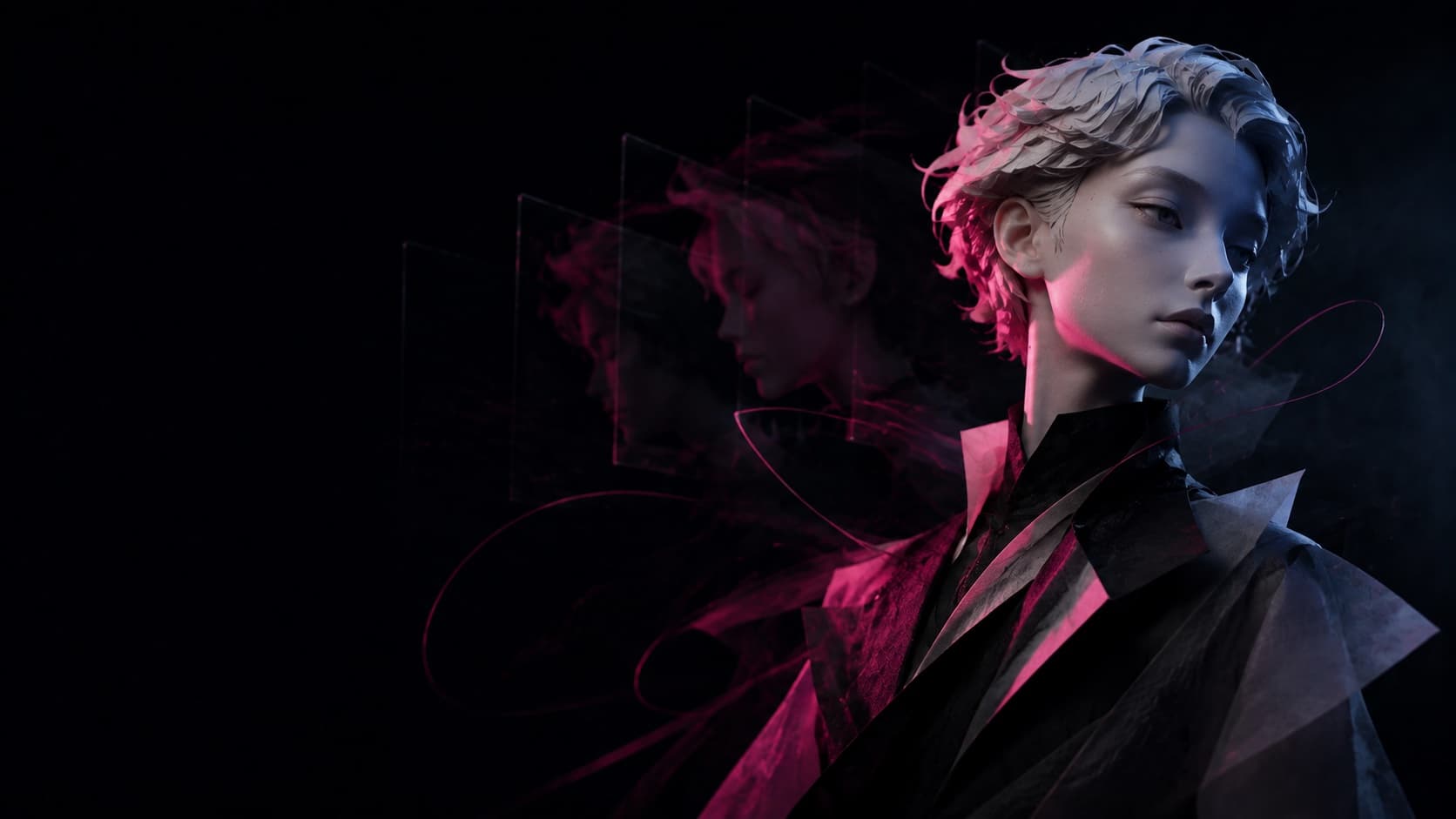
Preview the upcoming WAN30 character-animation workflow for reference-led performance, motion direction, and more consistent visual identity.

Model overview

What is Wan Animate 2?

Preview the upcoming WAN30 character-animation workflow for reference-led performance, motion direction, and more consistent visual identity.

Wan Animate 2 is not available in the generator yet. Use the current motion-control workflow while the new model is being prepared.

High-fidelity character animation
Multi-character scene animation
Text-controlled camera viewpoints
Identity-preserving motion transfer
High-fidelity character animation

Creative capabilities

Planned Wan Animate 2 workflow

Preview the upcoming WAN30 character-animation workflow for reference-led performance, motion direction, and more consistent visual identity.

01

High-fidelity character animation

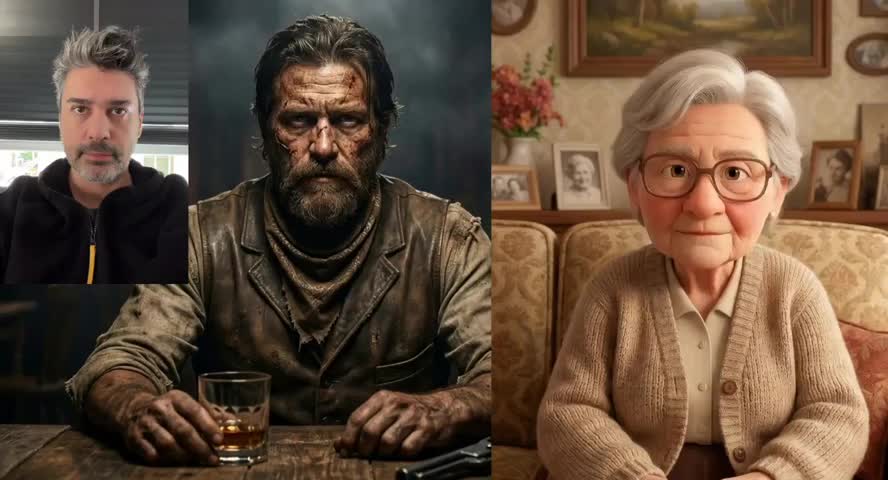
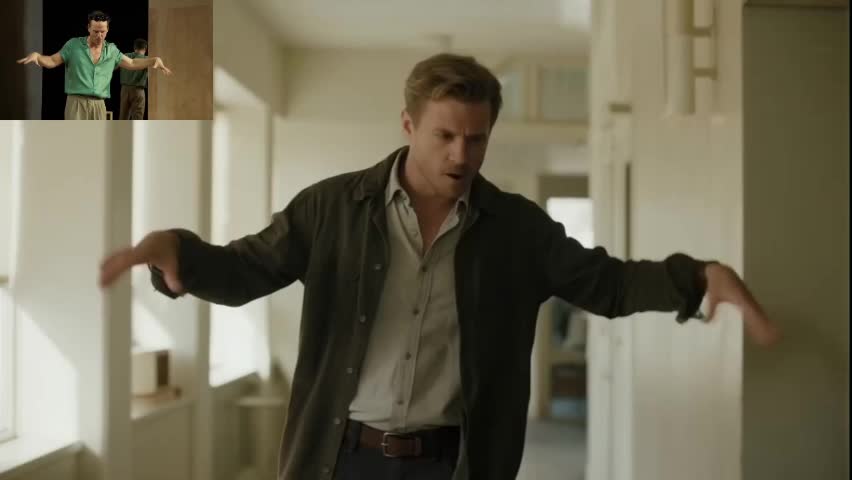
The announced workflow is designed to carry detailed body movement, facial expression, gesture, and subtle performance cues from a driving reference into a new character animation.

02

Multi-character scene animation

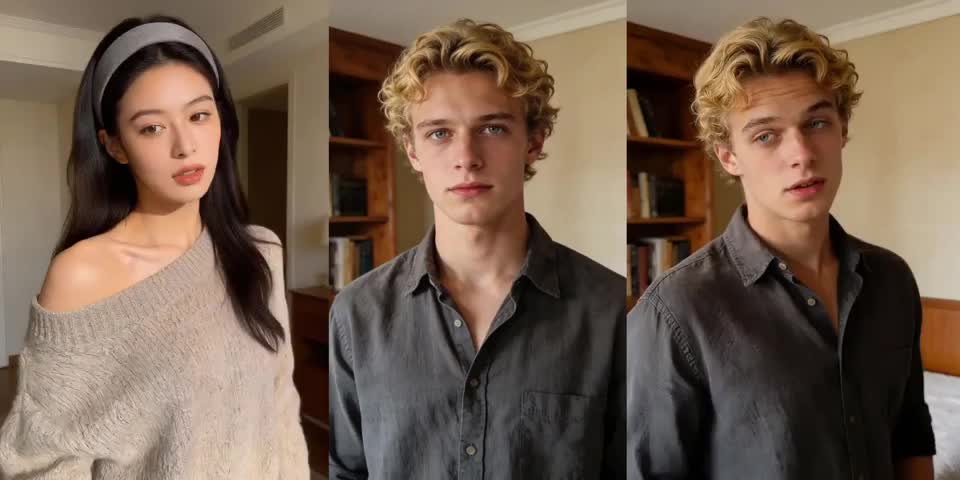
Pre-release information describes support for scenes with several subjects while preserving each character's appearance, motion behavior, and role in coordinated interactions.

03

Text-controlled camera viewpoints

Planned viewpoint prompts can explore alternatives such as a top view without forcing the final animation to remain locked to the original driving-video camera.

04

Identity-preserving motion transfer

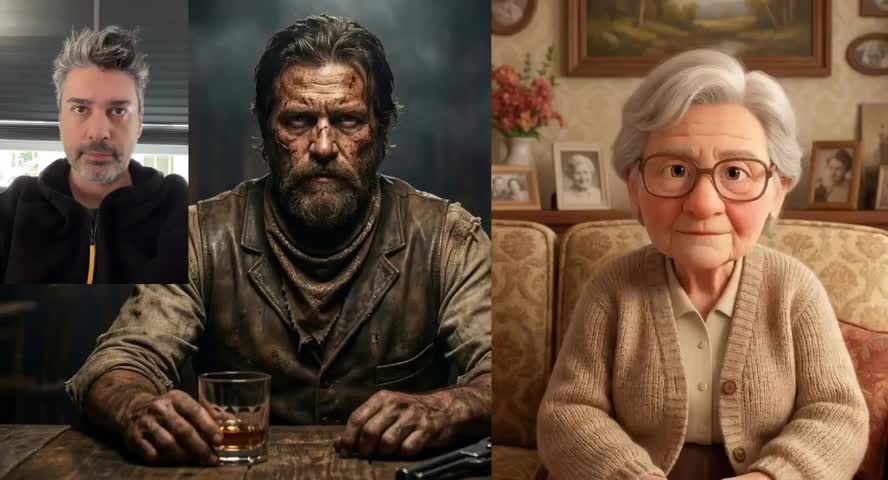
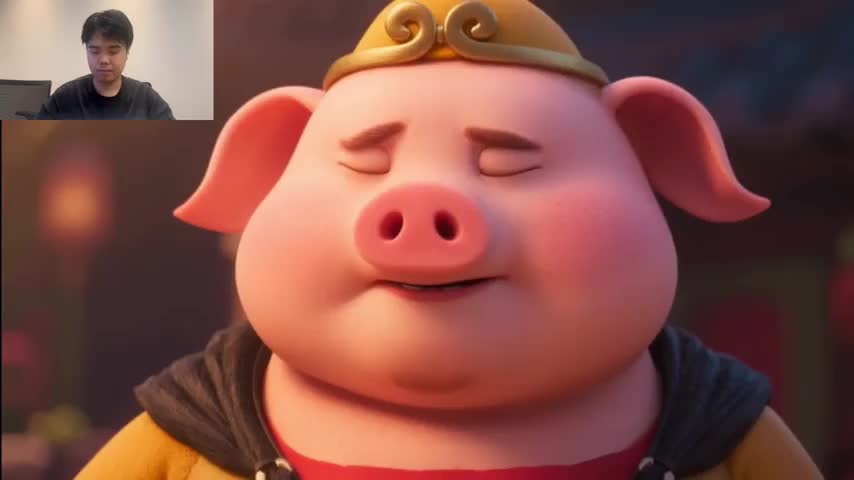
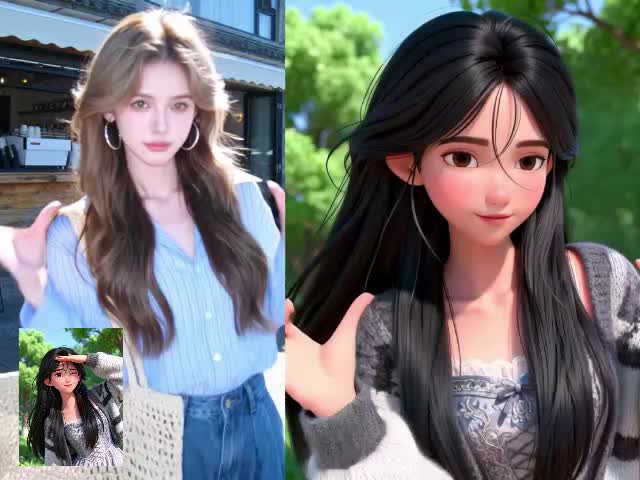
Reference video supplies the movement and performance direction while the character image anchors recognizable identity, proportions, styling, and visual treatment.

Model selection guide

Animation workflow preview

Wan Animate 2 is not available in the generator yet. Use the current motion-control workflow while the new model is being prepared.

Where this model fits in production

Availability

Coming soon

Available now

Creative focus

Character animation

Reference-guided motion

Confirmed settings

To be announced

Shown in the workspace

Best next step

Follow launch updates

Start a motion test

WorkflowWan Animate 2Current motion control
AvailabilityComing soonAvailable now
Creative focusCharacter animationReference-guided motion
Confirmed settingsTo be announcedShown in the workspace
Best next stepFollow launch updatesStart a motion test

Production workflow

Prepare for Wan Animate 2

Move through shot direction, reference preparation, output settings, and result review in a clear sequence.

  1. 01

    Prepare the character reference

    Use a clear human, cartoon, animal, robot, mascot, or stylized-character image with a readable identity and body design.

  2. 02

    Choose a driving performance

    Prepare a reference video whose body movement, gesture, expression, interaction, rhythm, and camera intent are easy to understand.

  3. 03

    Add viewpoint and scene direction

    Write the desired camera perspective, character roles, scene relationship, visual style, and any motion details that should remain important.

  4. 04

    Wait for confirmed WAN30 access

    Wan Animate 2 is not available in the WAN30 generator yet. This page will publish verified formats, controls, pricing, and access details at launch.

Create more expressive character experiences with Wan Animate 2

These planned use cases reflect the announced direction of the model and will be confirmed against the production version when WAN30 access becomes available.

01

Character dance and motion transfer

Apply the rhythm, gesture, body mechanics, and performance pattern of a dance or action clip to a different digital character.

02

Virtual avatar animation

Use real performance references to guide virtual hosts, AI companions, presenters, and personalized character experiences with more expressive movement.

03

Multi-character story scenes

Plan conversations, group interactions, coordinated performances, and narrative scenes while keeping each participant visually recognizable.

04

Camera perspective variations

Explore alternative viewpoints from one driving performance using text direction instead of reproducing only the source camera angle.

05

Stylized character and IP animation

Bring cartoons, mascots, fantasy creatures, robotic designs, and original character concepts into motion while preserving their visual identity.

Why follow Wan Animate 2 on WAN30?

WAN30 will turn confirmed model access into a creator-facing workflow while keeping pre-launch information clearly separated from available features.

01

One place for Wan creation tools

Discover character animation alongside Wan 3.0 video generation, Video Prime, motion control, reference preparation, and other creative workflows.

02

A clear launch-status page

See what is announced, what has been verified, and what is actually available before spending time preparing a production workflow.

03

A simpler visual workflow

When access launches, WAN30 will organize character references, driving video, prompt direction, settings, results, and history in a browser-based interface.

04

Verified input and output guidance

File formats, duration limits, camera controls, multi-character behavior, output settings, and pricing will be published only after confirmation.

05

Connected model discovery

Compare Wan Animate 2 with the currently available motion-control route and choose the workflow that matches the production need.

06

Creator support and documentation

Use the model page, FAQ, examples, and support channel to understand the workflow as verified capabilities become available.

Start a new project

Put Wan Animate 2 into your next video workflow

Return to the workspace to shape a prompt, prepare references, compare a direction, and start the next generation task.
Wan Animate 2 FAQ

What is Wan Animate 2?
Wan Animate 2 is an announced character-animation workflow focused on high-fidelity motion transfer, consistent character identity, multi-character scenes, and flexible camera direction. It is currently marked coming soon on WAN30.
How does Wan Animate 2 animate characters?
The announced workflow combines a character reference with movement, gesture, expression, and performance information from a driving video, plus text direction for the desired scene and viewpoint.
What inputs are required for Wan Animate 2?
A character image and reference performance video are expected to be the central inputs. WAN30 will publish the confirmed formats, sizes, duration limits, and prompt controls when production access is available.
Can Wan Animate 2 animate multiple characters?
Multi-character animation is part of the announced capability direction. Actual subject limits and interaction behavior will be verified when the production model launches on WAN30.
Does Wan Animate 2 support camera control?
Pre-release information describes text-guided viewpoint changes such as alternative camera angles. WAN30 will verify the supported prompts and restrictions before making the workspace available.
Can Wan Animate 2 work with different character styles?
The announced use cases include people, cartoons, animals, robots, mascots, fantasy creatures, and other stylized subjects while preserving recognizable identity.
Where can I find the latest Wan Animate 2 information?
This dedicated WAN30 page will be updated with verified inputs, outputs, controls, examples, pricing, and access details. Until then, use the current motion-control workspace for available reference-led motion tasks.