❄❄❄❄
--:--:--New member price: 50% off your first annual planGet 50% off
Wan 3.0
Home
Showcase
ShowcaseLibraryHow to use
Generator
Video Models
Wan 3.0Wan 3.0 Video PrimeWan 2.7Wan Animate 2Seedance 2.5
Image Models
Qwen Image 2.1 ProQwen Image 2.1Qwen Image 3.0Seedream 5.0Wan 2.7 ImageGPT Image 2Nano Banana 2
AI Tools
Replace BackgroundAI Video Lip Sync
Pricing

Resources

How to UseBlogFAQContactTerms of ServicePrivacy Policy
Language
🇺🇸English🇨🇳简体中文🇭🇰繁體中文🇯🇵日本語🇰🇷한국어🇪🇸Español🇵🇹Português🇫🇷Français🇩🇪Deutsch🇷🇺Русский🇦🇪العربية
Wan 3.0
    • Replace Background
    • AI Video Lip Sync
    • Qwen Image 2.1 Pro
    • Qwen Image 2.1
    • Qwen Image 3.0
    • Seedream 5.0
    • Wan 2.7 Image
    • GPT Image 2
    • Nano Banana 2
    • Wan 3.0
    • Wan 3.0 Video Prime
    • Wan 2.7
    • Wan Animate 2
    • Seedance 2.5
    • Showcase
    • Library
    • How to use
  • Blog
  • Try Wan
🇺🇸EN
🇺🇸English🇨🇳简体中文🇭🇰繁體中文🇯🇵日本語🇰🇷한국어🇪🇸Español🇵🇹Português🇫🇷Français🇩🇪Deutsch🇷🇺Русский🇦🇪العربية
  • Pricing
Sign in
HomeGuideLibraryPricing
Wan 3.0

Wan 3.0 turns prompts and reference images into cinematic AI video workflows for creators, studios, and growth teams.

support@wan30.io
Product
Wan 3.0PricingAboutContactFAQHow to use
Create
Showcase & promptsAI Video & Image LibraryGeneratorDraft ModeReplace BackgroundAI Video Lip Sync
Video Models
Draft ModeWan 3.0Wan 3.0 Video PrimeWan 2.7Wan Animate 2Seedance 2.5
Image Models
Qwen Image 2.1 ProQwen Image 2.1Qwen Image 3.0 ProQwen Image 3.0Seedream 5.0 LiteWan 2.7 ImageGPT Image 2Nano Banana 2

© 2026 wan30.io · All rights reserved.

Privacy PolicyTerms of ServiceRefund Policy
🇺🇸English🇨🇳简体中文🇭🇰繁體中文🇯🇵日本語🇰🇷한국어🇪🇸Español🇵🇹Português🇫🇷Français🇩🇪Deutsch🇷🇺Русский🇦🇪العربية
Skip to content
✦ Wan 3.0 Showcase · Video examples · Inputs & prompts

Wan 3.0 Showcase

AI-Generated Video Examples Across Styles

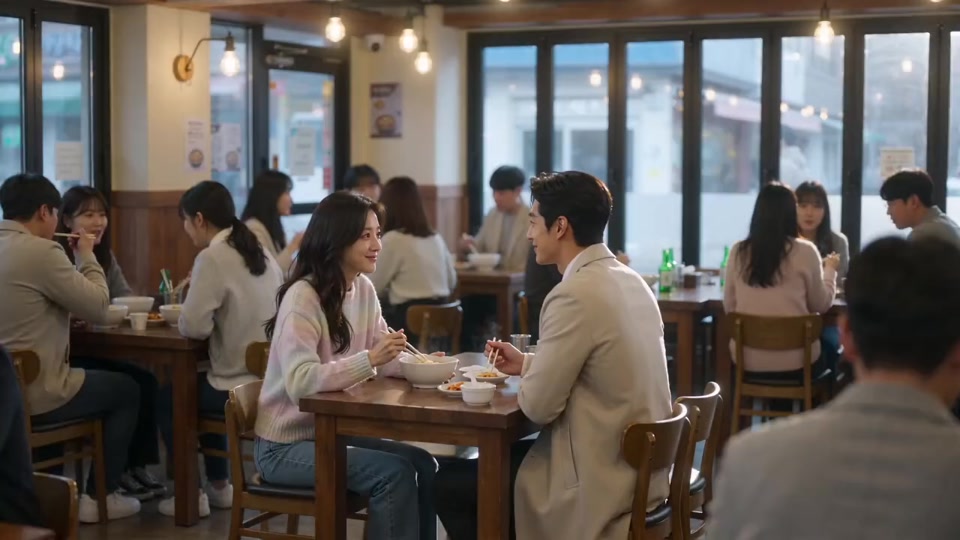
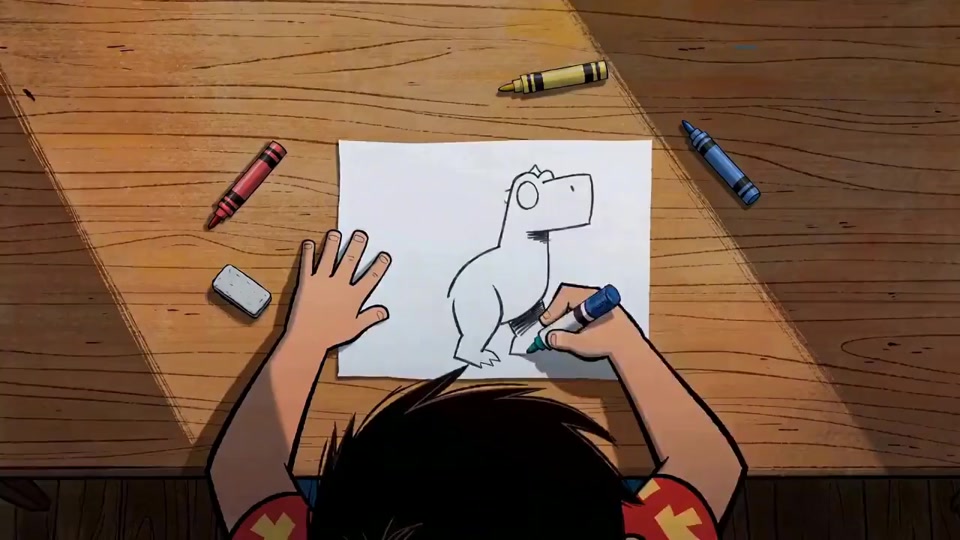
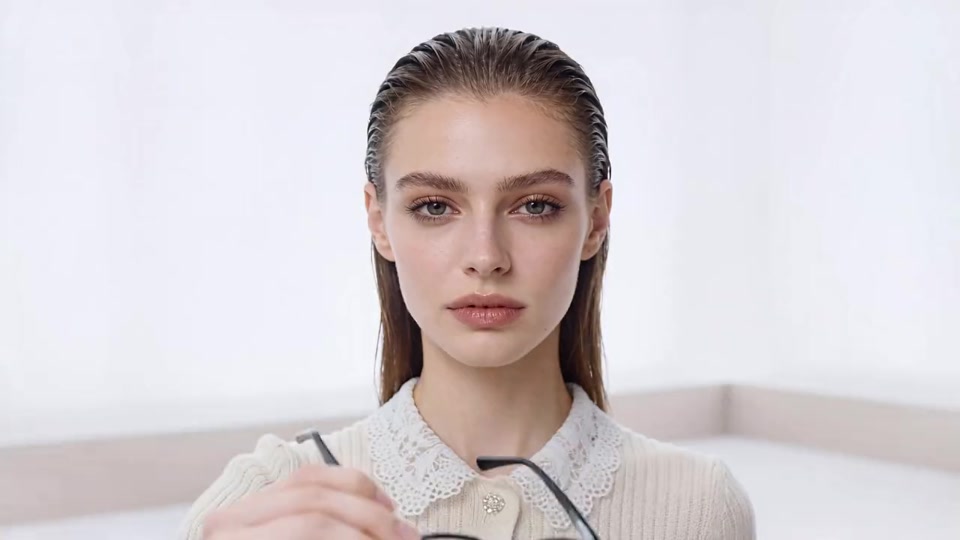
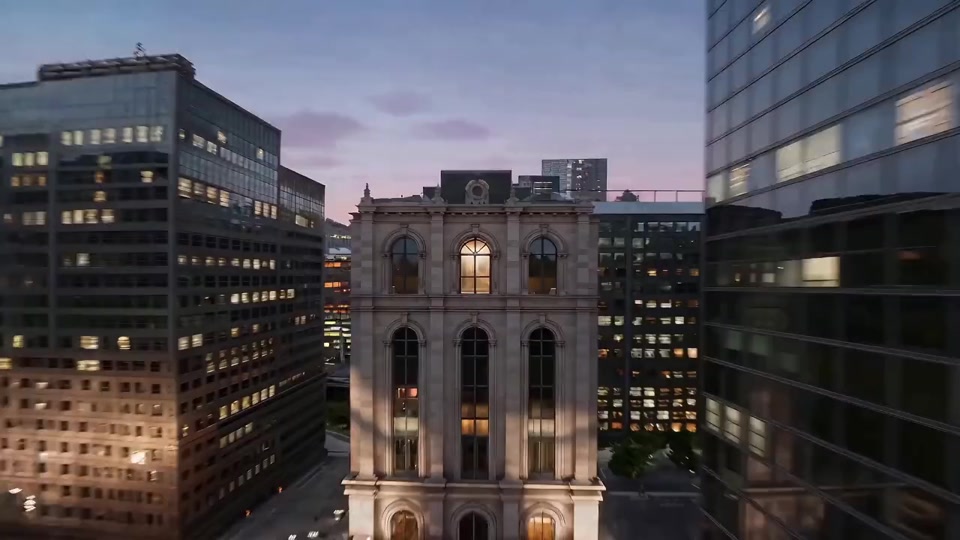
Explore cinematic stories, product shots and animation through selected AI video examples, reference assets and complete prompts. For a product overview, visit Wan 3.0; compare available workflows in model selection.

Open any example to inspect its images, video and audio inputs, compare subject movement, scene transitions and camera choices, then copy the prompt for your own project. New here? Follow the step-by-step guide to get started, or find answers in the FAQ.

Create with Wan 3.0Explore more assets

27 examples

Reference generation#19
Reference generation#20
Video editing#21
Text to video#22
Reference generation#23
Video editing#24
Reference generation#25
Reference generation#26
Video editing#27
Reference generation#01
Video extension#02
Reference generation#03
Reference generation#04
Video extension#05
Video editing#06
Reference generation#07
Video editing#08
Video extension#09
Reference generation#10
Video extension#11
Video editing#12
Reference generation#13
Track completion#14
Video editing#15
Reference generation#16
Track completion#17
Video editing#18
Back to gallery top →

Looking for more creative references? Browse the library for videos and images, or explore Wan 3.0 Video Prime and Seedance 2.5 workflows.

View the creation guide →Open the generator and paste a prompt →

Before you generate, check pricing and credit plans to find the right plan for your project.

Showcase FAQs

What is the Wan 3.0 Showcase?

This is a curated gallery of AI video examples. Watch the results, then open an example to explore its reference images, videos, audio and complete prompt to understand the creative approach.

Are these videos AI-generated?

Yes. The showcase presents AI-generated video results. The images, videos and audio in each example are its reference inputs. Compare them with the result to study subject movement, camera choices and scene transitions.

Can I use these prompts to create my own videos?

Yes. Open an example and select Copy prompt, then paste it into the video generator. Adapt the subject, scene and camera description to your idea. References in a prompt need matching inputs; your inputs, model and settings will affect the result.

What do the showcase categories mean?

Text to video starts with a written prompt. Reference generation uses images, video or audio to guide a result. Video editing changes elements in an existing clip. Extension continues a clip before or after it, while track completion connects multiple clips. Categories describe the example’s workflow; check model selection and the generator for available features.

How do I create a video like these examples?

Choose an example close to your idea and review its inputs and prompt. Open the generator, choose a suitable model and mode, add your prompt and required inputs, and review settings and credits before generating. Follow the creation guide or explore the library for more inspiration.

Can I use Wan 3.0 now, and do I need a paid plan?

You can select Wan 3.0 in the generator. Both free and paid accounts can use it with enough credits. The generator shows the credit cost before you generate. Visit pricing and plans for details, or read the help center.