qwen3 / image-3Commercial creation

Qwen Image 3.0

Create realistic images, structured layouts, rich visual details, and high-quality typography with standard and Pro text-to-image or image-to-image workflows.

NEWWan 3.0
PRIMEWan 3.0 Video Prime
COMING SOONWan Animate 2
NEWSeedance 2.5
Motion Control
Replace Background
AI Video Lip Sync
Image Generation
Powered by Qwen Image 3.0Qwen Image 3.0 Ready
Estimated credits3 credits

1K: 3 credits / image × 1 image, rounded up for the estimate.

Ready to generate.

Image examples
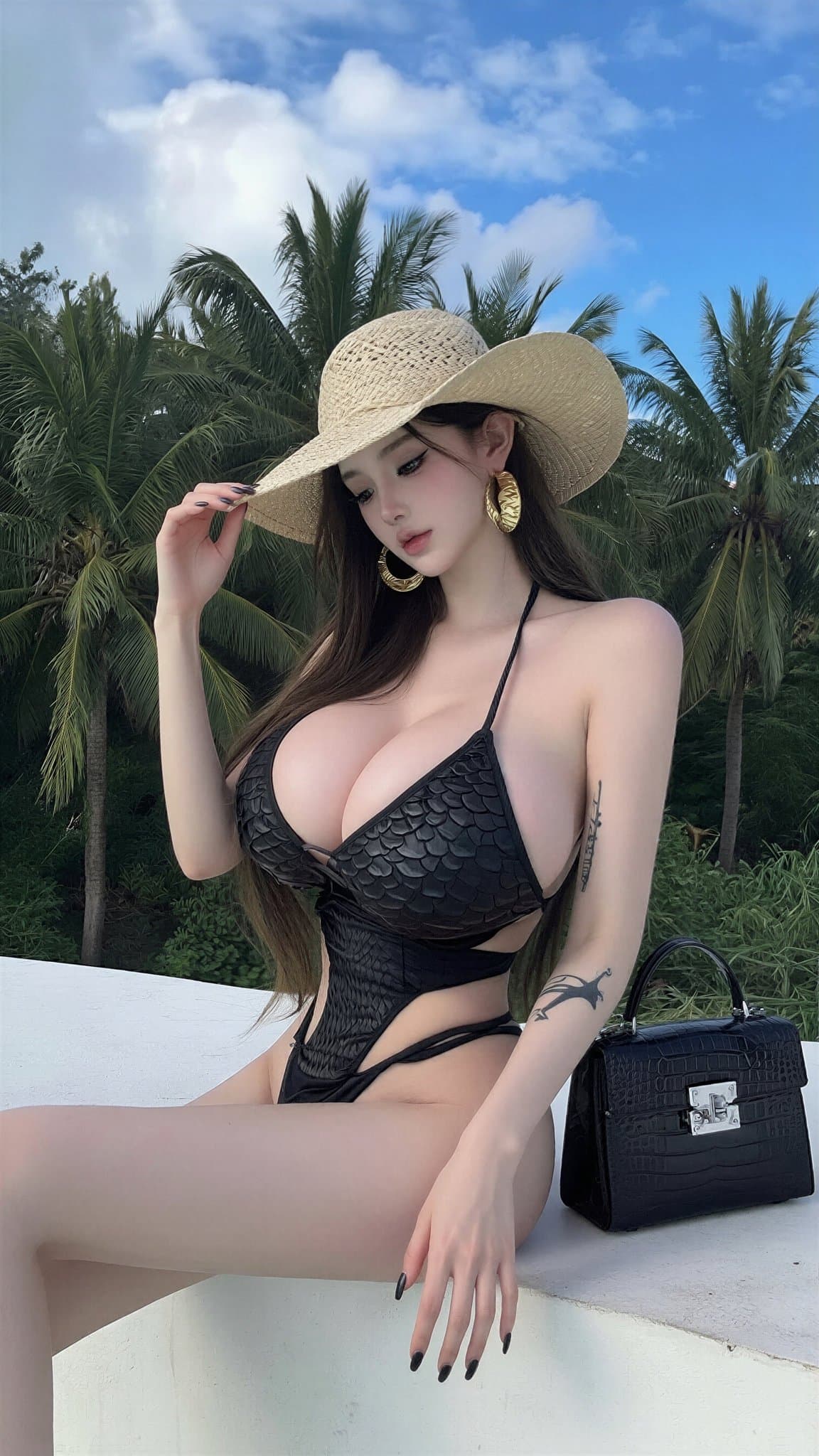
wan image 005
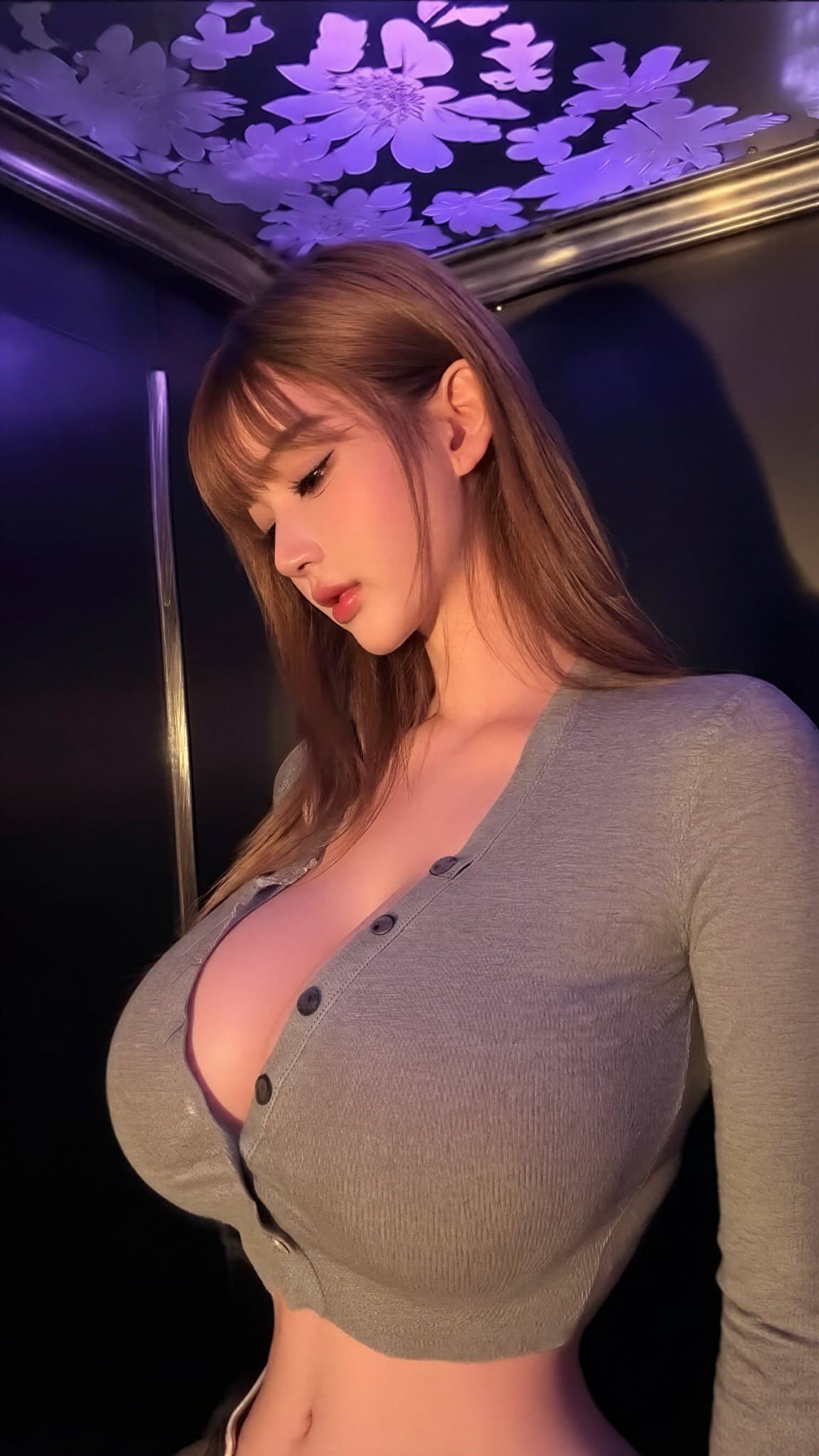
wan image 001
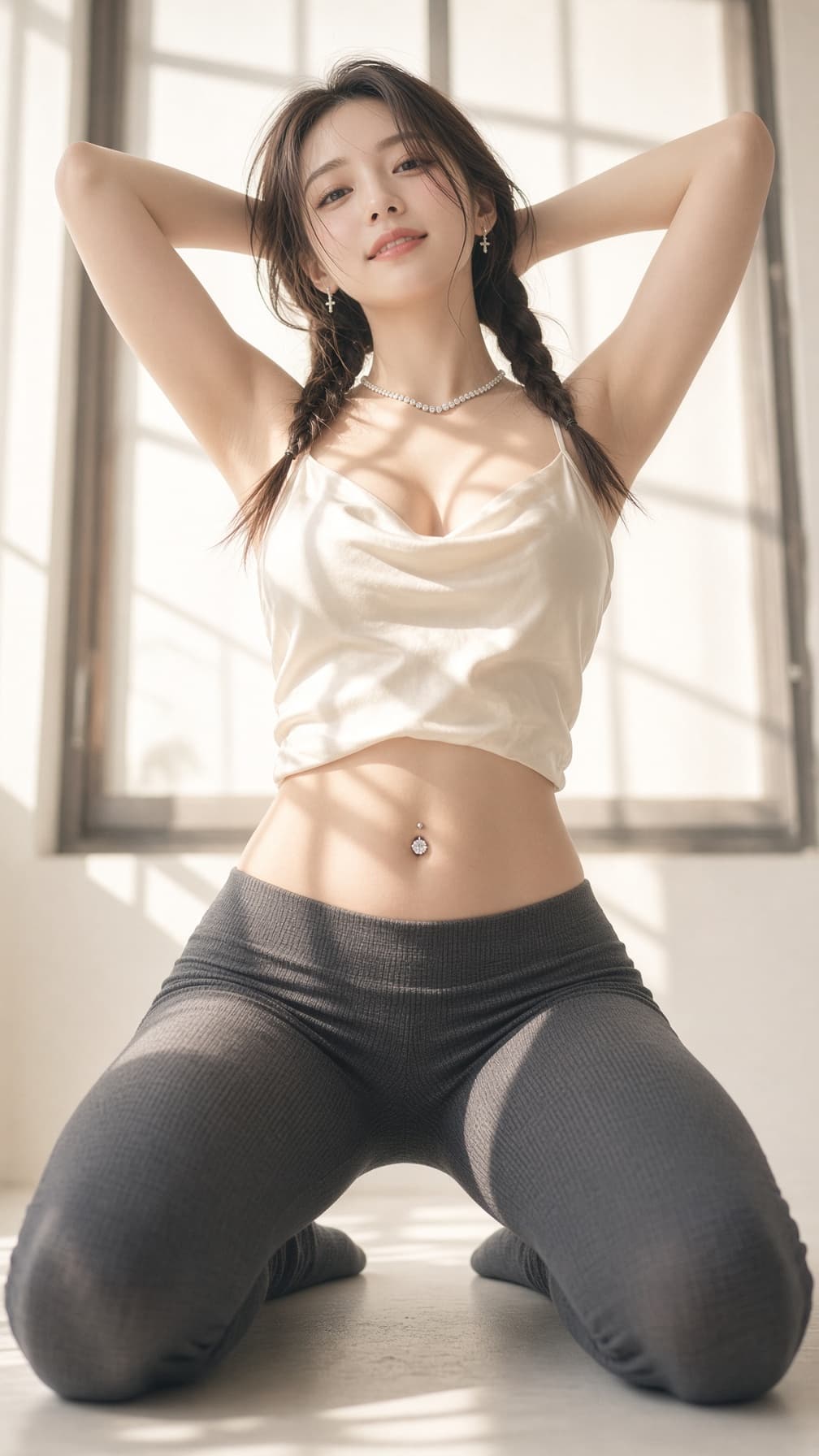
wan image 003
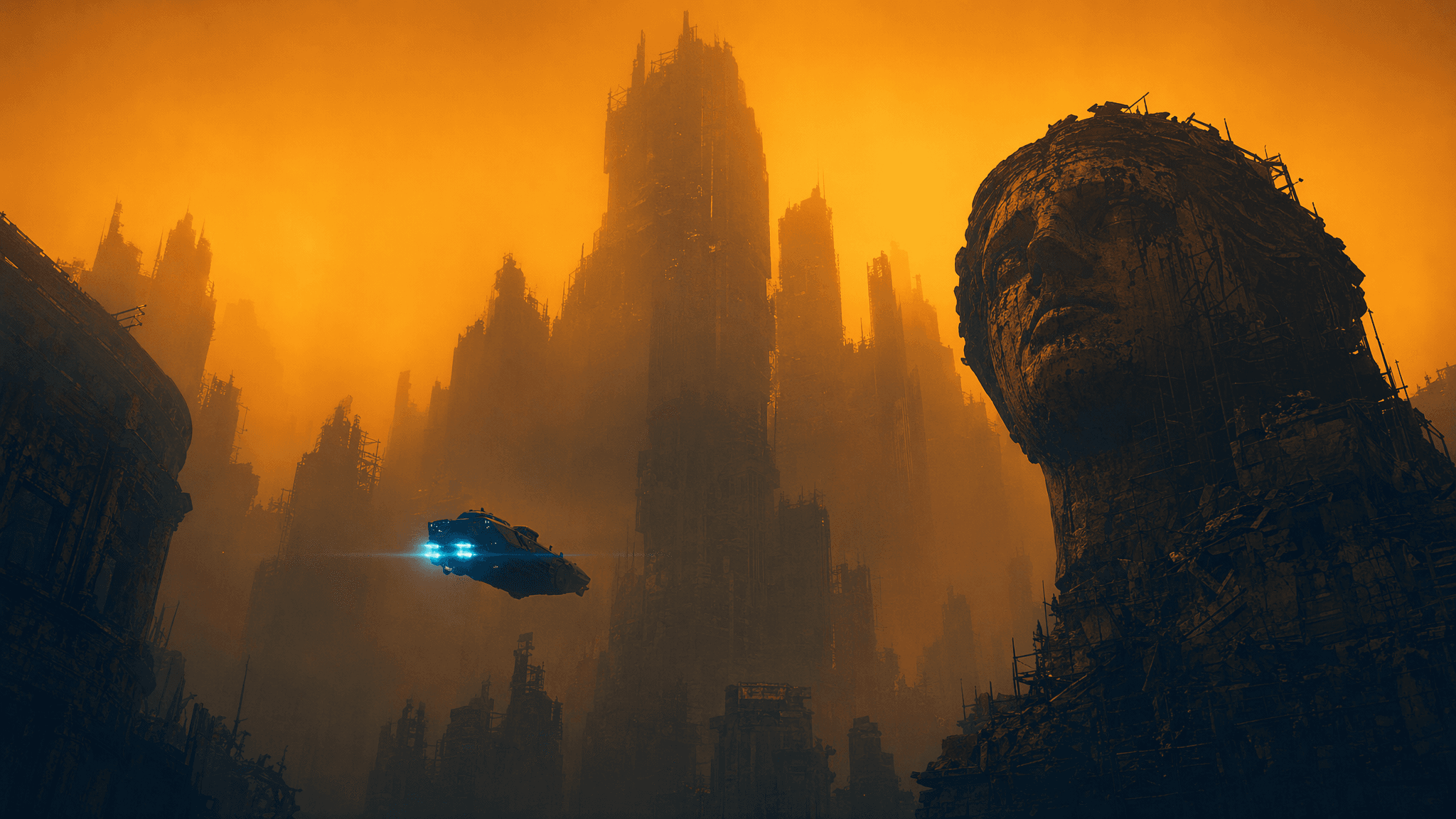
blade runner neo noir orange
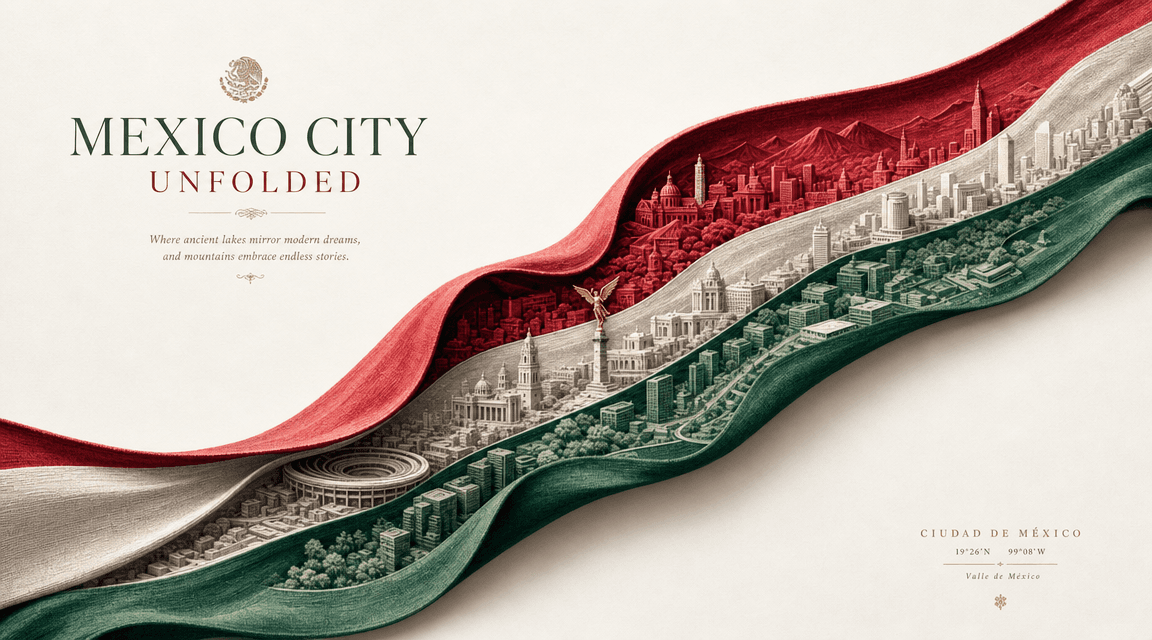
mexico city unfolded paper wave
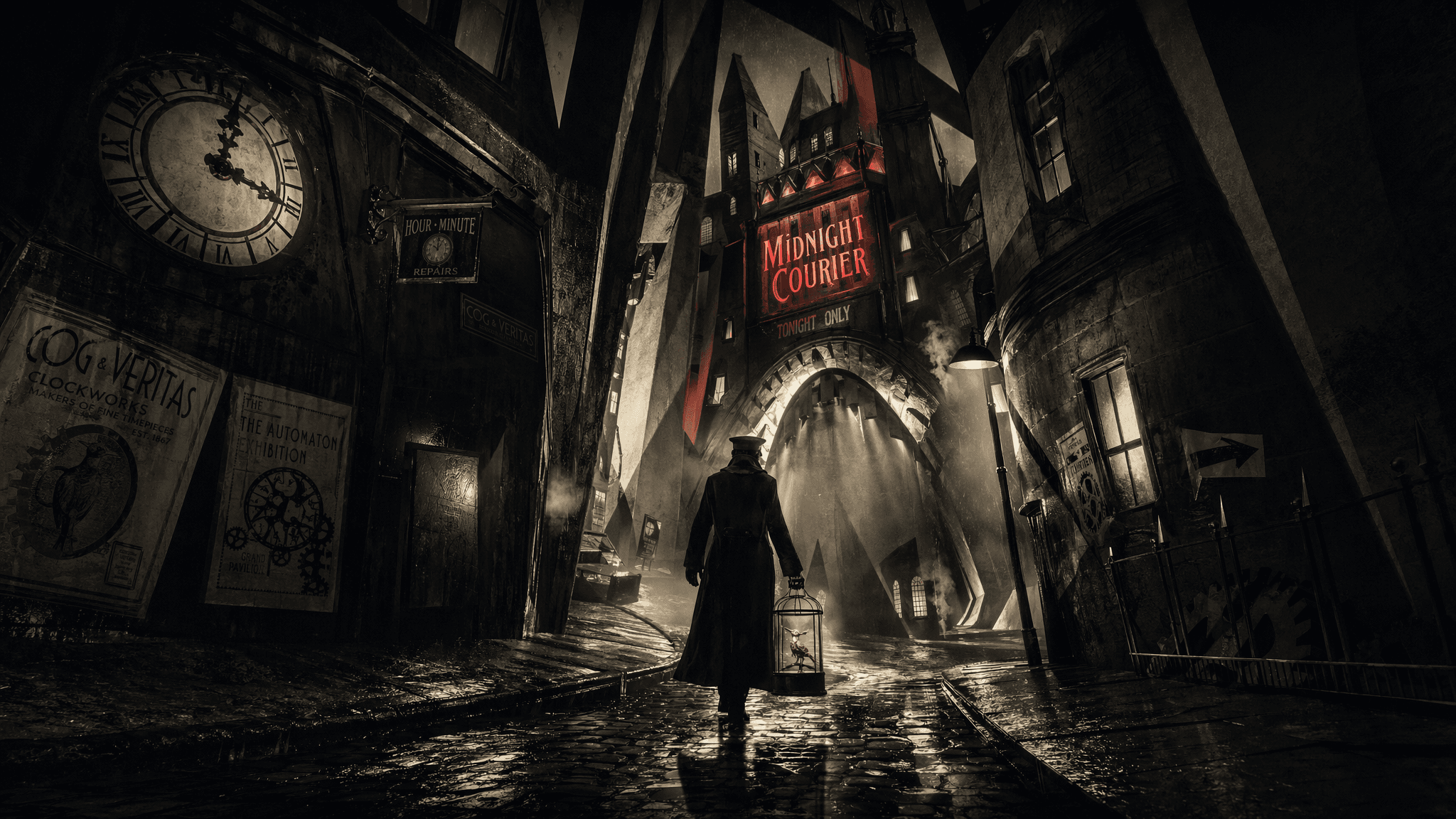
expressionist noir clockwork alley

Image model overview

What is Qwen Image 3.0?

Create realistic images, structured layouts, rich visual details, and high-quality typography with standard and Pro text-to-image or image-to-image workflows.

Choose a Qwen Image 3.0 mode according to whether the task starts from text or one to three source images and whether the project needs the Pro workflow.

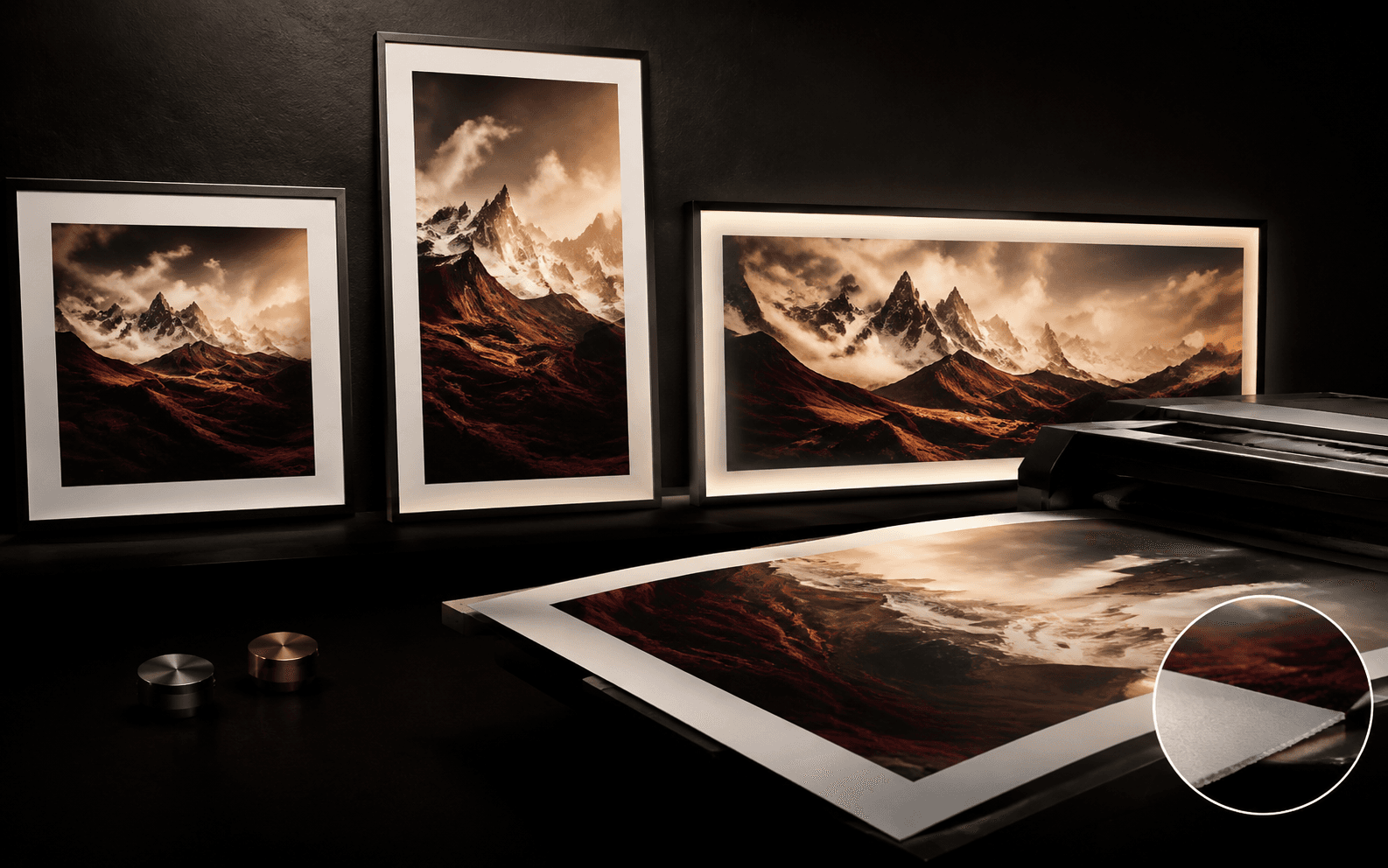
Rich content and complex layouts
Realistic details and typography
Knowledge-rich multilingual creation
Four creation modes
Rich content and complex layouts

Creative capabilities

Qwen Image 3.0 capabilities

01

Rich content and complex layouts

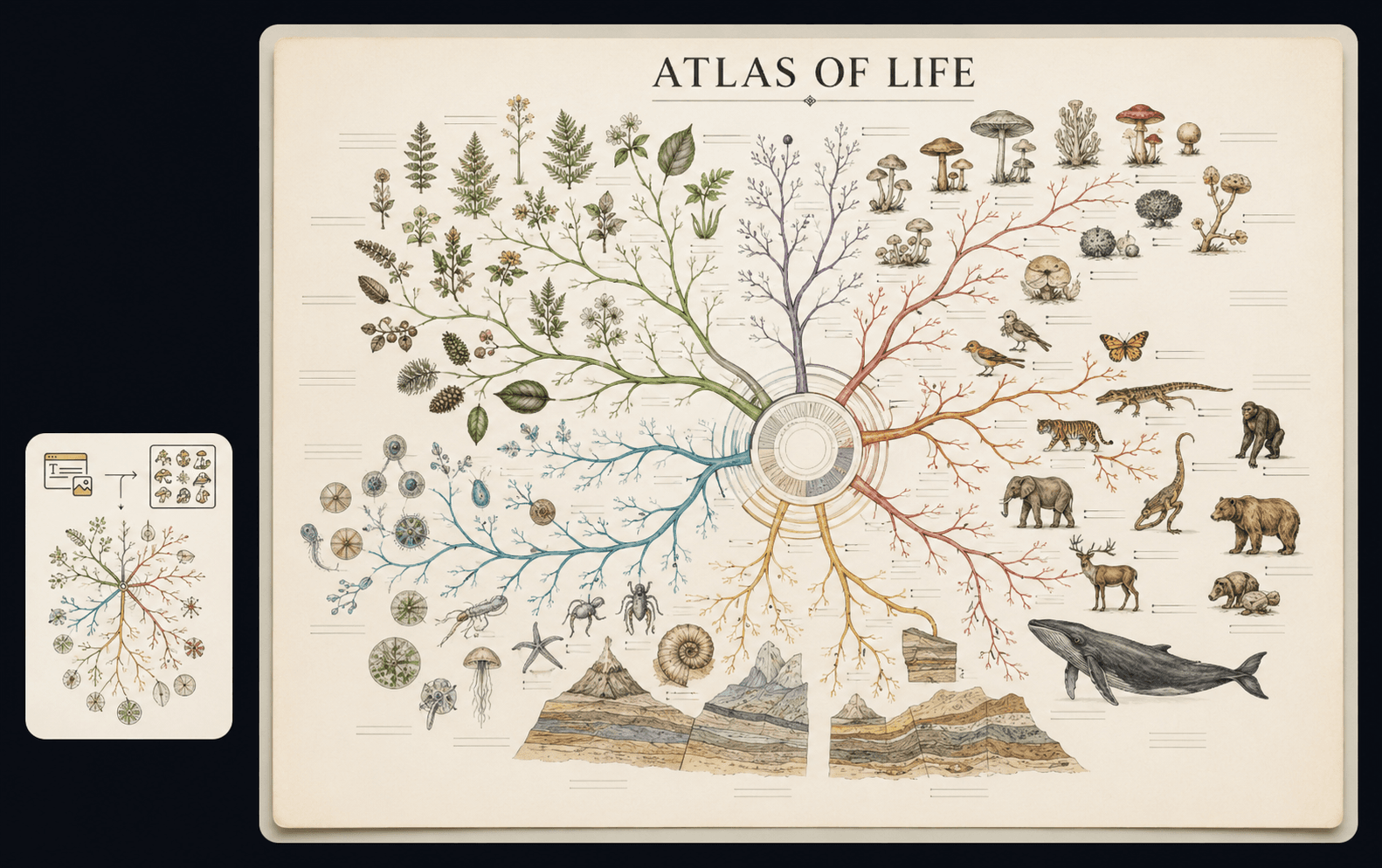
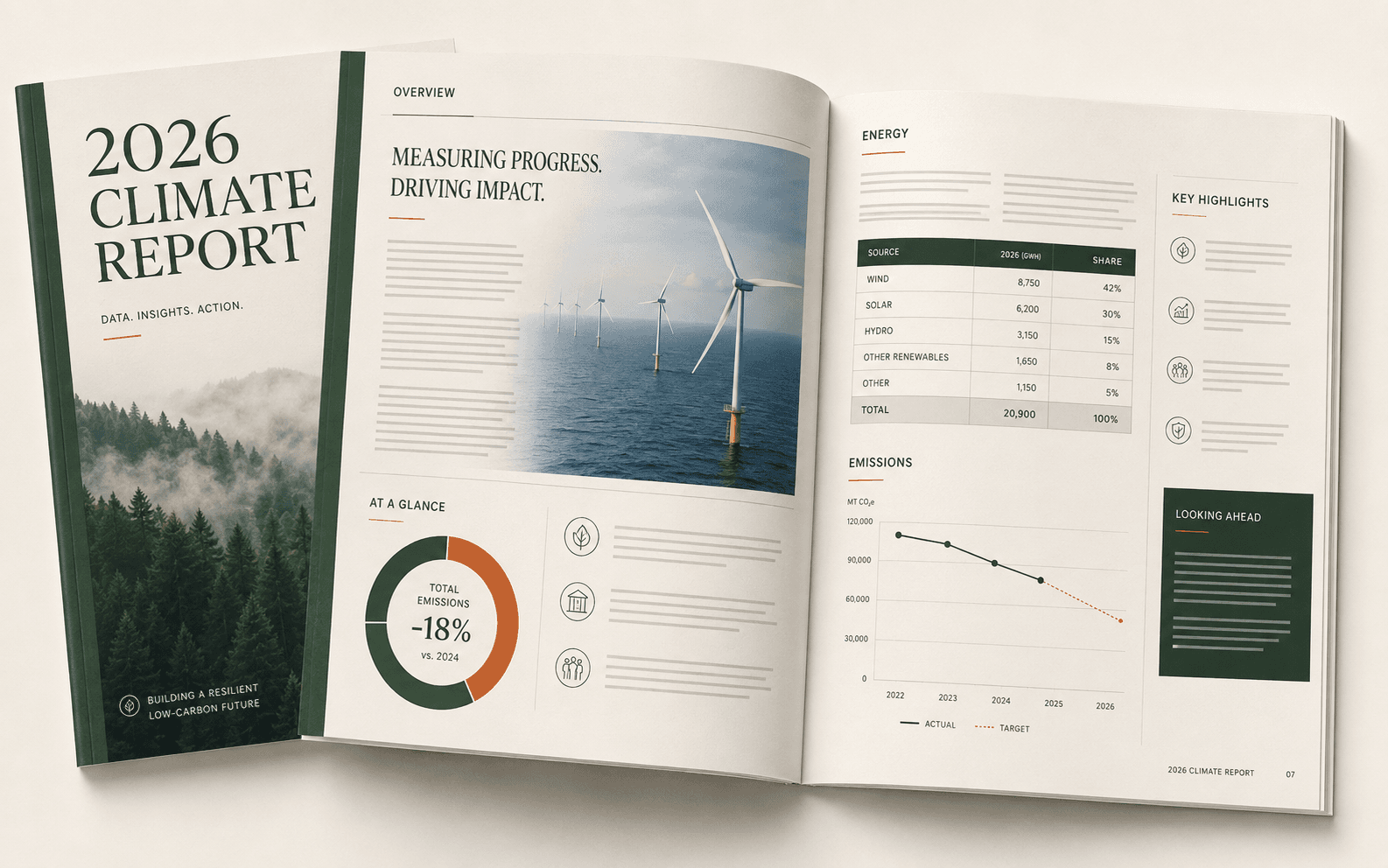
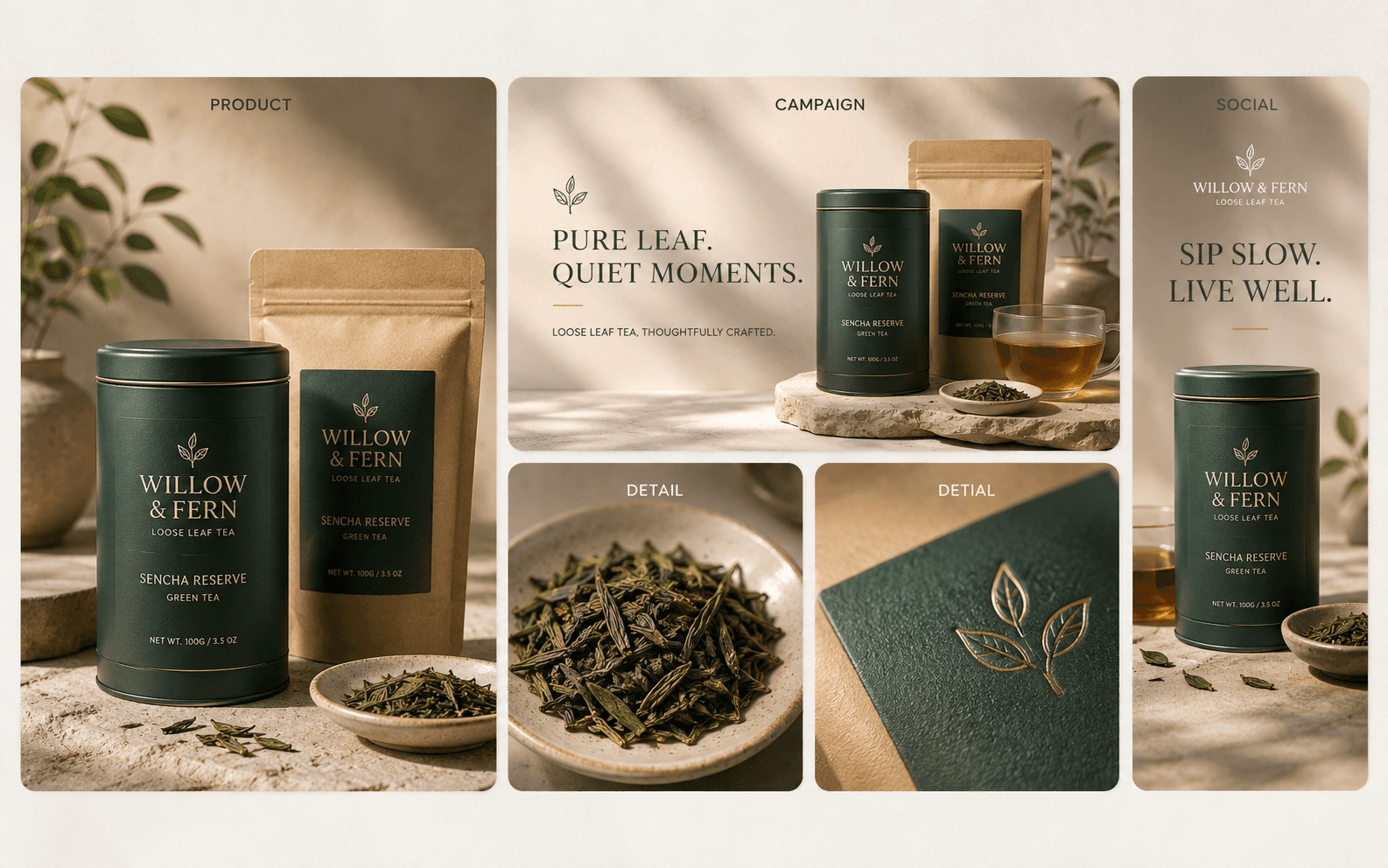
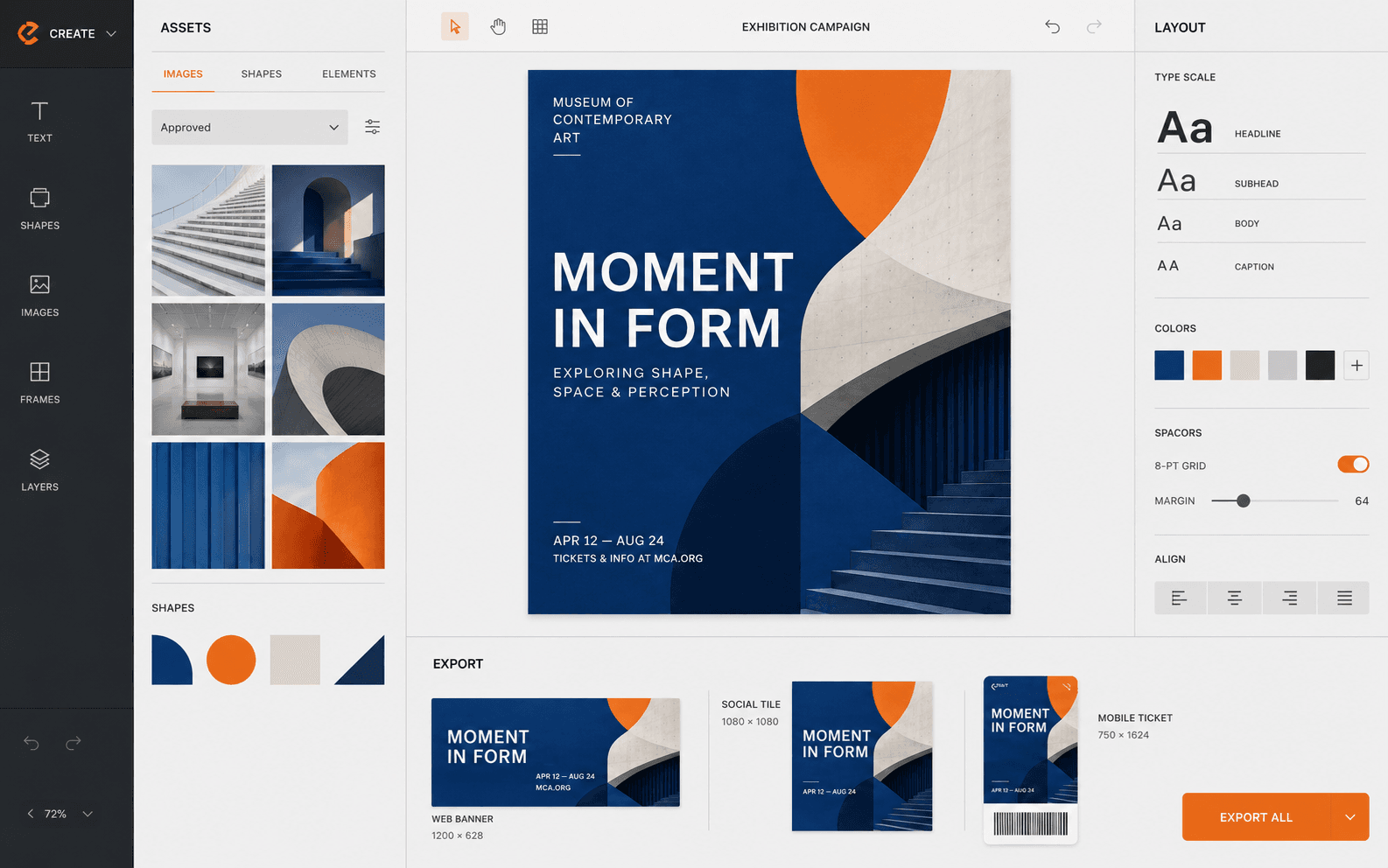
Use detailed prompts to organize headlines, paragraphs, panels, diagrams, tables, and visual elements for newspapers, storyboards, reports, interfaces, and infographics.
02

Realistic details and typography

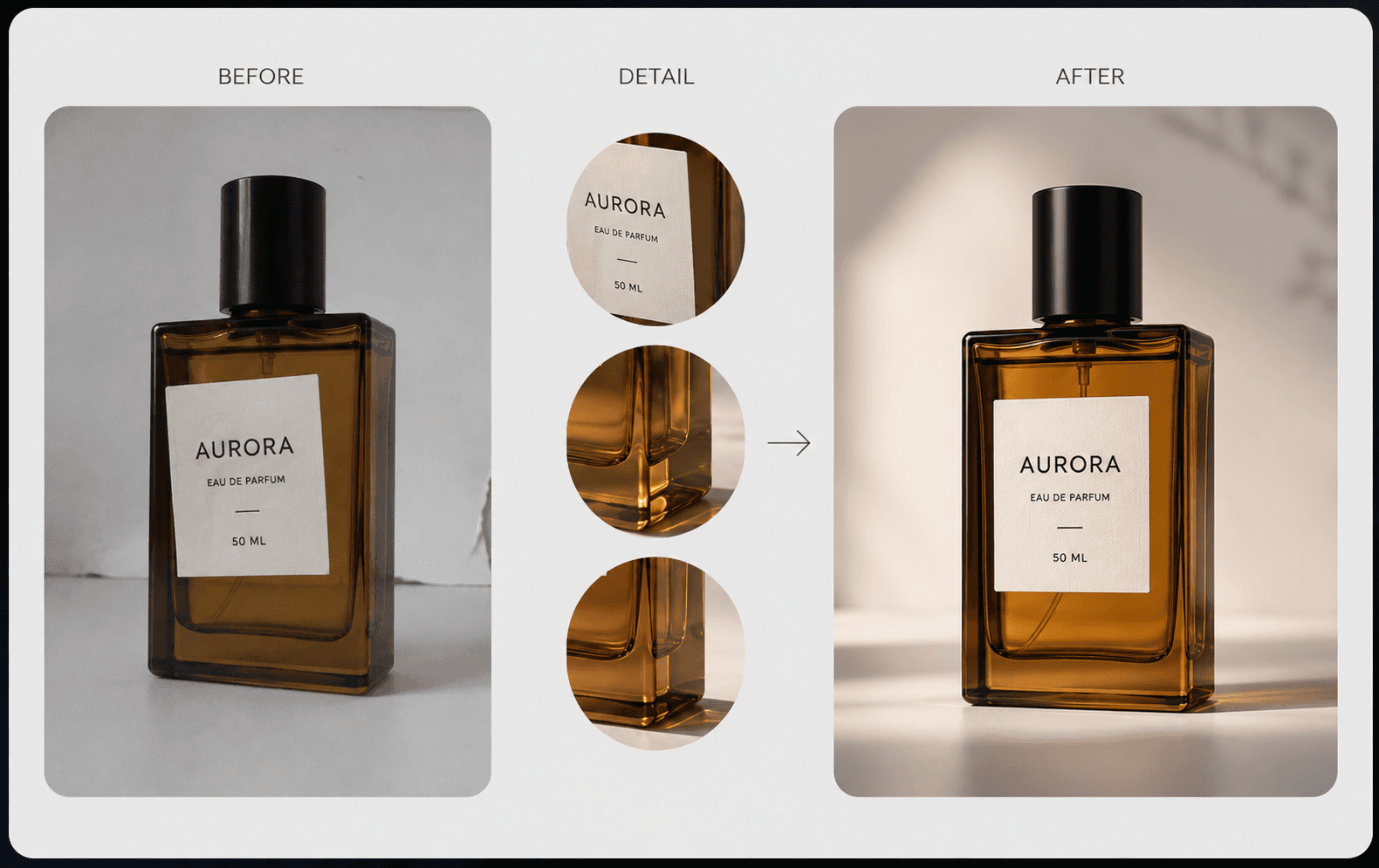
Generate fine textures, natural skin and hair, material detail, product surfaces, and readable text for content where visual accuracy and type quality matter.

03

Knowledge-rich multilingual creation

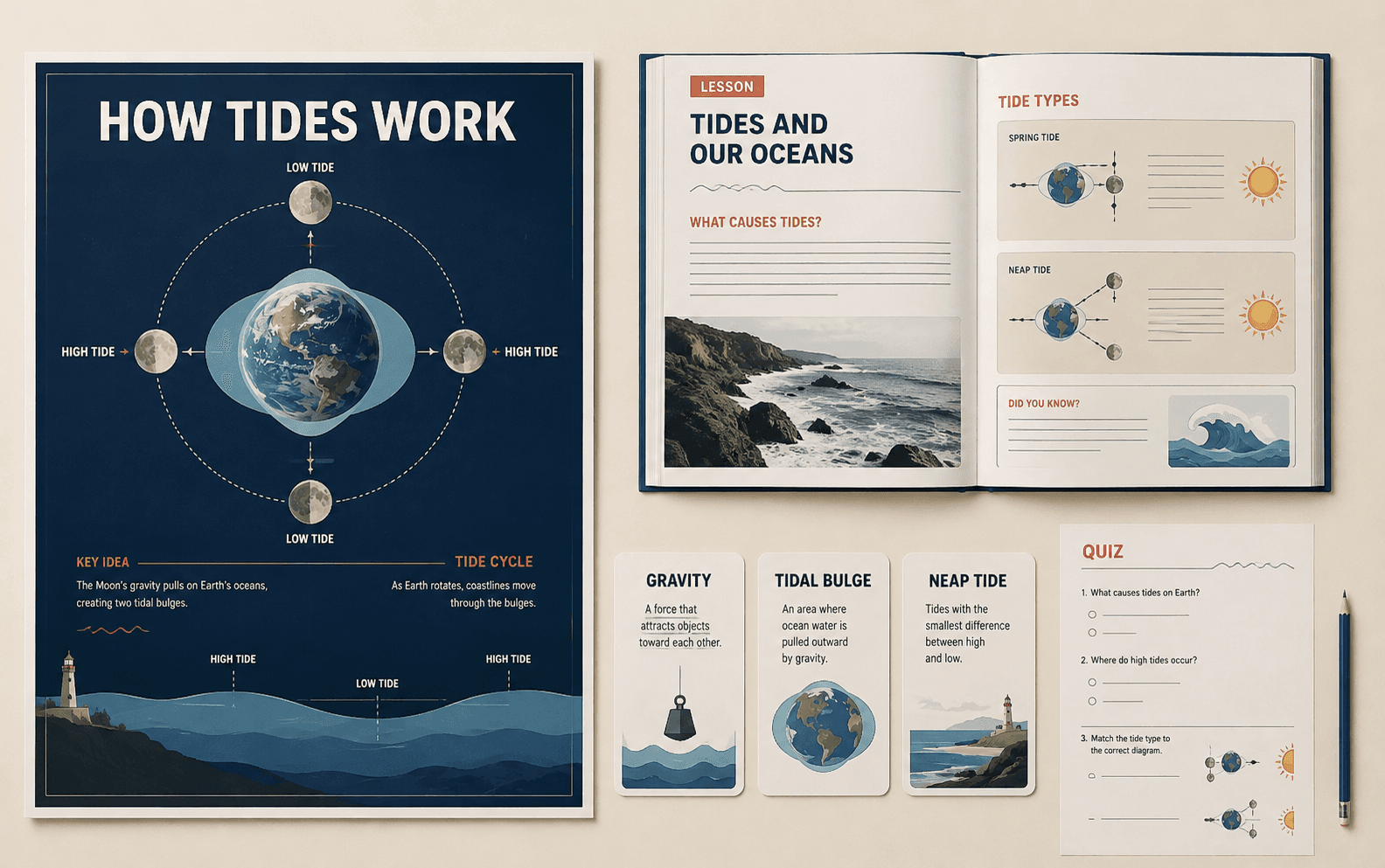
Build visuals that combine world knowledge, structured information, and multilingual text for education, publishing, commerce, interfaces, and international campaigns.

04

Four creation modes

Choose standard or Pro text-to-image, or standard or Pro image-to-image. Image-to-image accepts one to three JPEG, PNG, WebP, BMP, TIFF, or GIF inputs, each up to 10 MB.

Model selection guide

Qwen Image 3.0 model modes

Choose a Qwen Image 3.0 mode according to whether the task starts from text or one to three source images and whether the project needs the Pro workflow.
Where this model fits in production

Pro text to image

Detailed layouts and polished generation

Text prompt

Text to image

Everyday image creation

Text prompt

Pro image to image

High-detail editing and restyling

Up to three images

Image to image

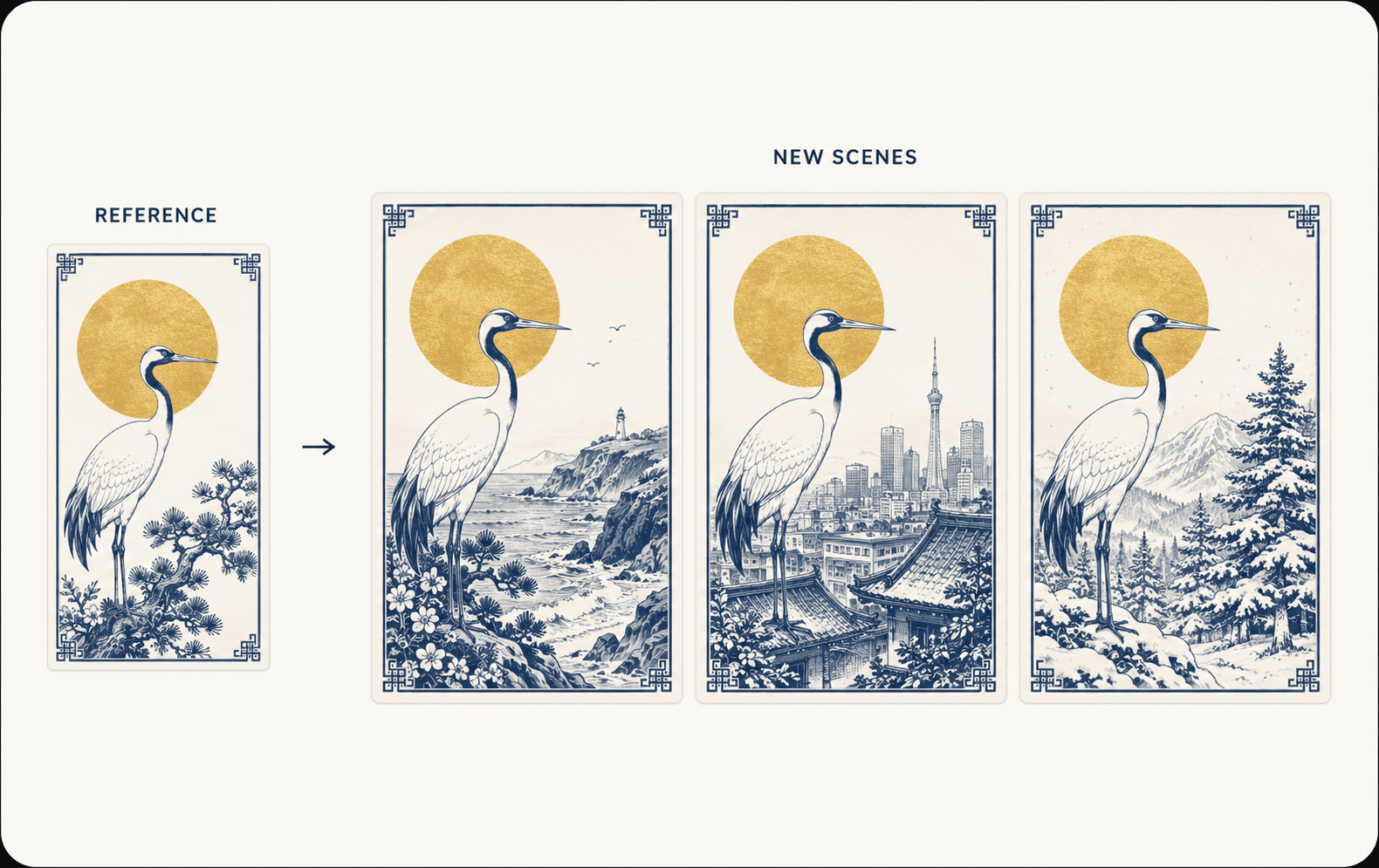
Accessible reference-led edits

Up to three images

ModeBest forReference input
Pro text to imageDetailed layouts and polished generationText prompt
Text to imageEveryday image creationText prompt
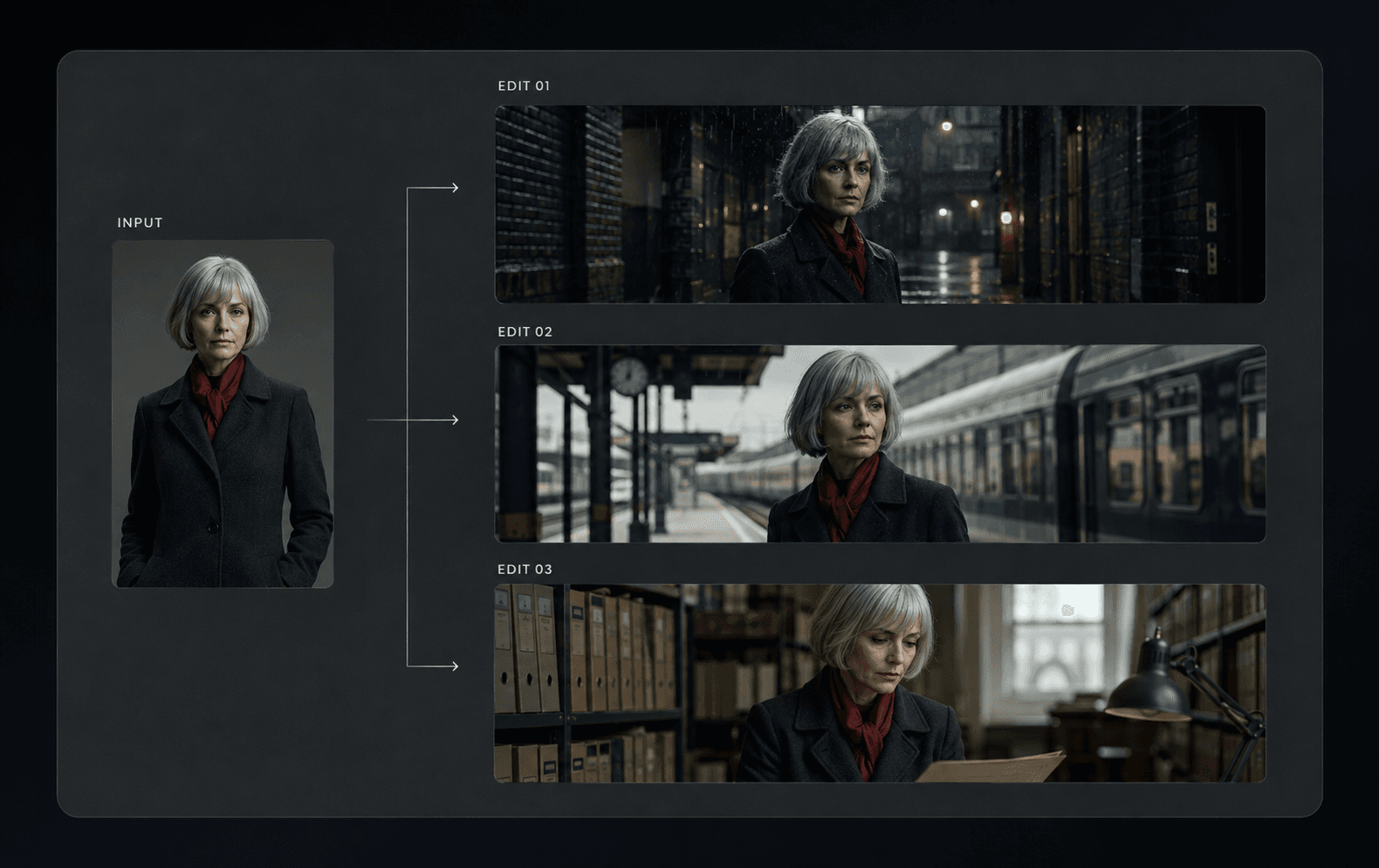
Pro image to imageHigh-detail editing and restylingUp to three images
Image to imageAccessible reference-led editsUp to three images

Image creation workflow

How to use Qwen Image 3.0

Choose a mode, organize prompts and references, configure the output, then review typography, layout, identity, and visual detail.
  1. 01

    Choose a Qwen Image 3.0 mode

    Select standard or Pro text-to-image for a new visual, or standard or Pro image-to-image for one to three source images.

  2. 02

    Write a structured prompt

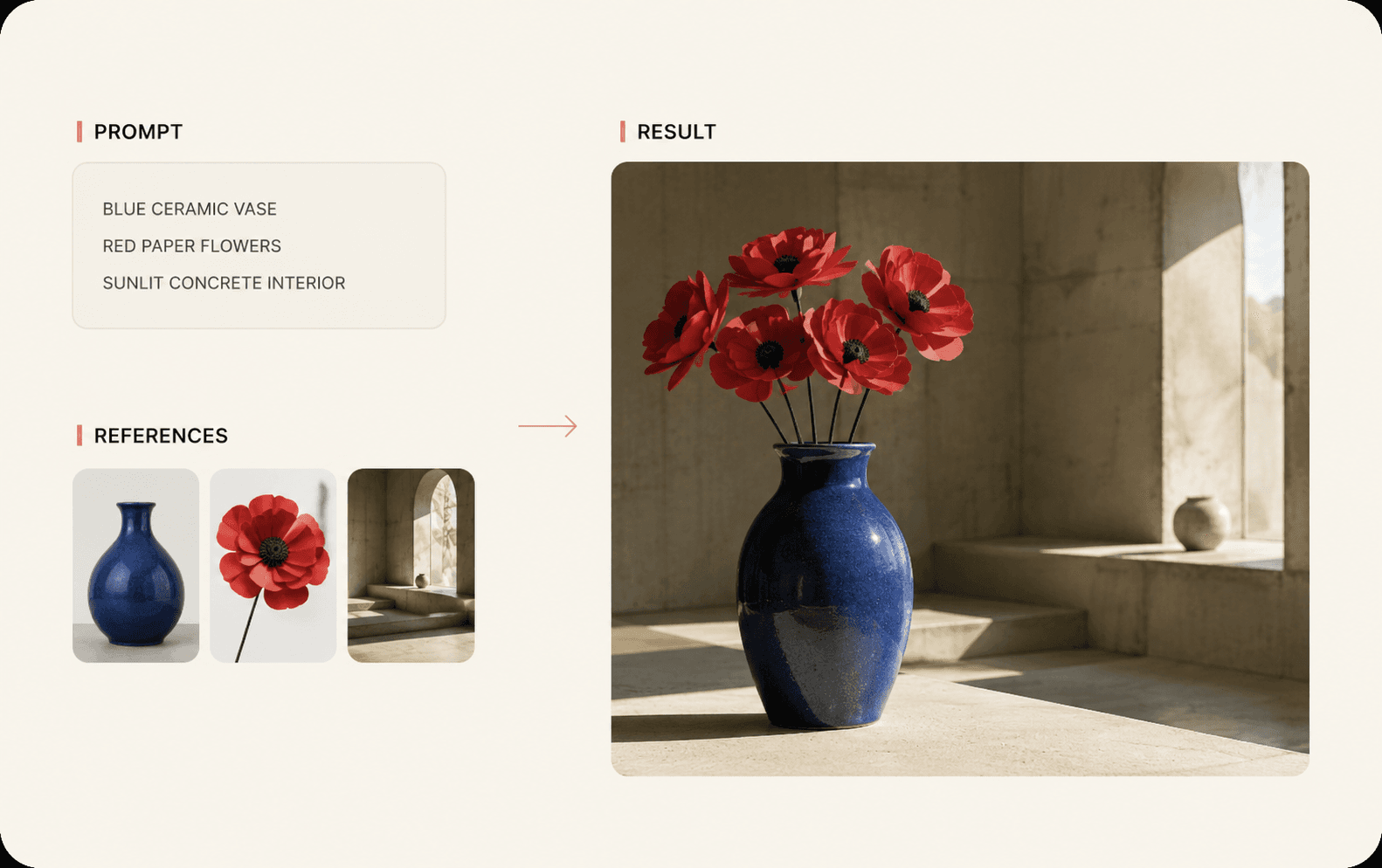
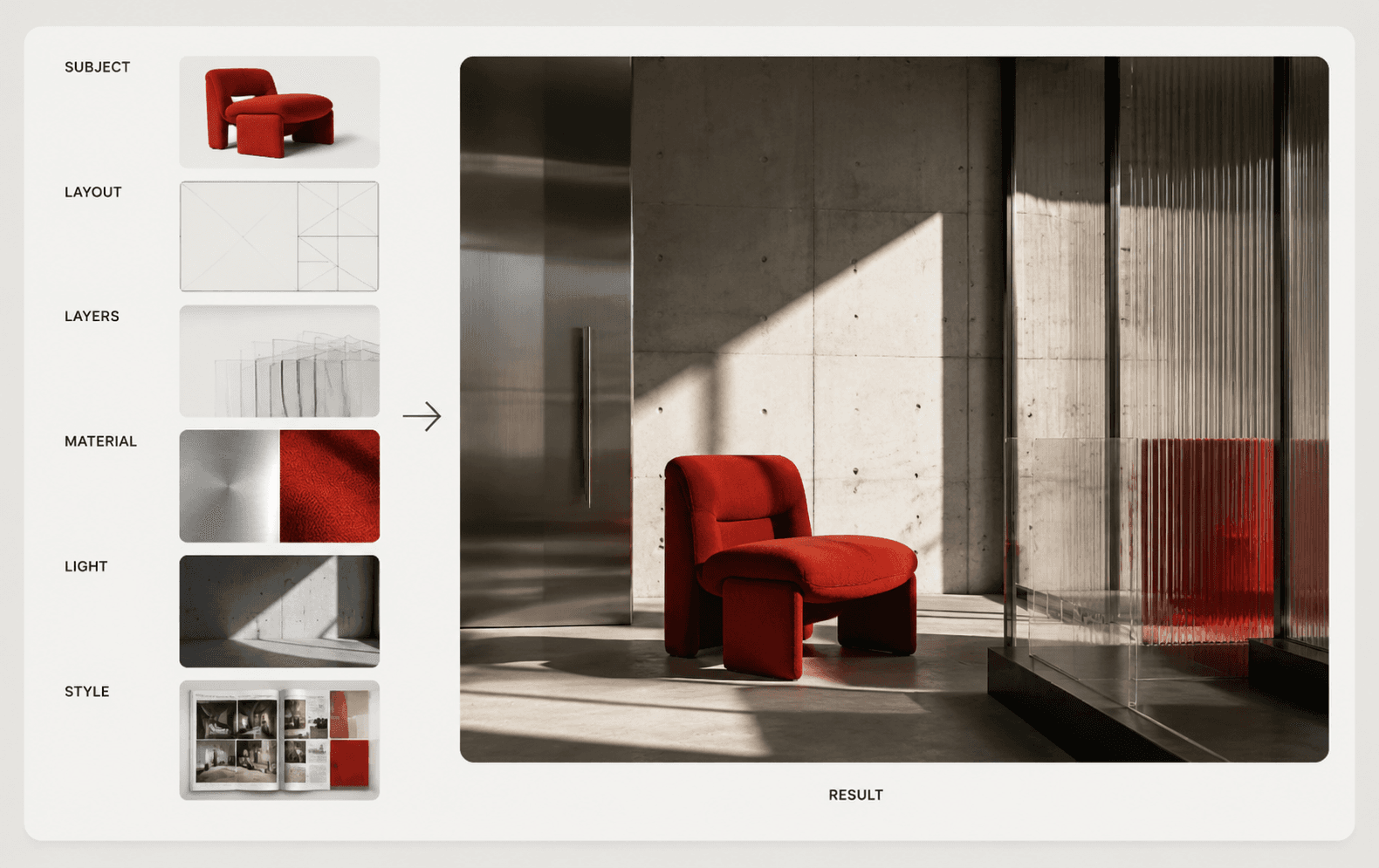
    Describe the subject, layout, text, hierarchy, materials, lighting, style, language, and output intent in a clear order.

  3. 03

    Set the image output

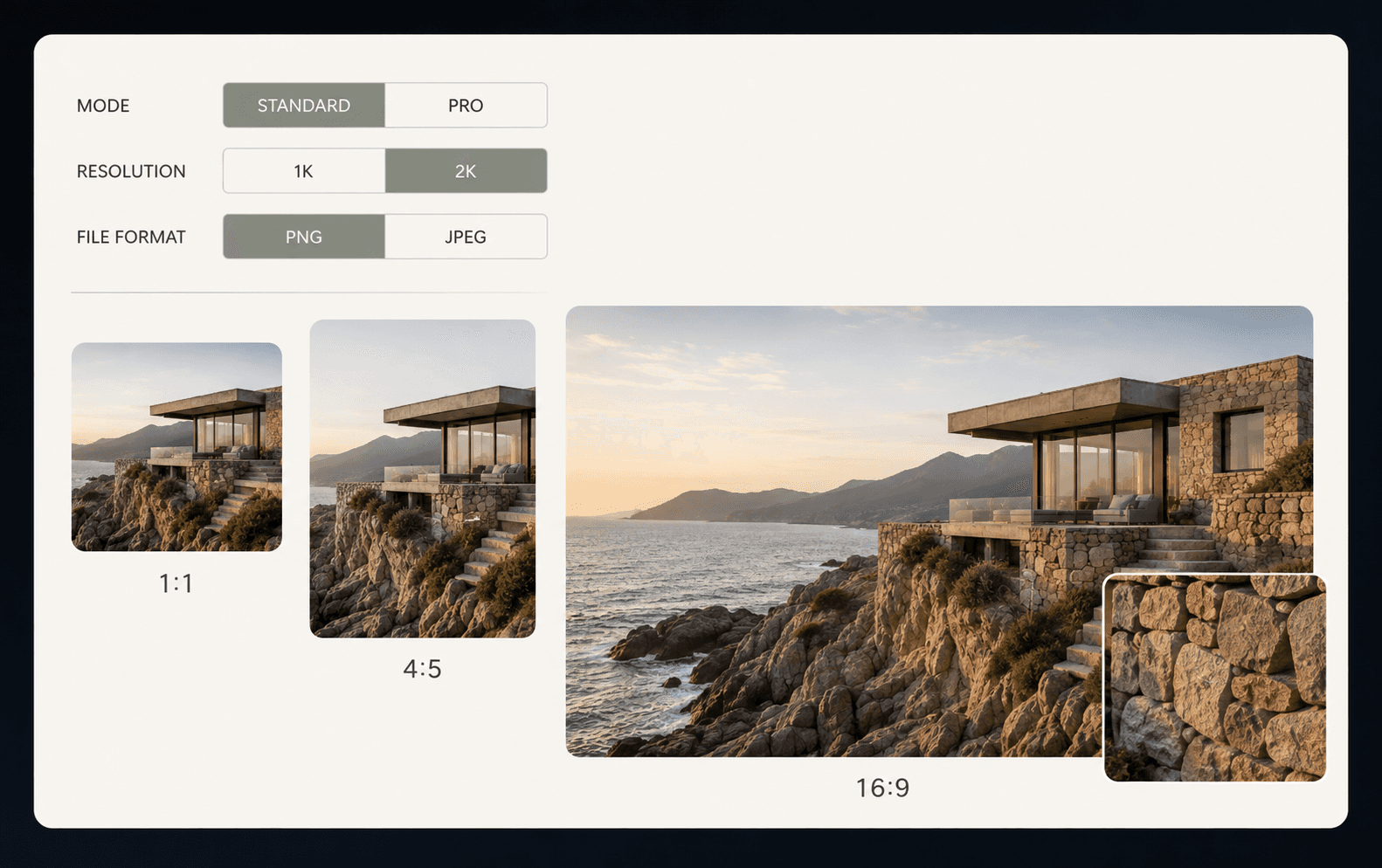
    Choose 1K or 2K (default 1K), a supported aspect ratio (default 16:9), PNG or JPEG (default PNG), prompt enhancement, and an optional negative prompt.

  4. 04

    Generate, review, and refine

    Check typography, hierarchy, identity, texture, composition, and factual visual details before refining the prompt or references.

Why choose Qwen Image 3.0 on WAN30?

WAN30 brings the four Qwen Image 3.0 workflows into the same creator workspace used to prepare images, video references, and campaign assets.

01

Access every Qwen Image 3.0 mode

Switch between standard and Pro text-to-image or image-to-image workflows according to the current creative task.

02

Test prompts before producing at scale

Compare outputs, typography, layouts, style directions, and reference behavior in the browser before repeating the workflow.

03

Keep credit use visible

Review current plan and credit information in WAN30 while choosing resolution, mode, and generation volume.

04

Use a clear image workspace

Manage prompts, source images, aspect ratio, resolution, format, prompt enhancement, negative prompts, seeds, outputs, and history visually.

05

Connect image and video preparation

Create characters, products, storyboards, scenes, posters, and other references that can continue into WAN30 video workflows.

06

Follow model updates in one platform

Use dedicated model pages and workspace controls to discover newly supported Qwen modes and confirmed generation options.

What can you build with Qwen Image 3.0?

Structured layouts, stronger text rendering, realistic details, and reference-led editing make the model useful beyond single decorative images.

01

Newspapers, magazines, and reports

Create page concepts with headlines, columns, captions, charts, tables, illustrations, and PDF-ready editorial direction.

02

Film and advertising storyboards

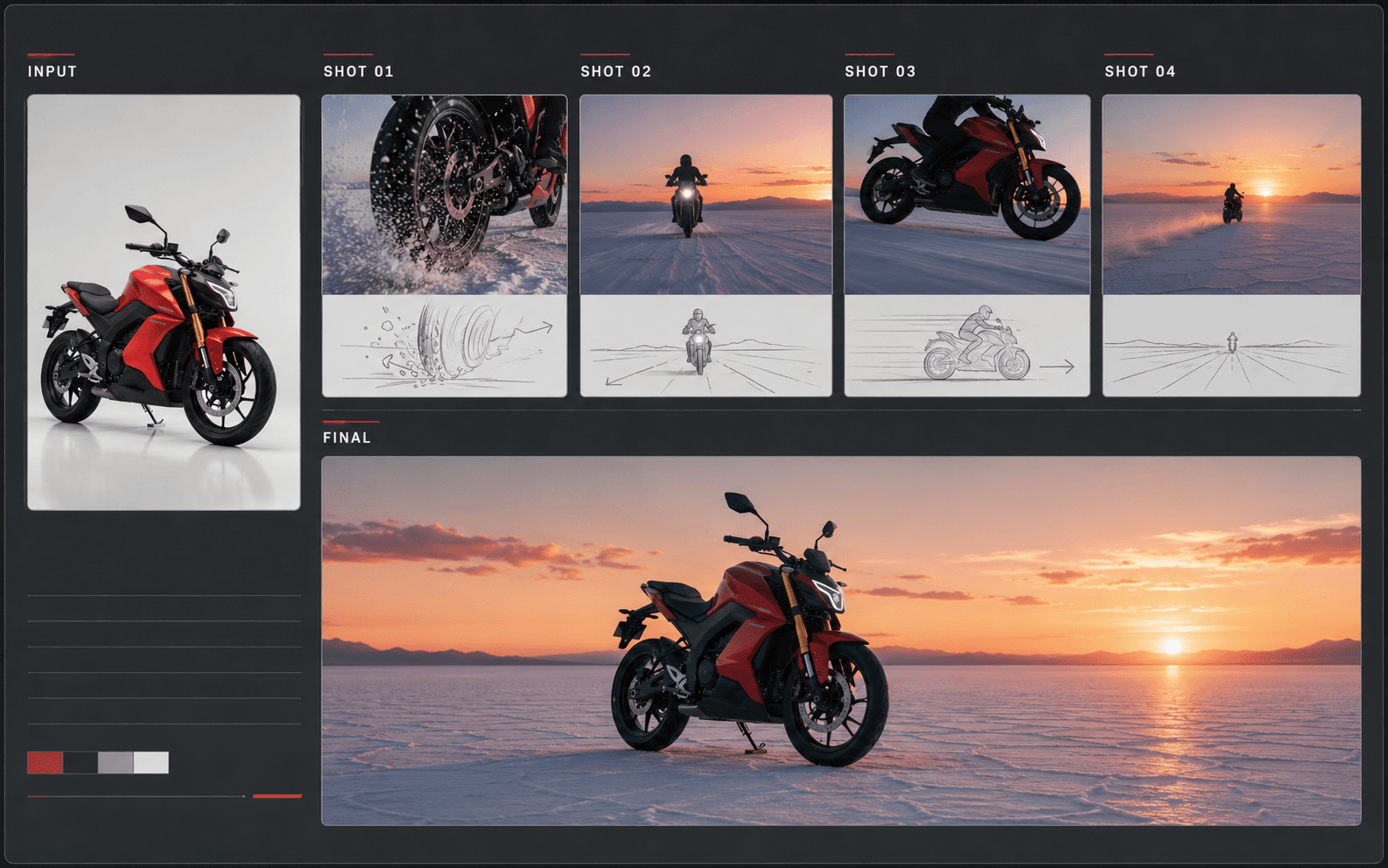
Generate connected panels, shot descriptions, scene layouts, readable labels, and visual storytelling for pre-production.

03

Web, mobile, and game UI mockups

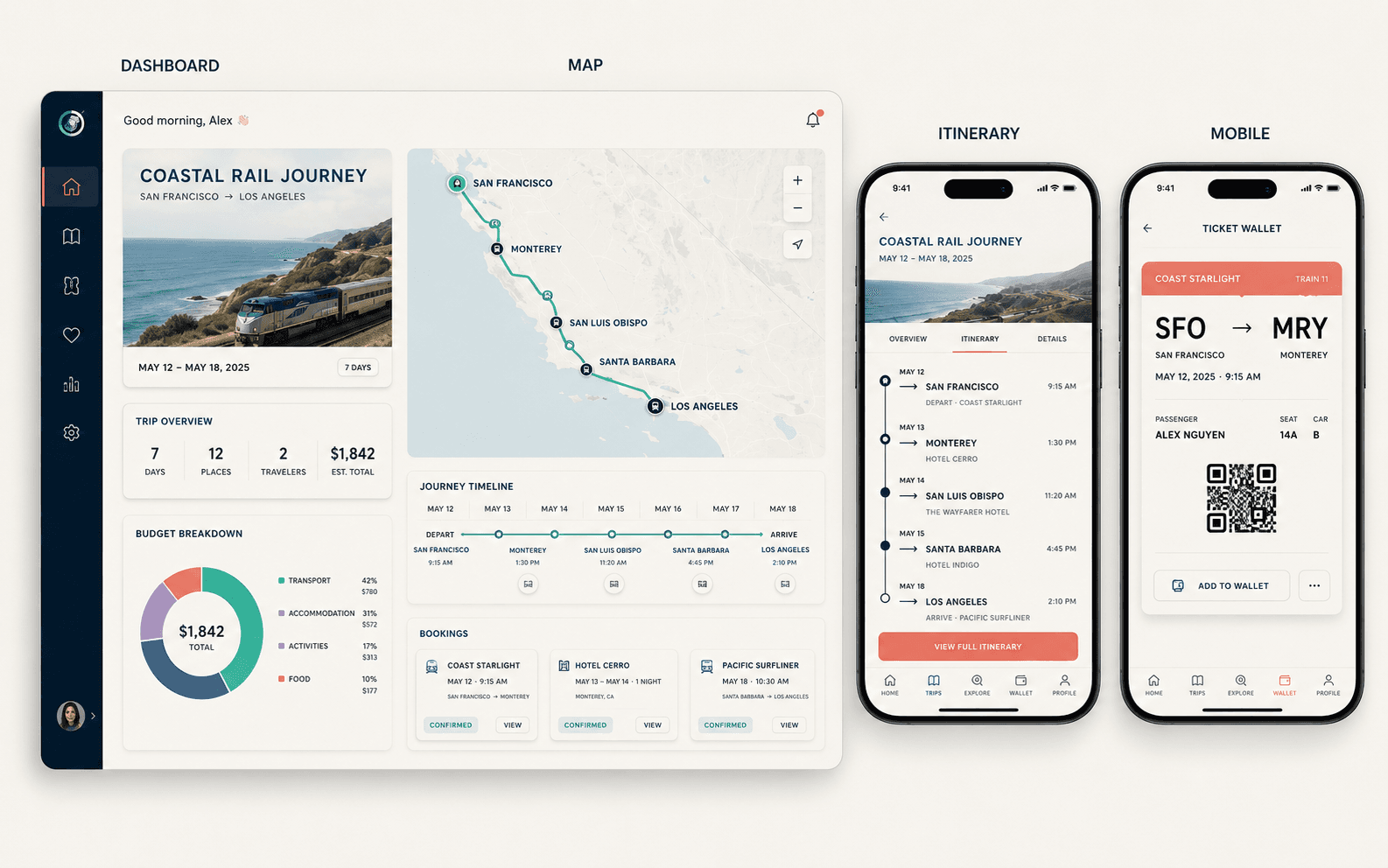
Explore landing pages, dashboards, mobile screens, game interfaces, streaming scenes, and product prototypes.

04

Educational and knowledge visuals

Design exam sheets, lecture graphics, scientific diagrams, infographics, and multilingual learning materials.

05

Marketing and e-commerce assets

Create product posters, banners, social creatives, branded layouts, promotional graphics, and realistic campaign visuals.

06

AI design and content workflows

Use repeatable prompt and reference structures for document illustration, interface ideation, branded content, and creative production.

Start a new image project

Create your next visual with Qwen Image 3.0

Return to the image workspace, refine the prompt and references, choose the output settings, and start generating.

Qwen Image 3.0 FAQ

What is Qwen Image 3.0?
Qwen Image 3.0 is Alibaba's advanced image generation family for realistic imagery, structured layouts, rich detail, typography, and reference-led editing through standard and Pro workflows.
What is new in Qwen Image 3.0 compared with Qwen Image 2.0?
Qwen Image 3.0 focuses on richer structured content, finer realistic detail, stronger typography, and more capable prompt understanding for complex visual instructions.
How do I use Qwen3 Pro on WAN30?
Open the Qwen Image 3.0 model page, select the Pro variant in the workspace, then choose text-to-image or image-to-image for your task.
Can I try Qwen Image 3.0 with WAN30 credits?
Yes. Standard text-to-image costs 3 credits at 1K or 2K; Pro text-to-image costs 4 credits at 1K and 8 at 2K. Standard image-to-image with one reference costs 4 credits, while Pro costs 5 credits at 1K and 8 at 2K. Extra input images are included in the live rounded task estimate.
Is there an online Qwen Image 3.0 playground?
Yes. The image workspace supports prompts up to 5,000 characters, one to three source images for image-to-image, supported aspect ratios, 1K or 2K output, PNG or JPEG, prompt enhancement, negative prompts, seeds, results, and history.
What can I build with Qwen Image 3.0?
Common workflows include editorial pages, storyboards, UI mockups, educational graphics, product posters, campaign assets, diagrams, ecommerce visuals, and reference images for video production.