Wan 3.0 / DRAFT-MODELow cost, flexible iteration, native audio
Draft Mode AI Video Generator
Use a lower generation cost to explore more video directions.
Turn text or a reference image into a video draft in one focused workflow. Compare motion, prompt-guided direction, character references, and synchronized native audio while keeping the cost of each creative test visible.
Draft Mode is a lower-cost AI video workflow for turning text prompts or reference images into useful first-pass videos. It is designed for teams and creators who need to test more concepts, publish frequently, or generate in volume while retaining enough information about motion, prompt direction, character references, and native audio to make a production decision.
Generate more AI videos at lower cost with Draft Mode
Reference-led image-to-video
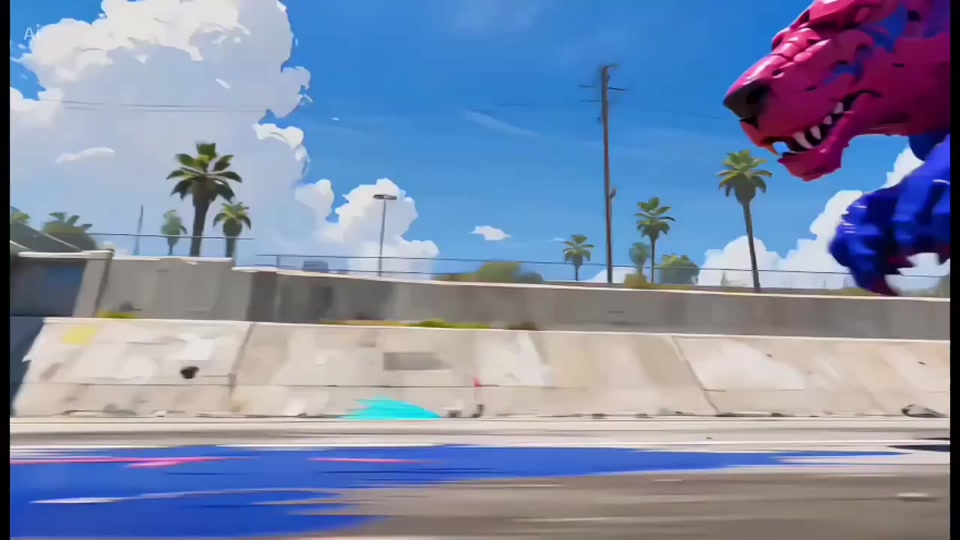
Use AI camera control for cinematic multi-shot videos
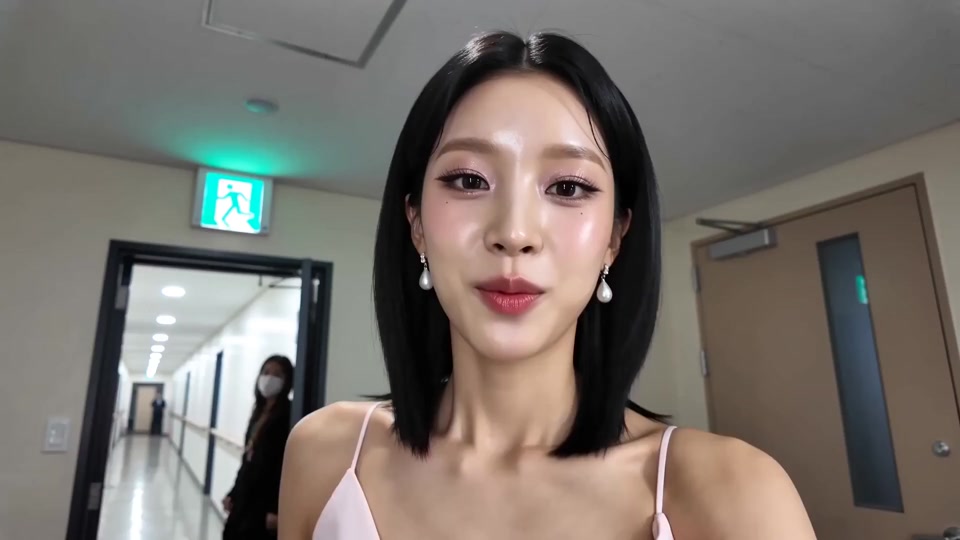
Generate native audio with Draft Mode
Product capabilities
Explore more directions for the same budget
Draft Mode prioritizes a lower generation cost, making repeated AI video experiments and batch content production easier to budget. Each draft still provides the image-to-video, motion, prompt, reference, and native-audio signals needed to decide which direction deserves further production.
01
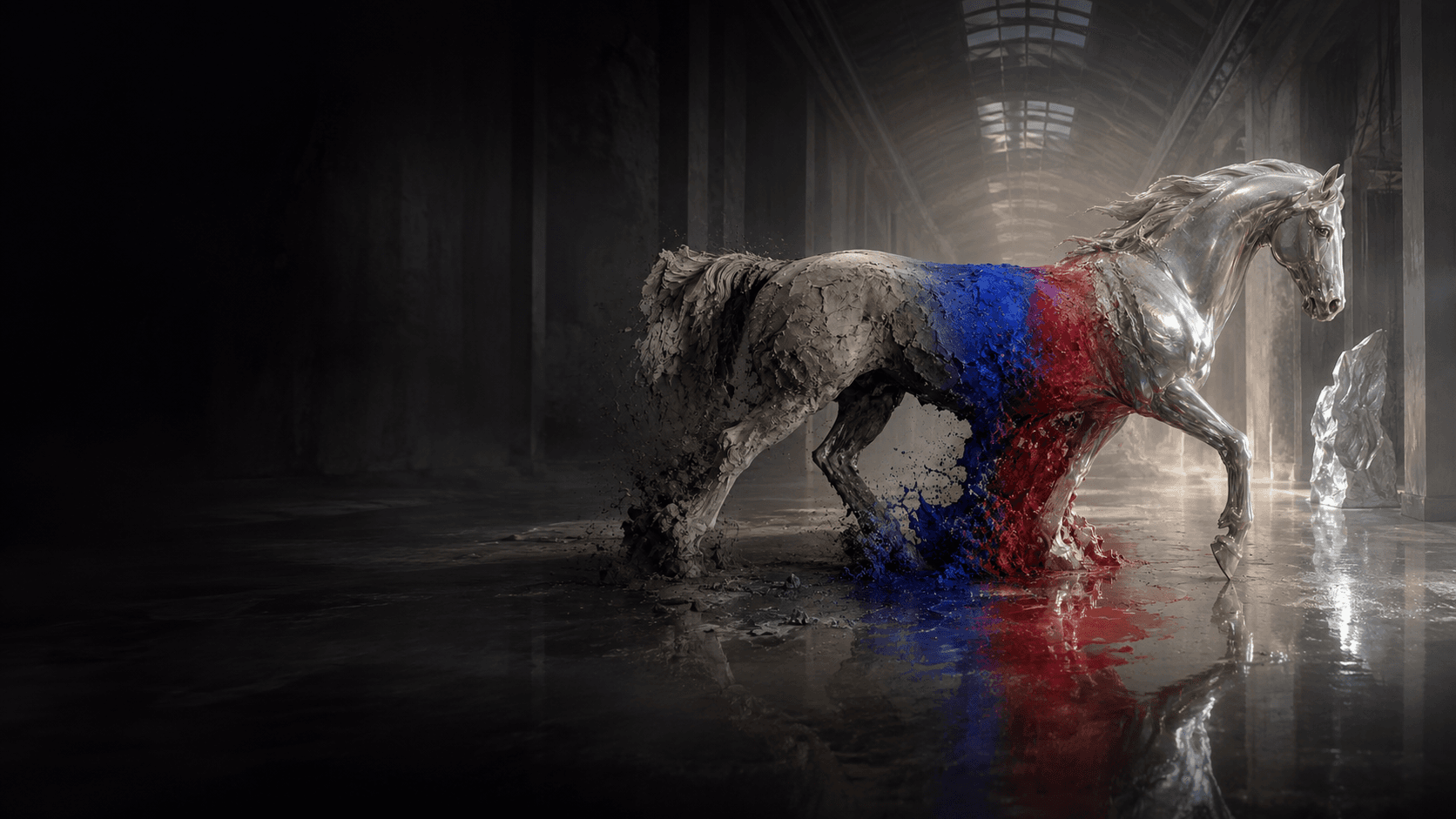
Generate more AI videos at lower cost with Draft Mode
Draft Mode lowers the cost of each generation so the same creative budget can cover more prompts, references, durations, and output variations. It is a practical choice for batch concept testing, frequent social publishing, campaign variants, and teams that need to explore broadly before investing in a final direction.
02
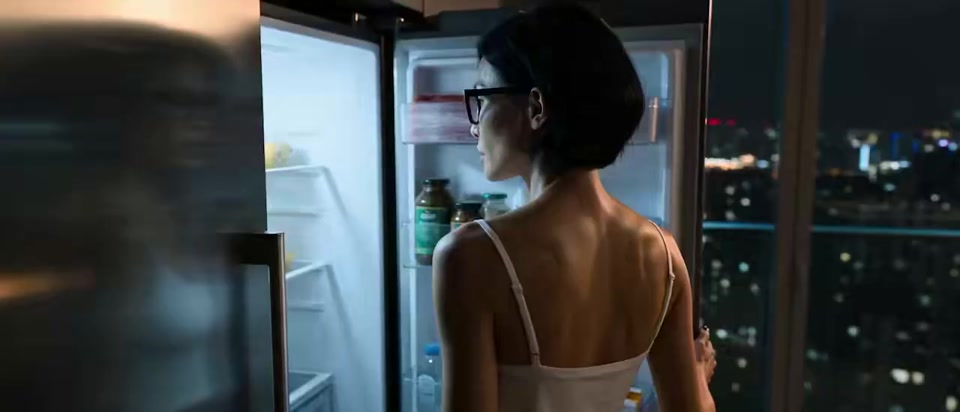
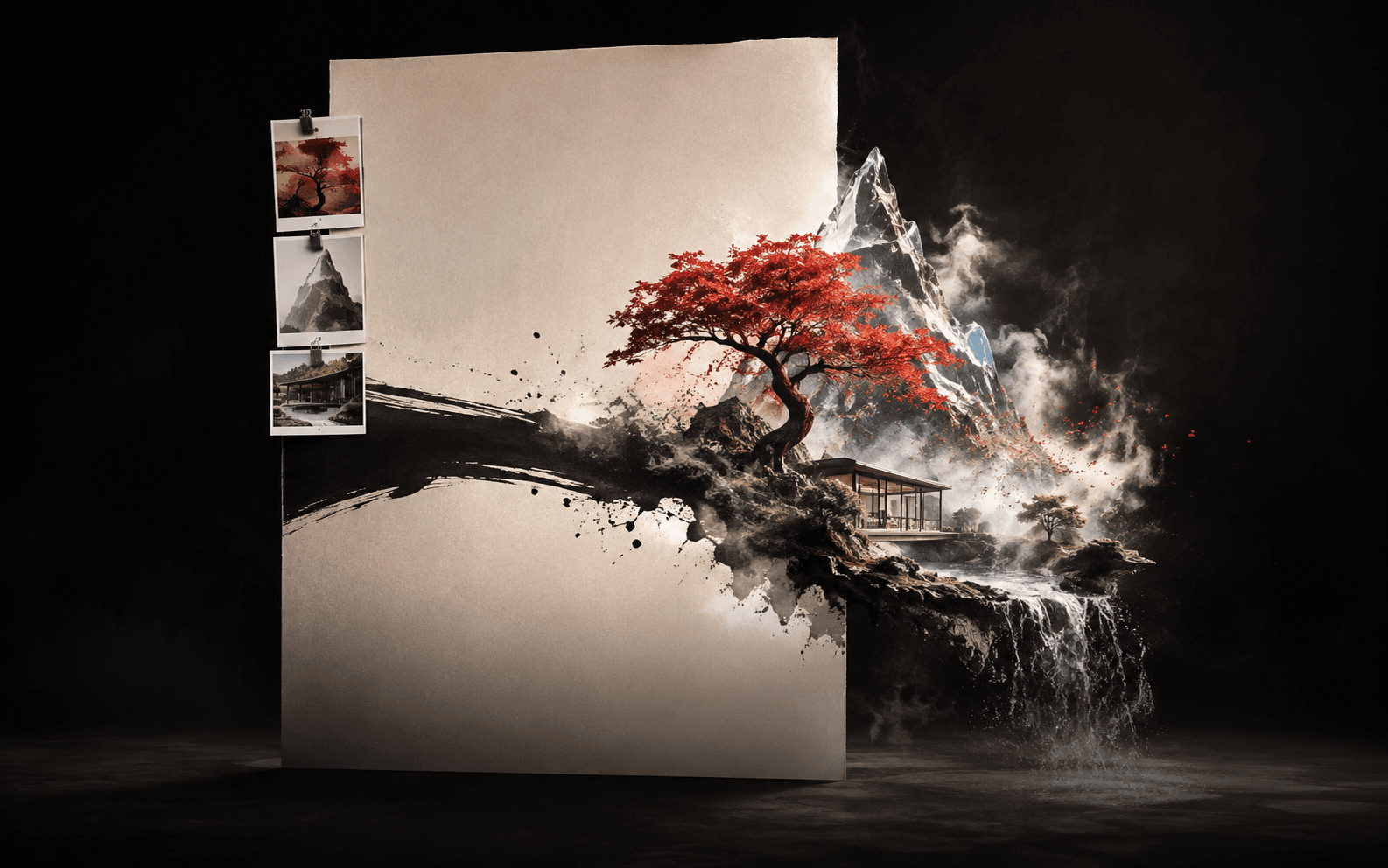
Reference-led image-to-video
Use a reference image to guide the subject, composition, styling, and overall visual identity, then test how the still frame translates into motion. The result provides an economical way to review product concepts, character scenes, advertising ideas, and visual directions before moving into final production.
03
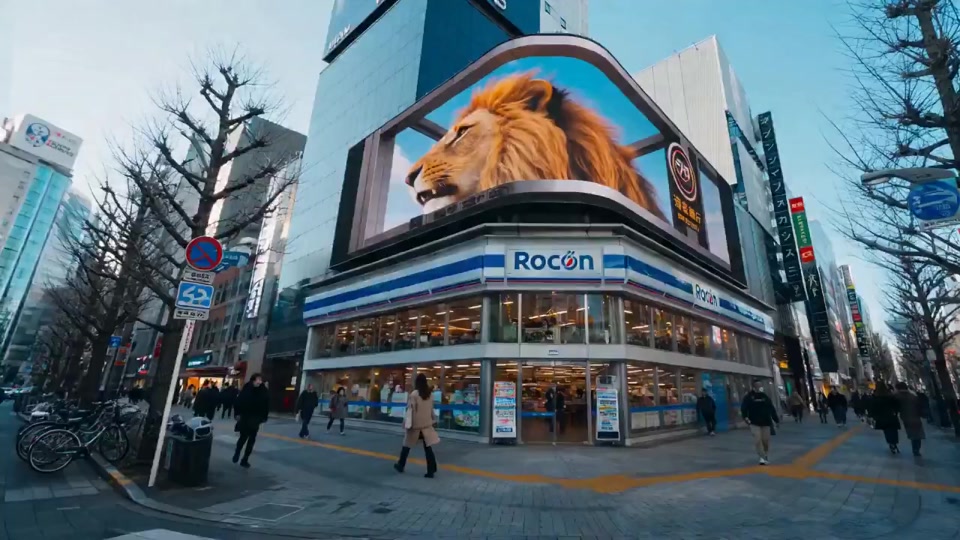
Use AI camera control for cinematic multi-shot videos
Describe pans, zooms, tracking shots, handheld movement, shot sizes, transitions, and scene rhythm in natural language to plan a more cinematic first pass. Draft Mode helps validate camera and multi-shot ideas at lower cost; complex sequences are still easier to assess when they are broken into clear, coherent shots.
04
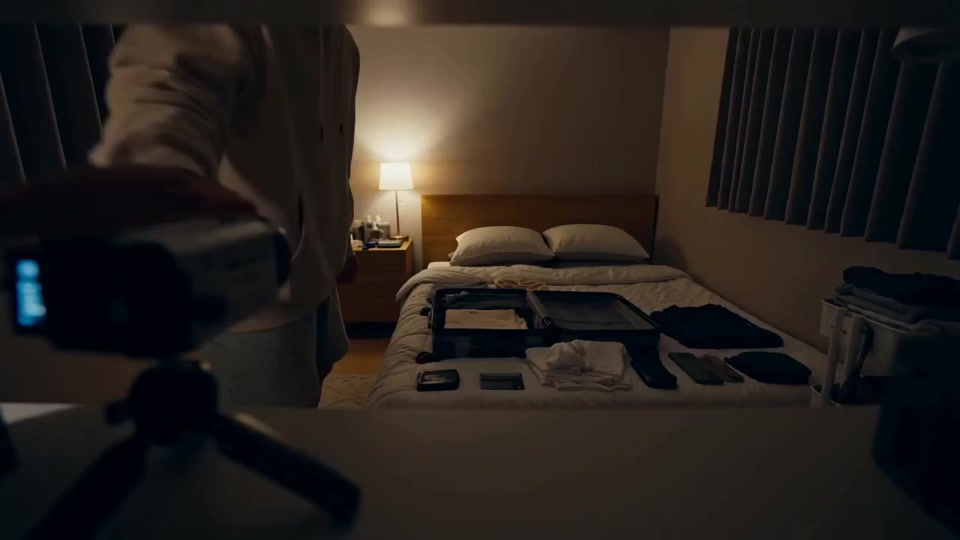
Generate native audio with Draft Mode
Generate dialogue, sound effects, ambience, and background music in the same workflow as the video, with audio designed around the timing of actions and scene changes. A synchronized audiovisual draft makes pacing and narrative intent easier to review without first assembling a separate voice or sound-effects pipeline.
05
Create character-consistent videos from multiple references
Combine references for a character's face, wardrobe, props, setting, or visual style to guide identity across the generated video. Multiple references provide a stronger basis for comparing character-led story and campaign directions, while the result should still be treated as an early validation rather than an exact reproduction guarantee.
Creation workflow
Create an AI video draft in four steps
Move from a creative brief to a reviewable audiovisual draft in one focused workspace.
01
Start with text or an image
Describe the subject, setting, action, camera, mood, and sound, or add a reference image to establish the visual direction.
02
Set the output
Choose a 1–15 second duration, aspect ratio, and 480p, 720p, or 1080p resolution for the current task.
03
Review the exact credit quote
Check the estimated credits before generation so each experiment stays visible and predictable.
04
Generate, compare, and refine
Review motion, prompt adherence, character consistency, and audio, then adjust the direction or continue in the full generator.
Create an AI video draft in four steps
Why Draft Mode
Why use Draft Mode for batch AI video testing?
Draft Mode keeps the cost of repeated generation visible and predictable, while giving each first pass enough audiovisual context to support a real production decision.
01
Lower the cost of batch creative testing
A lower generation cost lets the same budget cover more campaign variants, social concepts, product shots, and storyboard directions. This makes Draft Mode useful when comparison matters more than committing early to one polished output.
02
Review picture and sound in one workflow
Video and native audio are created together, keeping dialogue, effects, ambience, music, and visual timing in one generation flow. A complete audiovisual first pass makes pacing and scene intent easier to judge.
03
Confirm the credit budget before every run
The workspace keeps Draft Mode fixed and updates the credit estimate before generation. Teams can compare duration and resolution choices in advance and plan repeated tests without waiting for a later cost calculation.
Start a new draft
Turn the next idea into an affordable, reviewable draft
Open Draft Mode, choose text or image input, review the credit estimate, and generate a synchronized video draft without assembling a separate audio pipeline.
What is Draft Mode, and what problem does it solve?
Draft Mode is a lower-cost AI video workflow for turning text prompts or reference images into reviewable first-pass videos. It helps creators test more concepts before committing a larger budget to a final production direction, while retaining the motion, prompt, reference, and native-audio signals needed for early review.
Which AI video projects are a good fit for Draft Mode?
Draft Mode works well for advertising concepts, social clips, product-shot exploration, character scenes, storyboards, and other projects that benefit from comparing several directions quickly. It is especially useful for frequent publishing and batch creative validation where the cost of repeated attempts needs to stay visible.
Should I start with text-to-video or image-to-video?
Choose text-to-video when the visual direction is still open and you want to explore subjects, settings, actions, or camera ideas from a description. Choose image-to-video when a product, person, composition, wardrobe, or art direction already needs to guide the generated shot.
How should I write a useful Draft Mode prompt?
Describe the subject and action first, then add the setting, camera movement, shot size, lighting, mood, pacing, and desired sound. Clear instructions that describe one coherent shot usually make the result easier to evaluate than a long list of unrelated visual requests.
How can a reference image improve motion and character consistency?
Use a clear reference in which the important subject, facial features, wardrobe, and composition are easy to identify, then describe the intended movement without contradicting the image. The reference guides the result rather than guaranteeing an exact copy, so concise motion instructions generally provide a more stable basis for review.
What native audio can Draft Mode generate?
Draft Mode can create dialogue, sound effects, environmental ambience, and background music within the same video generation workflow. Because the audio is generated around the visual sequence, you can review timing and audiovisual coherence without first assembling a separate voice or sound-effects pipeline.
Which duration and resolution should I choose?
Draft Mode supports 1–15 second videos at 480p, 720p, or 1080p. Use 480p for the most economical direction testing, 720p when more visual detail is needed for review, and 1080p when the draft itself needs a clearer presentation; a longer duration or higher resolution uses more credits.
How is the credit estimate calculated before generation?
The workspace updates the estimated credit total from the selected duration and resolution before the task is submitted. This makes the cost of each variation visible in advance and helps teams plan repeated tests or batch creation without relying on a later billing estimate.
When should I move from Draft Mode to the full generator?
Stay in Draft Mode while comparing prompts, references, framing, motion, and short-form directions. Move to the full generator when a concept has been validated and you need to compare additional models or continue through a broader production workflow.