Fine edge detection
Recognize hair, fur, clothing, products, and other complex outlines while preserving small edge details where possible.

Remove Image Backgrounds and Create Transparent PNGs
Upload portraits, product photos, pets, clothing, or design assets. AI automatically identifies the main subject and removes the original background, helping you create clean transparent images without manual cutouts or masks.
Background workspace
Click to upload or drag and drop an image here
Automatically identify the main subject and prepare a transparent PNG.
3 credits per image · Uploading starts background removal automatically.
PNG, JPG, and WEBP supported. Up to 5MB and 16MP.
Image dimensions must be between 256px and 4096px.
3 credits per image · Uploading starts background removal automatically.
Your processed image will appear here

Image tool
From human hair and pet fur to clothing and product outlines, AI Background Remover analyzes the subject and background to remove the original background while preserving clear, natural edge detail where possible.
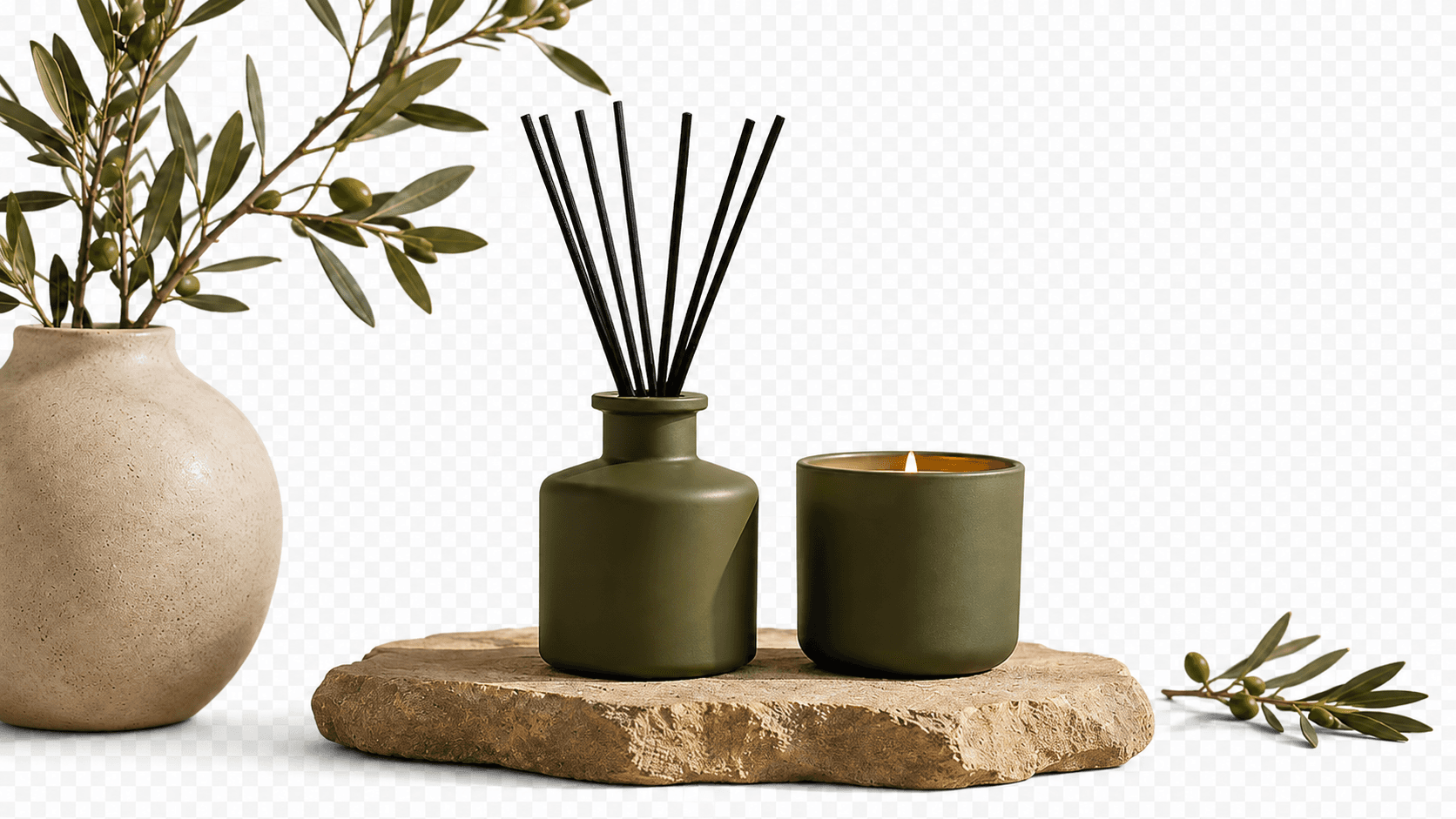

Recognize hair, fur, clothing, products, and other complex outlines while preserving small edge details where possible.
No manual selections or pixel-by-pixel erasing. Upload an image and let the tool separate the subject from its background.
Help reduce unwanted color left around the subject edge from the original background for a more natural result.
Prepare transparent-background PNG images for product visuals, ads, social posts, websites, and design work.
01
After you upload an image, AI analyzes people, products, animals, and other primary objects, then separates them from the surrounding background without a manual selection.
Clearer subjects and higher-resolution images usually lead to more stable, natural background-removal results.
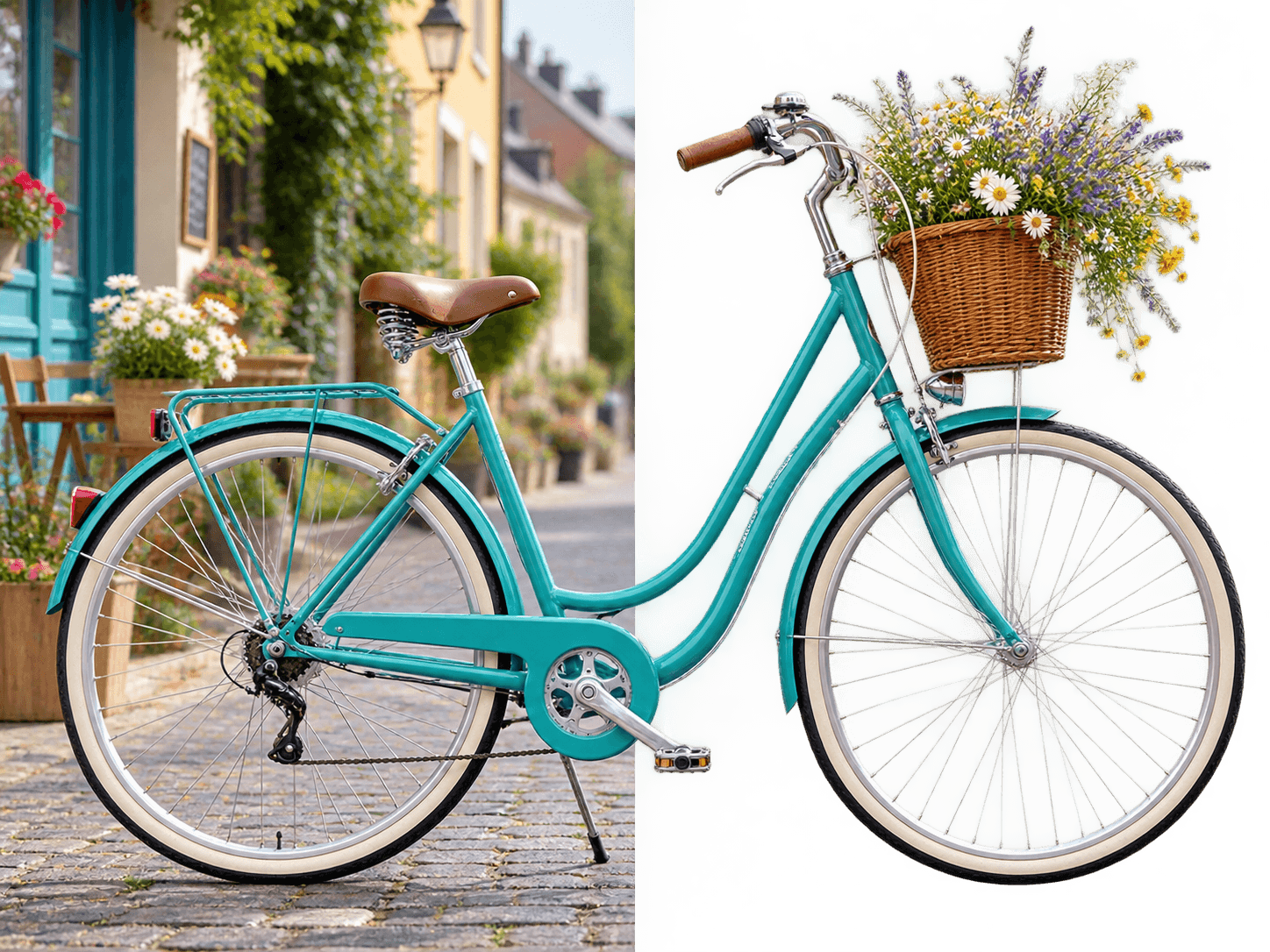
02
AI aims to retain faces, hair, clothing texture, pet fur, and product contours while reducing color contamination from the original background around the subject edge.
Transparent materials, glass, reflective objects, motion blur, or very similar subject and background colors can be more difficult to process.
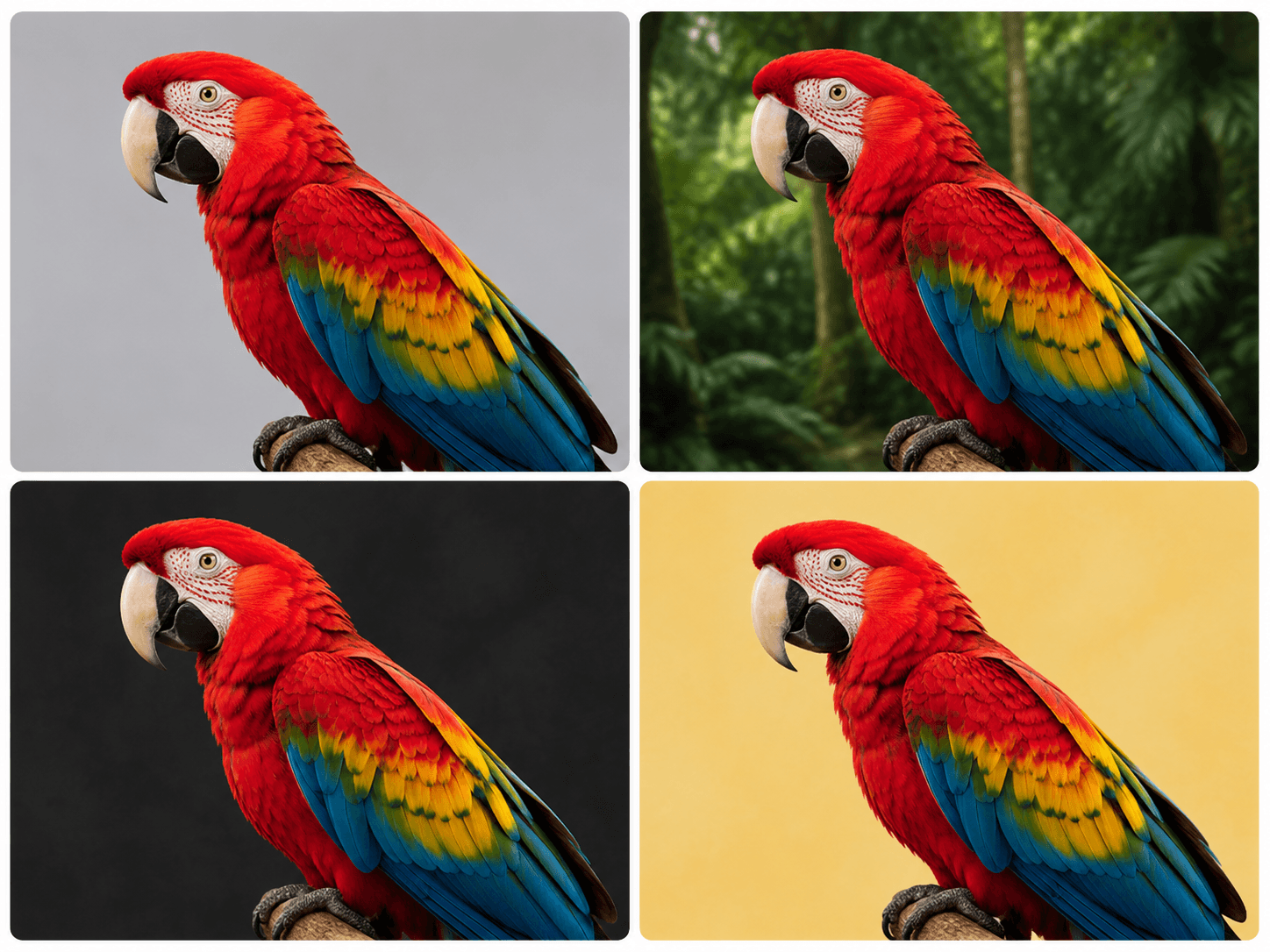
03
The resulting transparent PNG can be used in product imagery, advertising posters, social media, web design, presentations, and other visual content.
Use transparent results as source material for the next step of your existing design workflow.
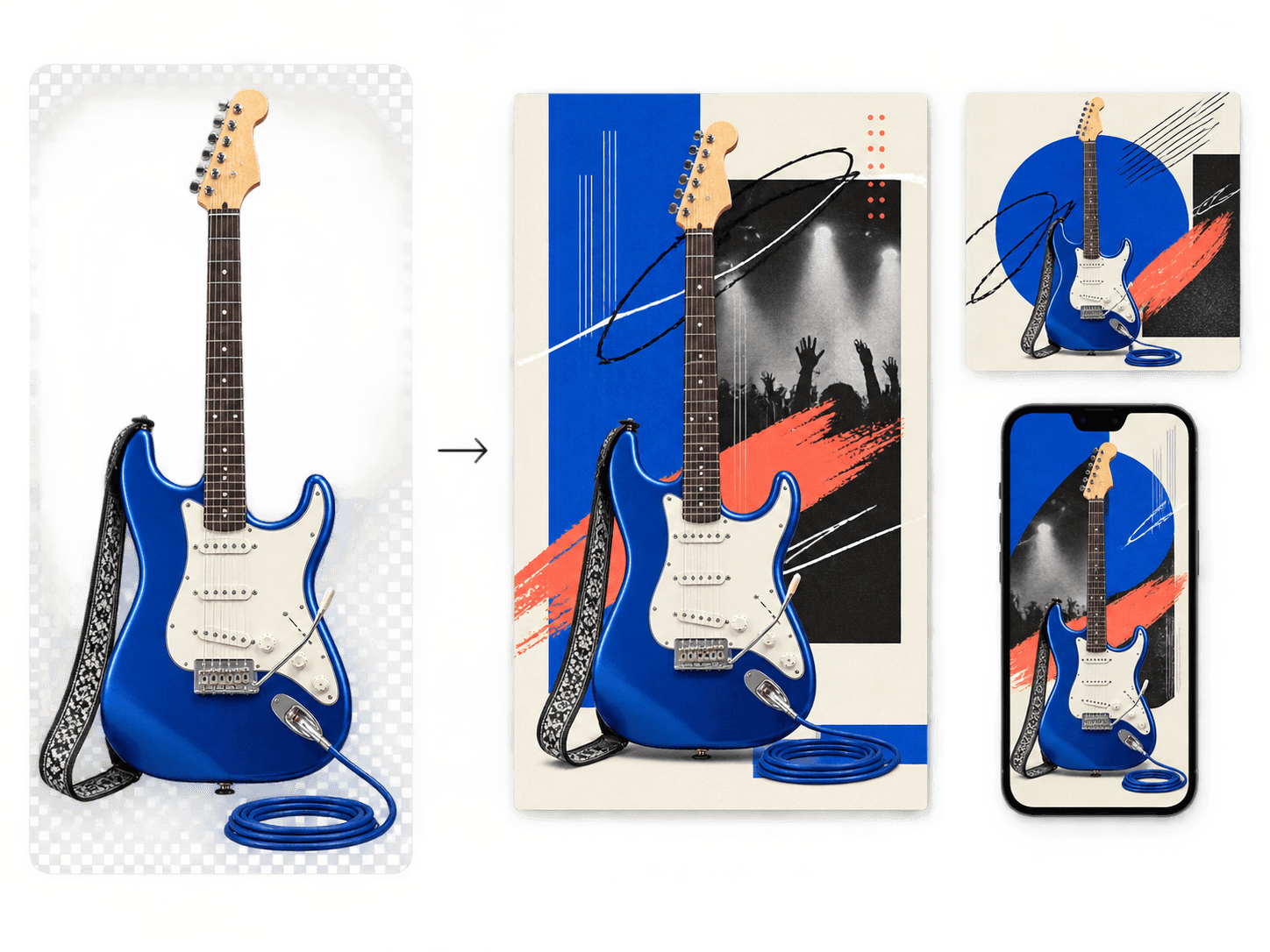
Whether you are preparing product photos, portraits, social content, or design assets, AI background removal helps reduce repetitive manual retouching work.
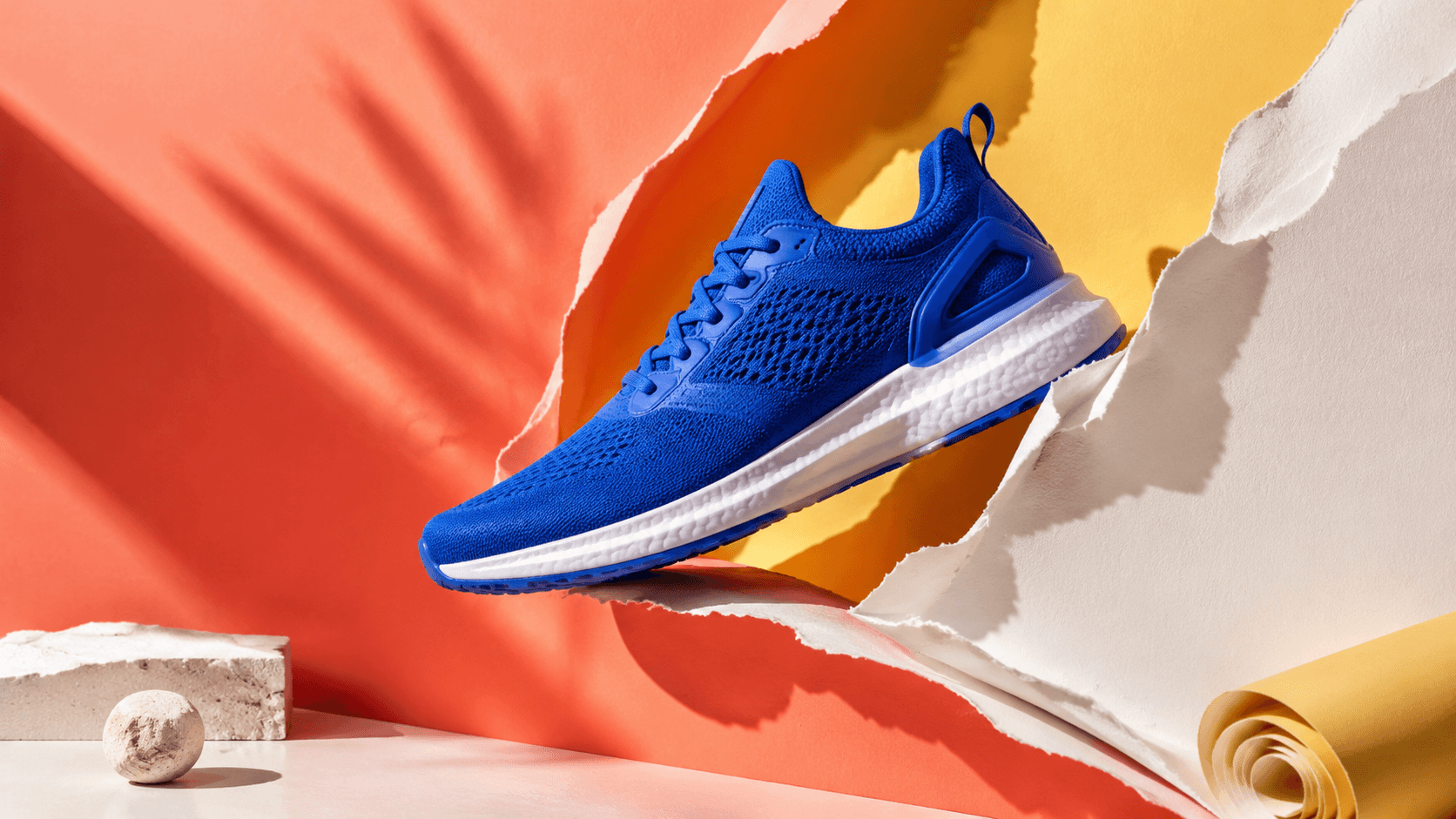
Clean up product backgrounds faster and keep storefront, catalog, and campaign visuals consistent.
Try now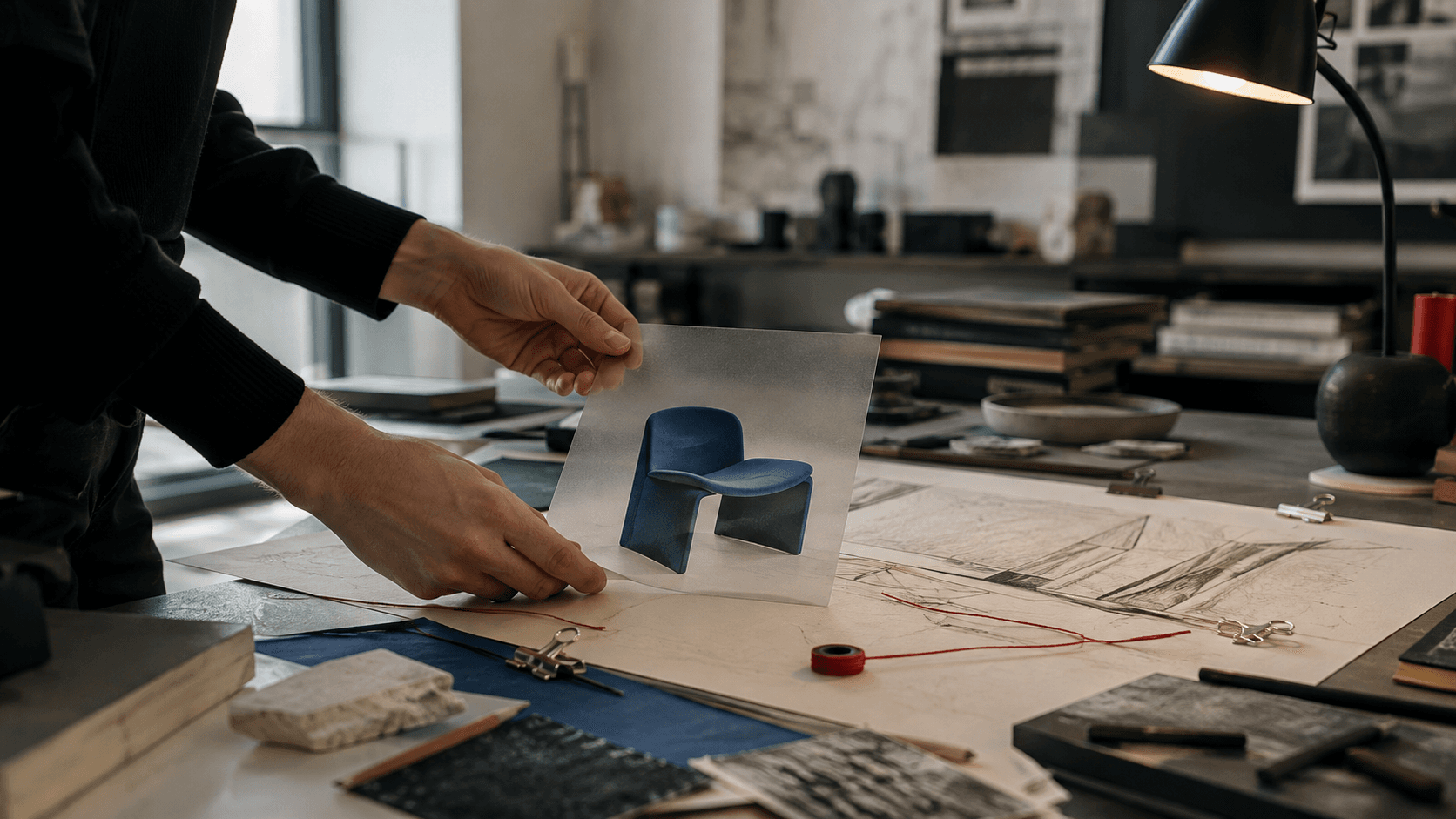
Turn people, products, and graphic elements into transparent assets for posters, web pages, and layouts.
Try now
Reduce manual cutout work in portrait and commercial photography, preparing clean assets for retouching and compositing.
Try now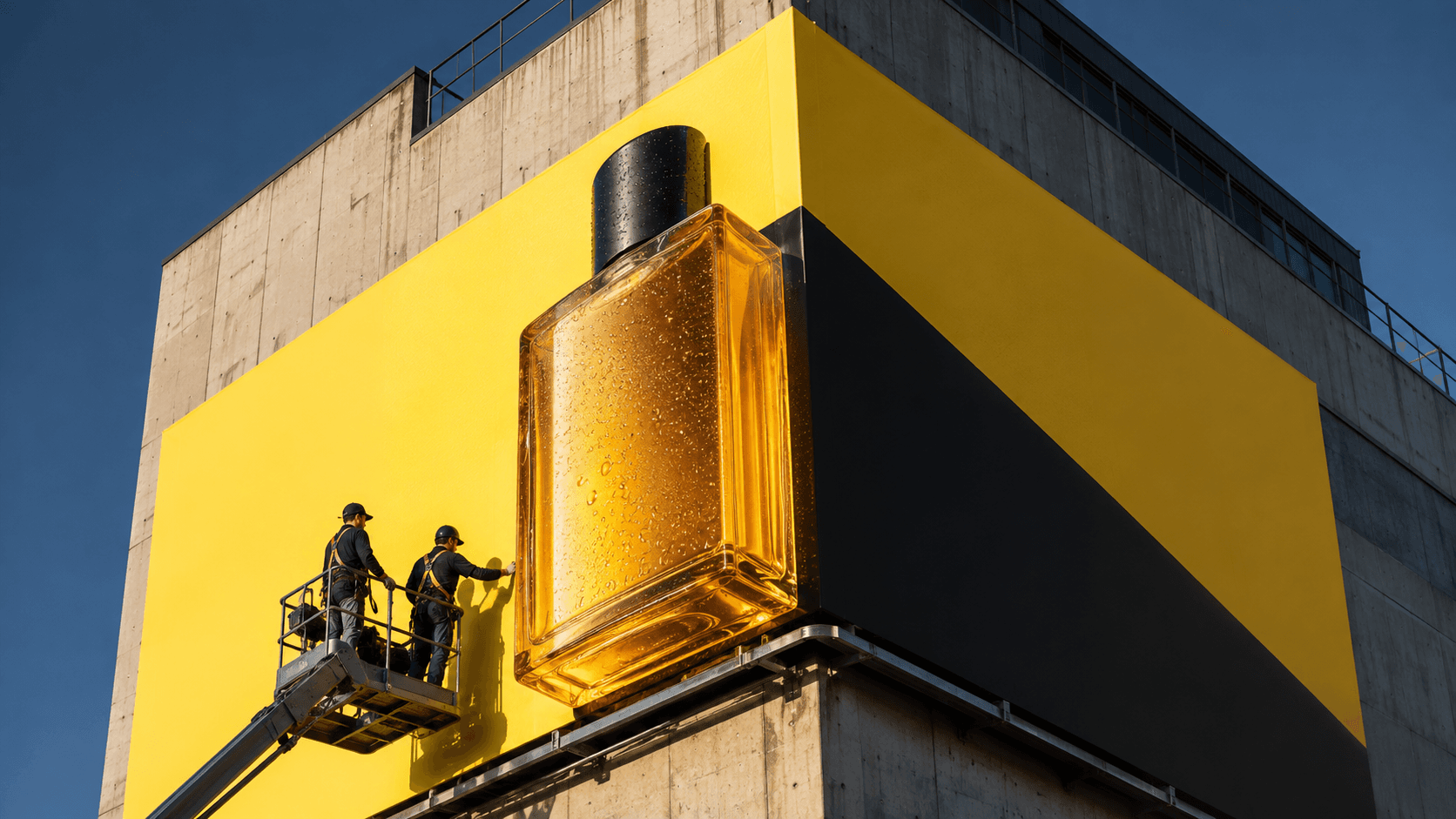
Prepare campaign posters, ad creatives, product promotions, and channel-specific visuals more efficiently.
Try now
Build reusable transparent assets for social posts, thumbnails, tutorials, and everyday content.
Try now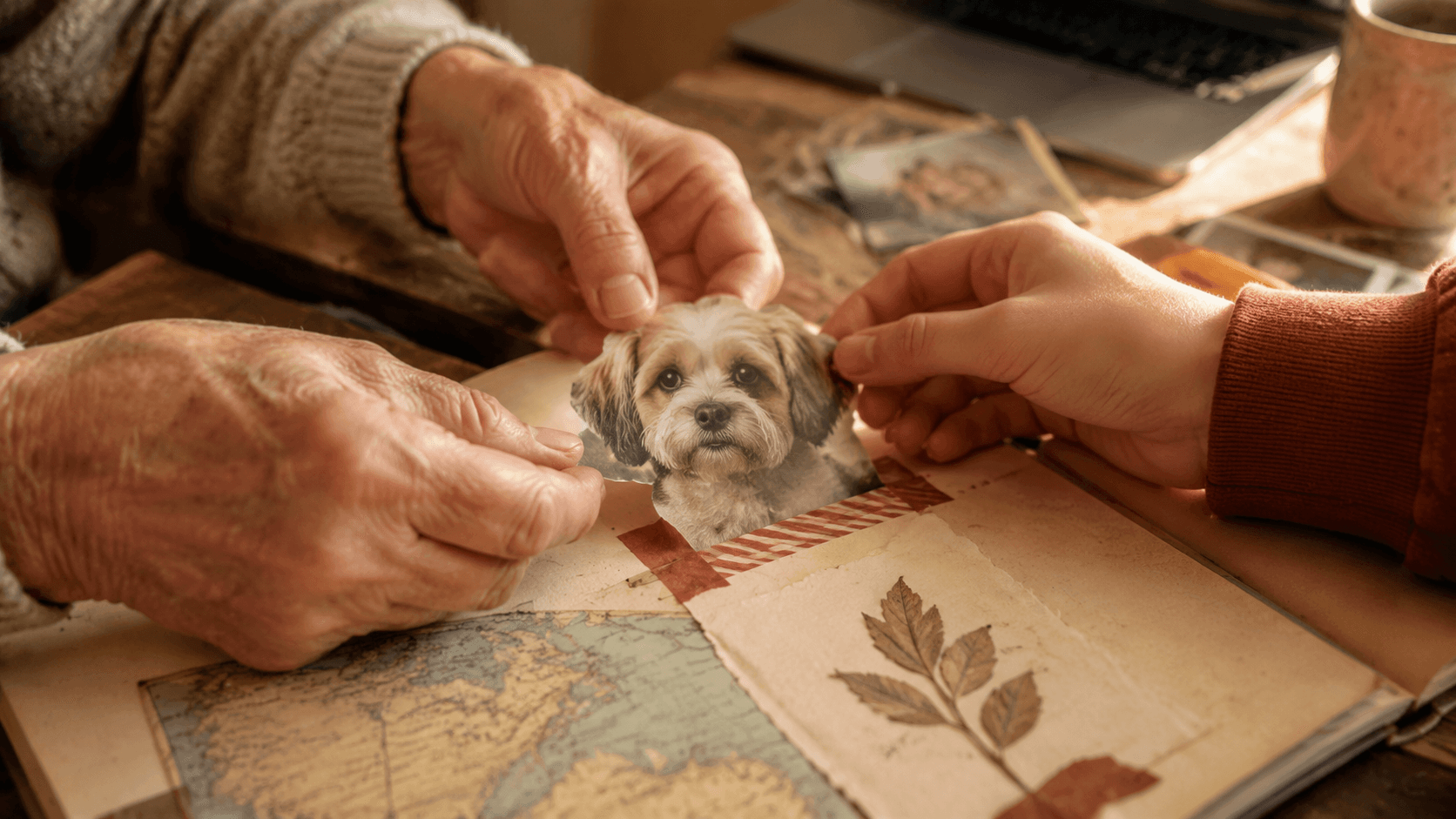
Handle profile photos, ID-style photos, pet pictures, and personal design assets without complex editing tools.
Try nowUpload an image and let AI process the background to prepare a transparent PNG.
Choose a PNG, JPG, or WEBP image, or drag the file into the upload area.
AI identifies the main object, analyzes the subject edge, and removes the original background.
Review the subject and edge detail, then download the transparent image for design and content work.
There is no need to learn a complex image editor or build masks by hand. Upload an image to prepare subject recognition and background removal for ecommerce, design, and content workflows.
Different subjects and backgrounds have different edge complexity. These examples show the kinds of images a transparent-result workflow can be prepared for.




Results are affected by source image clarity, subject visibility, lighting, and background complexity. Higher-quality images usually produce more natural subject edges.
Upload an image and let AI identify the subject and remove the original background to prepare a clean transparent PNG for your next creative step.
Background workspace
Click to upload or drag and drop an image here
Automatically identify the main subject and prepare a transparent PNG.
3 credits per image · Uploading starts background removal automatically.
PNG, JPG, and WEBP supported. Up to 5MB and 16MP.
Image dimensions must be between 256px and 4096px.
3 credits per image · Uploading starts background removal automatically.
Your processed image will appear here
Learn about supported formats, transparent results, suitable scenarios, and ways to improve background-removal quality.