01
Videos up to 30 seconds
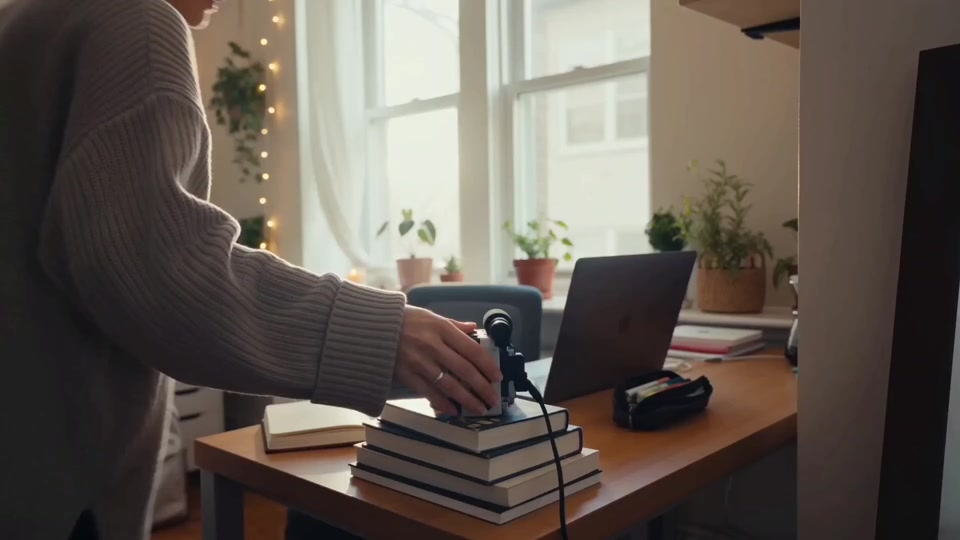
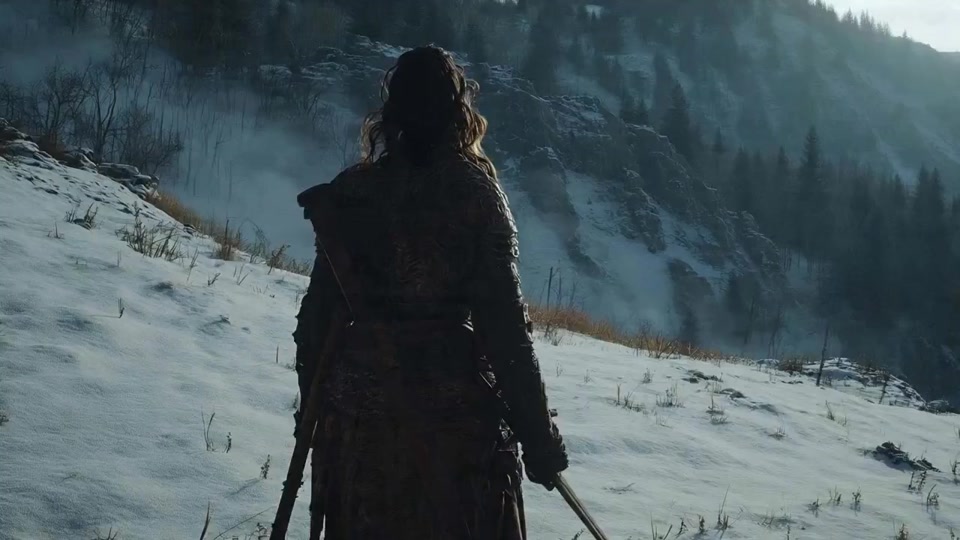
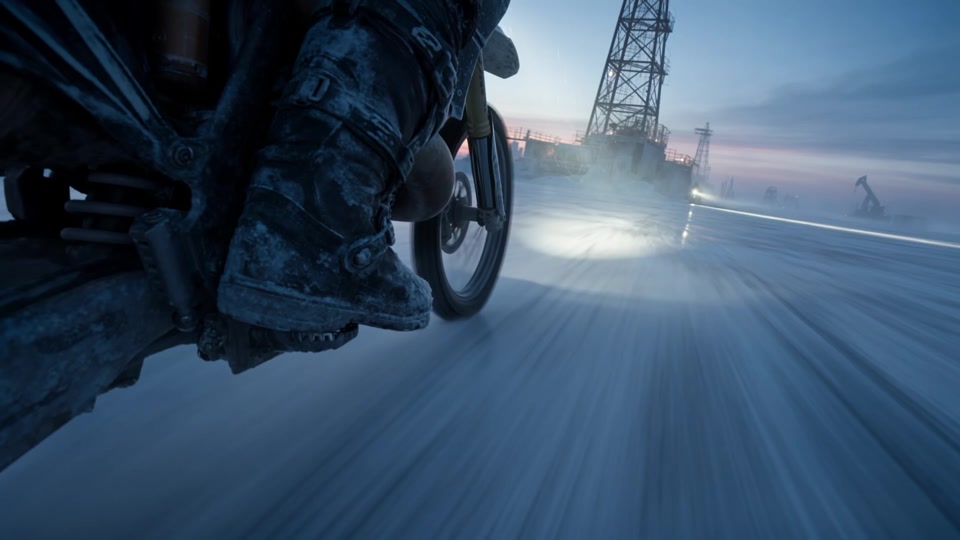
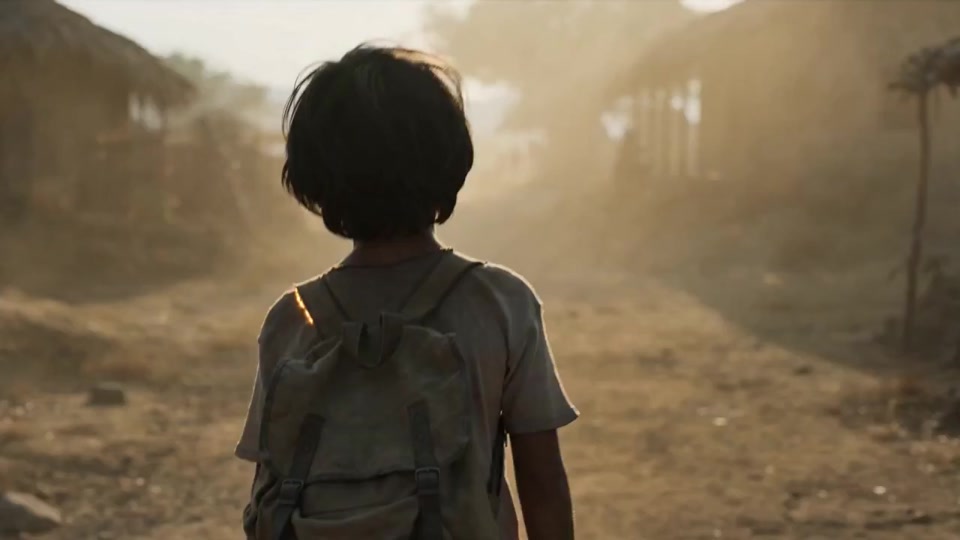
Create a longer scene in one generation, with more room for story development, continuous action, and deliberate pacing.

Seedance 2.5 is a next-generation multimodal AI video model built for videos up to 30 seconds, native 4K model output, richer reference control, precise local editing, and production-ready creative workflows. On Wan 3.0, choose strict first and last frames or combine image, video, and audio references to generate 4–30-second or smart-duration video in 480p, 720p, or 1080p.
Duration · Estimated credits
5 seconds195 creditsModel overview
Seedance 2.5 is designed for longer video generation, native 4K model output, multimodal reference control, precise local editing, and more mature production workflows.
Product Features
Seedance 2.5 adds videos up to 30 seconds, native 4K model capability, as many as 50 multimodal references, 3D blockout-assisted planning, and more professional production control. The current Wan 3.0 workspace supports output up to 1080p.
01
Create a longer scene in one generation, with more room for story development, continuous action, and deliberate pacing.
02
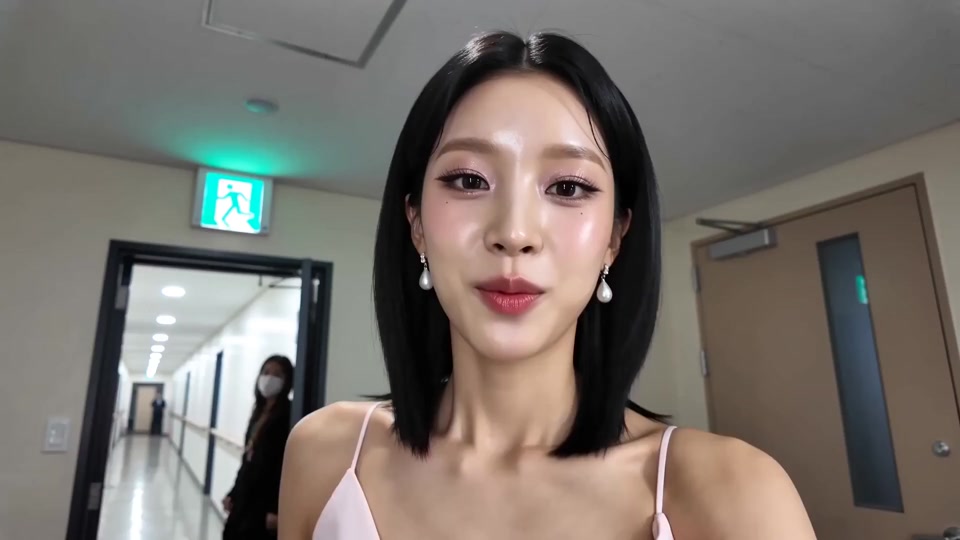
Seedance 2.5 is designed for native 4K output with sharper detail and more post-production latitude; the current Wan 3.0 workspace supports up to 1080p.
03
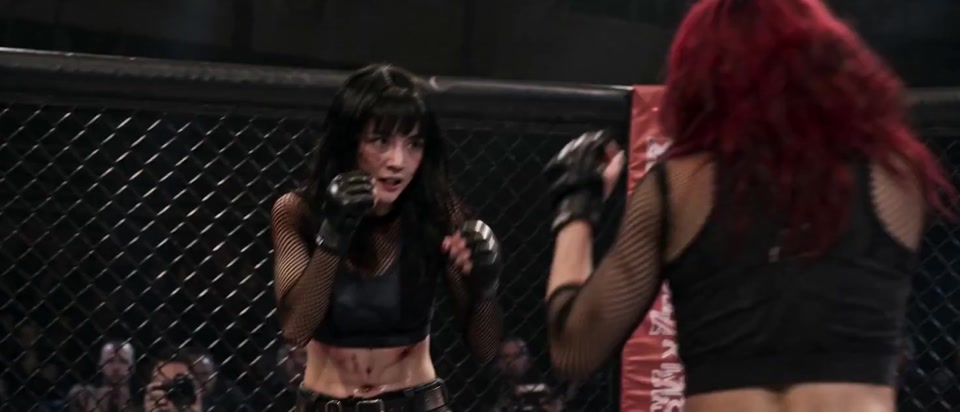
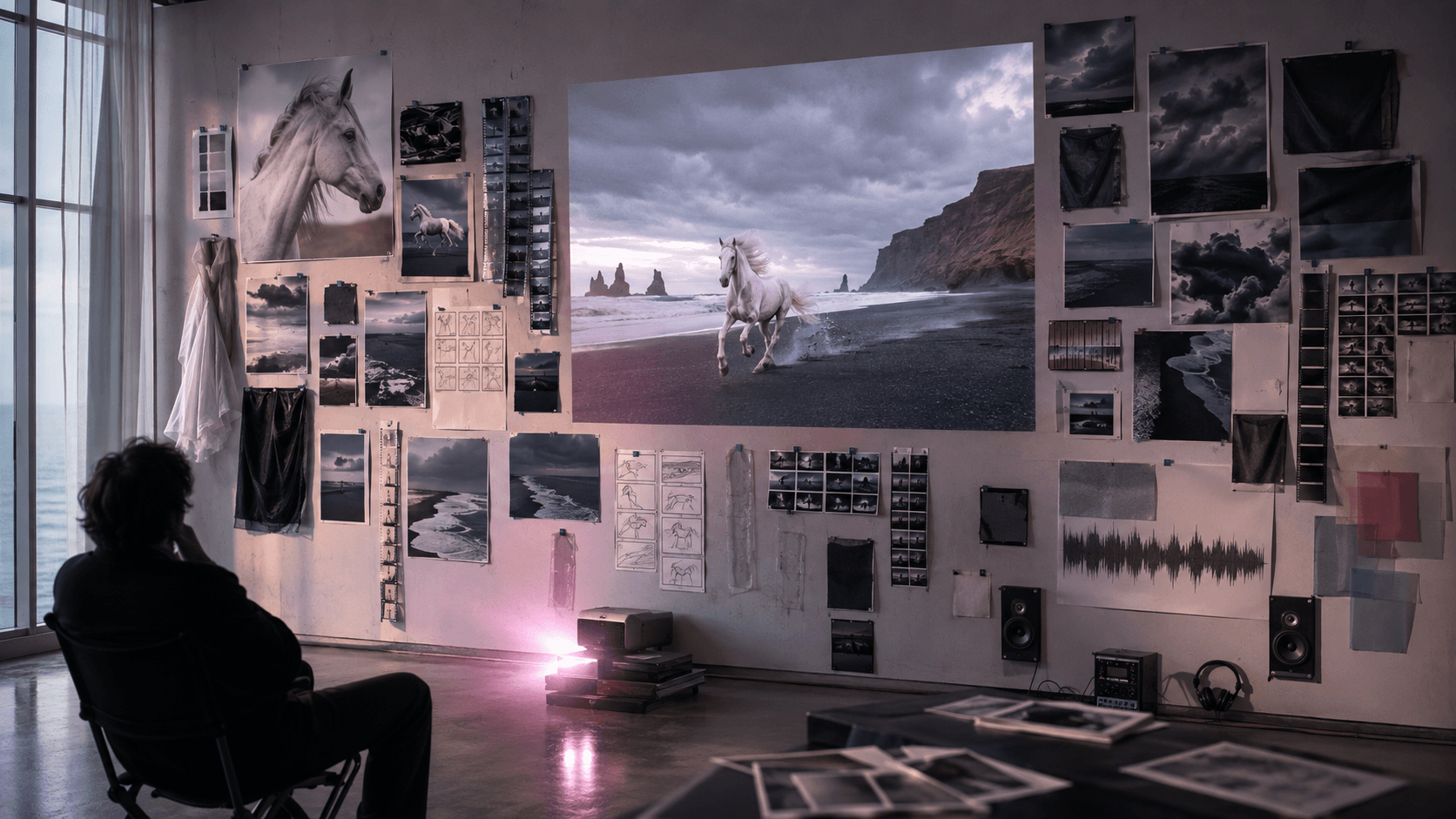
Combine as many as 30 images, 10 videos, and 10 audio files with text direction to keep characters, products, motion, style, and sound aligned.
04
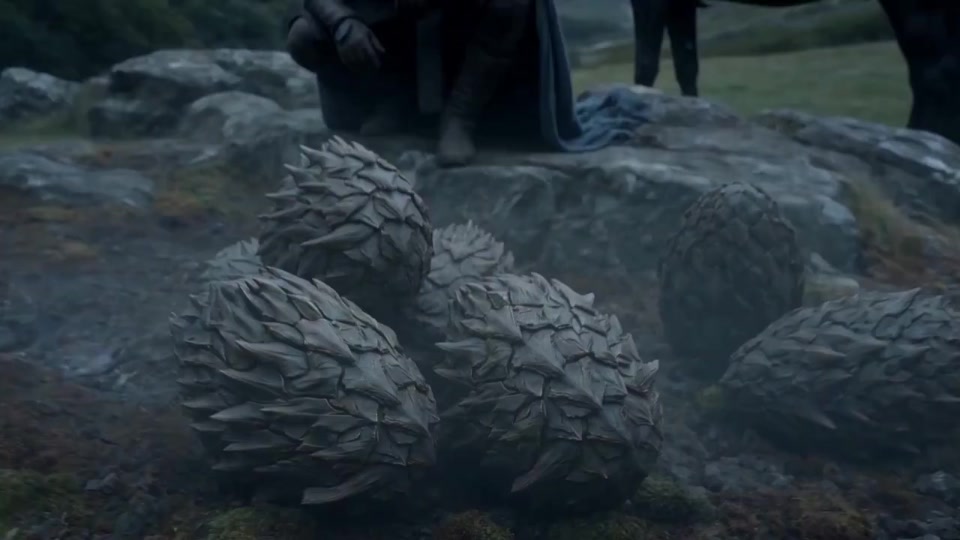
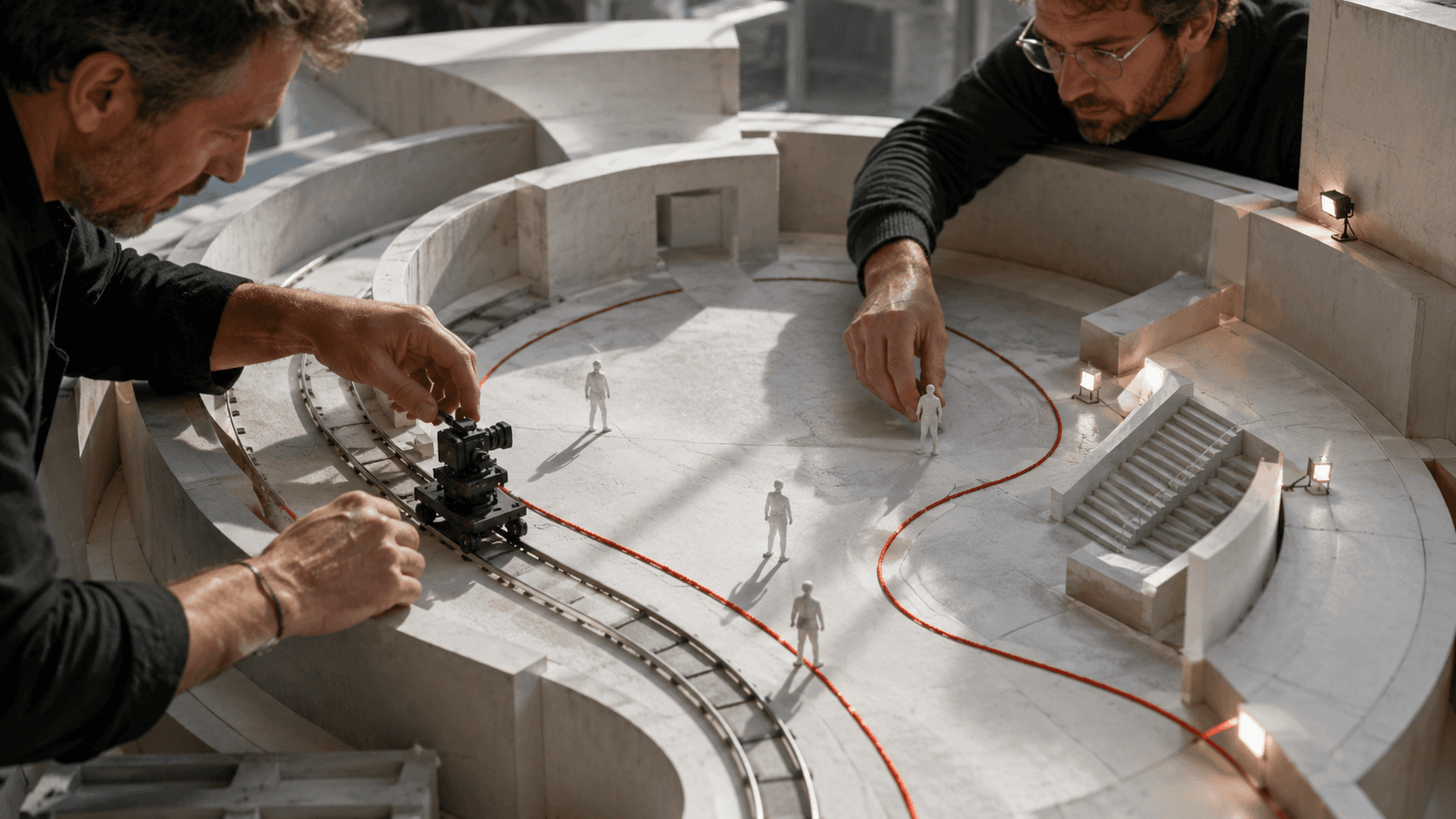
Plan scene layout, camera paths, and movement with a simple 3D blockout before committing to the final generation.
05
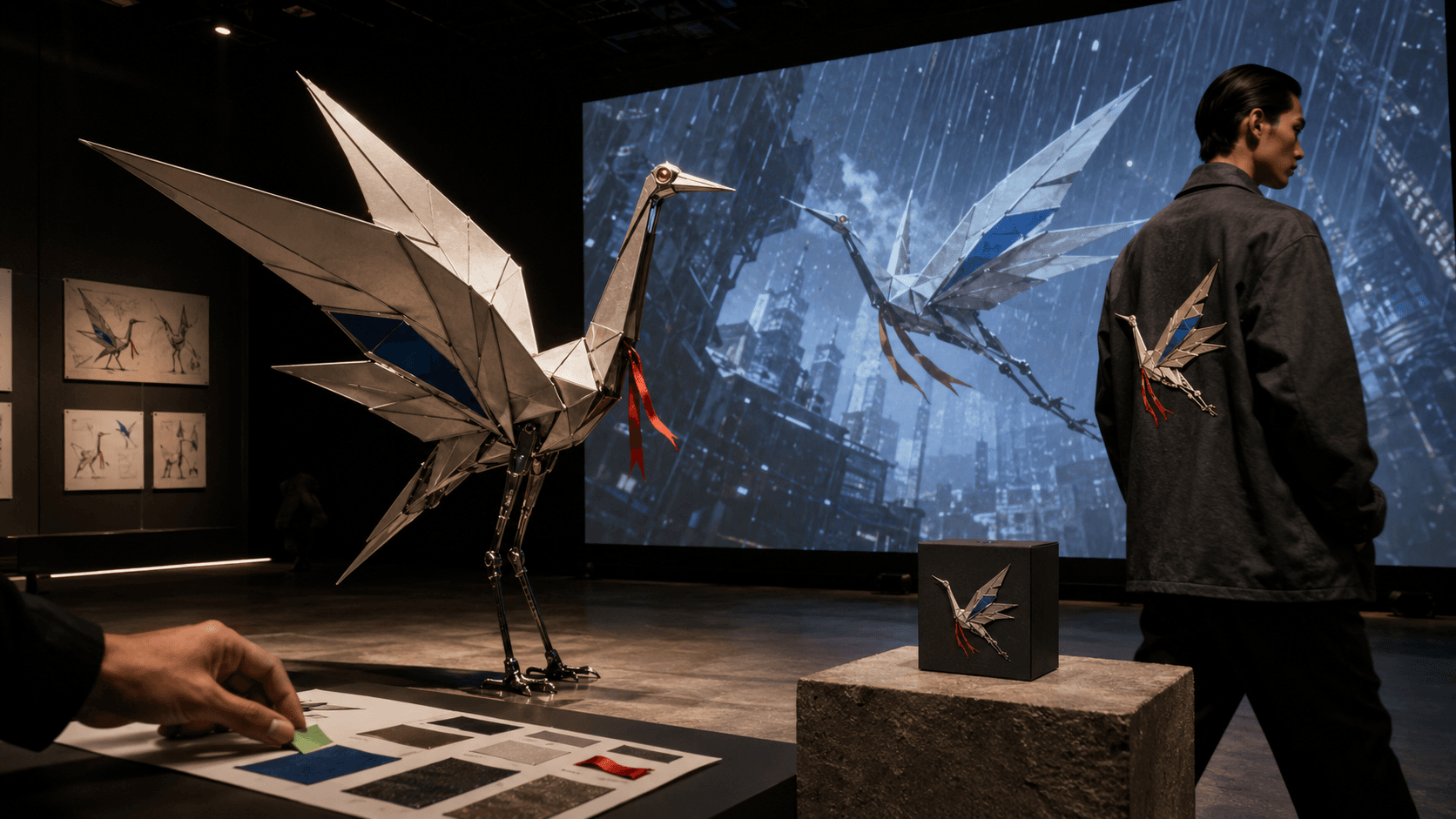
Organize approved characters, stories, and brand assets into one reference-led brief while keeping rights and release review in the production process.
Model selection guide
Seedance 2.5 advances video length, native 4K model output, multimodal reference control, and pre-production planning, making it better suited to longer scenes, brand assets, and professional video production.
| Feature | Seedance 2.5 | Seedance 2.0 |
|---|---|---|
| Model focus | Next-generation production model | Classic multimodal video model |
| Maximum video length | Up to 30 seconds | Shorter-video workflow |
| Native 4K output | Supported | Standard output |
| Multimodal references | Up to 50 assets | Basic multimodal references |
| Pre-production planning | 3D blockout assistance | Basic shot planning |
| Local editing and control | More precise and flexible | Standard control |
| Best for | Long-form stories, brands, professional production | Everyday video creation |
Production workflow
Move through shot direction, reference preparation, output settings, and result review in a clear sequence.
Keep the creative intent aligned through generation and revision with stronger multimodal understanding, reference-led editing, and production controls.

Start a new project
Return to the workspace to shape a prompt, prepare references, compare a direction, and start the next generation task.