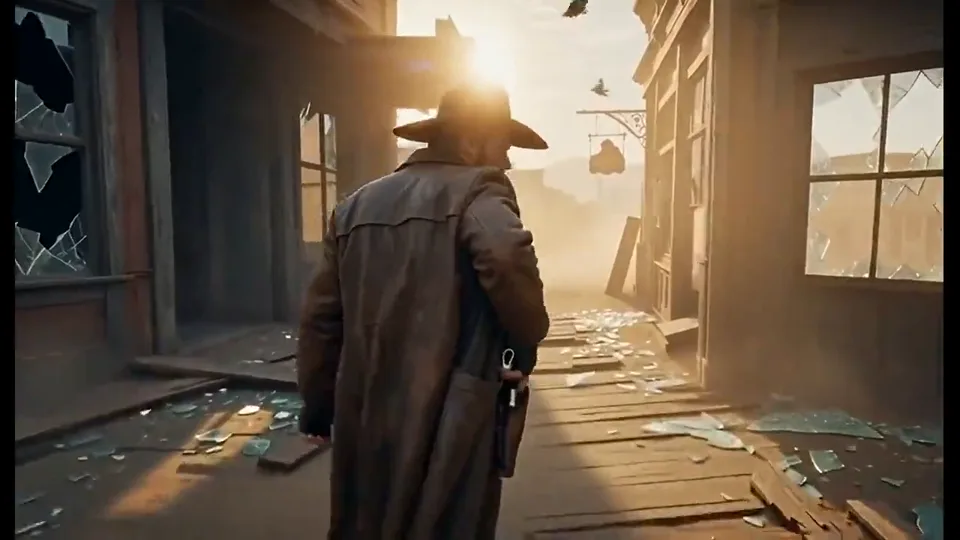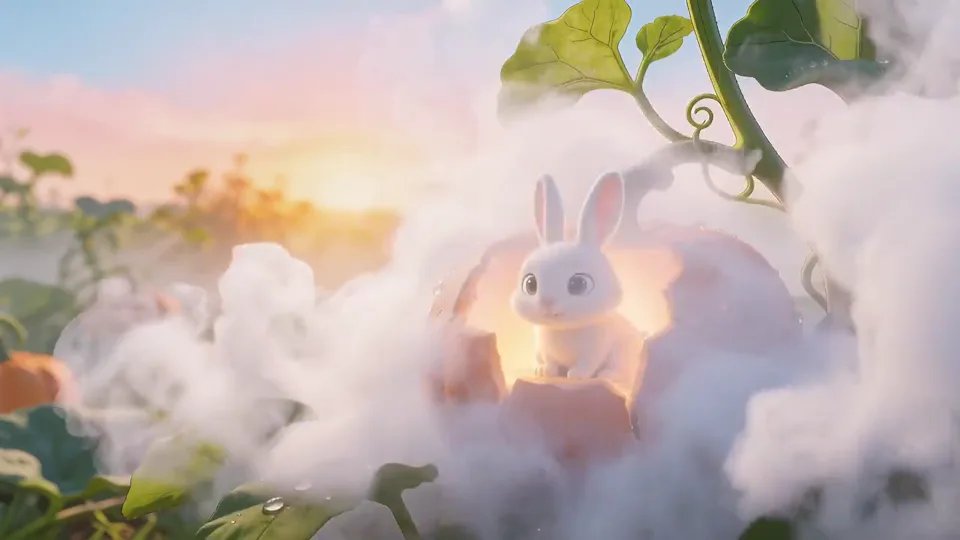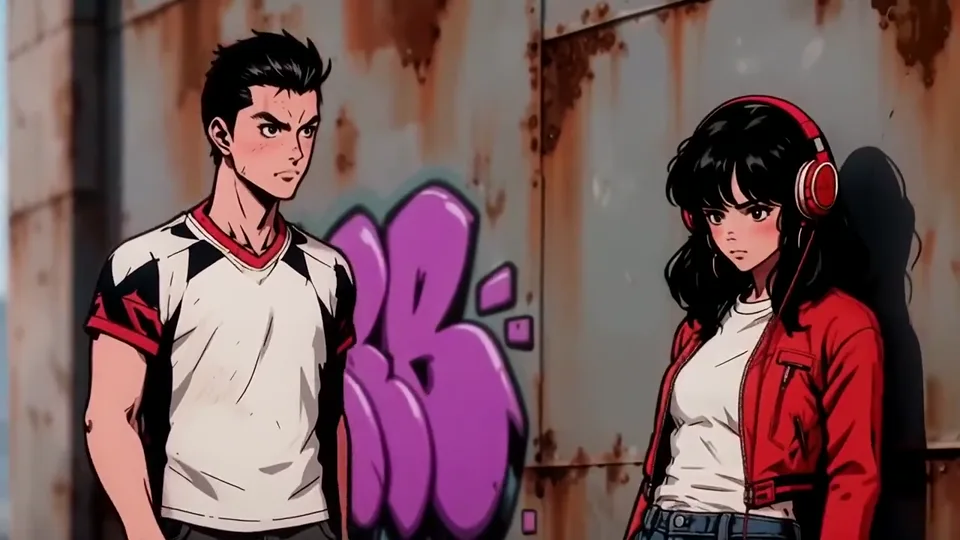
Text to video
Generate video from a text prompt, with optional audio input. Supports synchronized audio and multi-shot storytelling.
Text to videoWan 2.7 is an AI video suite from Alibaba's Tongyi Lab, with four modes: text to video, image to video, reference to video and video editing. It accepts text, images, video and audio across its workflows and produces 720p–1080p video, bringing generation and editing into one creative workspace.
Open Wan 2.7Generate video from a text prompt, with optional audio input. Supports synchronized audio and multi-shot storytelling.
Text to videoAnimate a first frame, control the first and last frames, or continue a source clip. Optional audio guides generation.
Image to videoUse up to five combined image and video references, with an optional voice reference, to guide subjects and their appearance.
Reference to videoEdit a source video with text instructions and an optional reference image. Choose automatic audio or preserve the original audio.
Video editingHigh-resolution output, frame control, visual references and instruction-based editing
Wan 2.7 supports 720p and 1080p output for detailed scenes, character action and camera movement. Choose a duration to suit the workflow: text and image generation support 2–15 seconds; reference generation and video editing support 2–10 seconds.
Guide motion between a starting image and an ending image with Wan 2.7. First and last frame control helps produce smoother transitions and makes a shot's beginning and ending more predictable, supporting coherent multi-scene storytelling.
A nine-grid reference image supplies several viewpoints to guide scene layout and composition. Wan 2.7 uses these visual references to support more accurate framing and reduce visual drift in complex video workflows.
Wan 2.7 accepts subject and voice references to help maintain a character's appearance, vocal identity and lip-sync continuity. These controls suit narrative scenes and character-driven AI video creation.
Use text instructions to edit an existing video, including object replacement, style changes and scene adjustments. Working from a source clip reduces the need to rebuild a concept from the beginning and supports repeated creative revisions.
Compare the input, duration and output resolution of the four workflows.
| Workflow | Input | Duration | Resolution |
|---|---|---|---|
| Text to video | Text · optional audio | 2–15 s | 720p / 1080p |
| Image to video | Frames or source clip · optional audio | 2–15 s | 720p / 1080p |
| Reference to video | Images / videos · optional voice | 2–10 s | 720p / 1080p |
| Video editing | Source video · optional reference image | 2–10 s | 720p / 1080p |
From your prompt and reference materials to a video
Select Wan 2.7 and choose text, image, reference generation or video editing.
Enter your prompt and add the images, video or audio required by your selected workflow.
Choose 720p or 1080p, then set a duration within the selected workflow's limits.
Review the credit quote and submit. View and download the result when the task completes.
Explore ways to use Wan 2.7
Create advertising concepts from text or use product images to guide a video.
Create short clips and use editing instructions to change a scene's background or style.
Explore scenes, camera movements and multi-shot narratives, with references to guide characters.
Use video-editing instructions for colorization, footage restoration or a change of visual style.
Learn about generation modes, reference materials, video settings and editing.
Wan 2.7 is Alibaba Tongyi Lab’s AI video model suite. It combines text-to-video, image-to-video, reference-to-video and video editing, covering both video creation and changes to existing footage.
Text-to-video creates a clip from a prompt; image-to-video animates a starting image. Reference-to-video uses images or videos to guide subjects and scenes, while video editing changes existing footage using text instructions.
Text-to-video starts from a written description and does not require an image. Image-to-video starts from an image to guide the subject and composition; an optional final frame can also guide the transition toward a chosen ending.
Wan 2.7 supports text, images, video and audio, with different inputs for each mode. Image-to-video can use frame images and driving audio; reference-to-video uses subject references and optional voice audio; editing starts from a source video and can include a reference image.
All four modes support 720p and 1080p video output. Choose the resolution in the workspace before submitting your task.
Text-to-video and image-to-video support 2–15 seconds. Reference-to-video and video editing support 2–10 seconds. The available duration depends on the mode you choose.
In image-to-video, a first-frame image sets the starting composition and an optional last-frame image specifies the ending. Your prompt guides the action between them. Wan 2.7 also supports continuing from an initial video clip.
Yes. Wan 2.7 can use one image containing multiple storyboard panels as a reference for characters, scenes and shots. A nine-panel reference is a single combined image, rather than nine separately uploaded reference files.
Reference-to-video requires at least one reference image or video and accepts up to five images and videos combined. These materials guide the subjects’ appearance. Optional voice audio can guide a character’s voice.
Describe the changes you want in text, such as replacing an object, changing a background, adjusting the visual style or colorizing black-and-white footage. You can also add a reference image to guide the edit.
Yes. Video editing can preserve the source video’s original audio or process audio automatically based on the editing instructions. Choose the audio option that fits your edit.
Prompt expansion adds detail to your description and can help with short prompts. Enabling it also increases processing time.
Create 720p–1080p videos with Wan 2.7. Explore text, image and reference generation, first/last frames, character and voice references, and video editing.
Open Wan 2.7Model documentation · Alibaba Cloud