QWEN / IMAGE-2.1Commercial creation

Qwen Image 2.1 AI Image Generator

Qwen Image 2.1 is Alibaba's compact image model for text-to-image generation and image editing. It supports native transparent assets, local edits, up to 10 reference images, 1K or 2K output, and stronger fidelity for people, products, and text.

FULLWan 3.0: Use Wan 3.0 for native 30-second storytelling, 1080p output, synchronized sound, adaptive framing, and reference-led creative control.
Fast ModeWan 3.0 Video Prime: Use Wan 3.0 Video Prime when faster end-to-end generation matters while keeping Wan multimodal creative control.
NEWWan Animate 2: Bring a character to life with a performance you choose. Upload a character image and a motion video, then shape the animation with orientation, background, and 720p or 1080p output controls.
Draft Mode: Turn text or a reference image into a video draft in one focused workflow. Compare motion, prompt-guided direction, character references, and synchronized native audio while keeping the cost of each creative test visible.
NEWSeedance 2.5: Use Seedance 2.5 for cinematic prompts, reference-led creation, and polished video drafts.
Replace Background: Replace or redesign the background of a reference image before using it in video or campaign visuals.
AI Video Lip Sync: Upload a person video and target audio to create a dubbed version with natural lip synchronization.
Image Generation: Generate or refine reference visuals that can guide product videos, character looks, scenes, and style direction.
Powered by Qwen Image 2.1 ProQwen Image 2.1 Pro Ready
Generate image
0/20000
Estimated credits2 credits

1K: 2 credits / image × 1 image, rounded up for the estimate.

Image examplesWorks
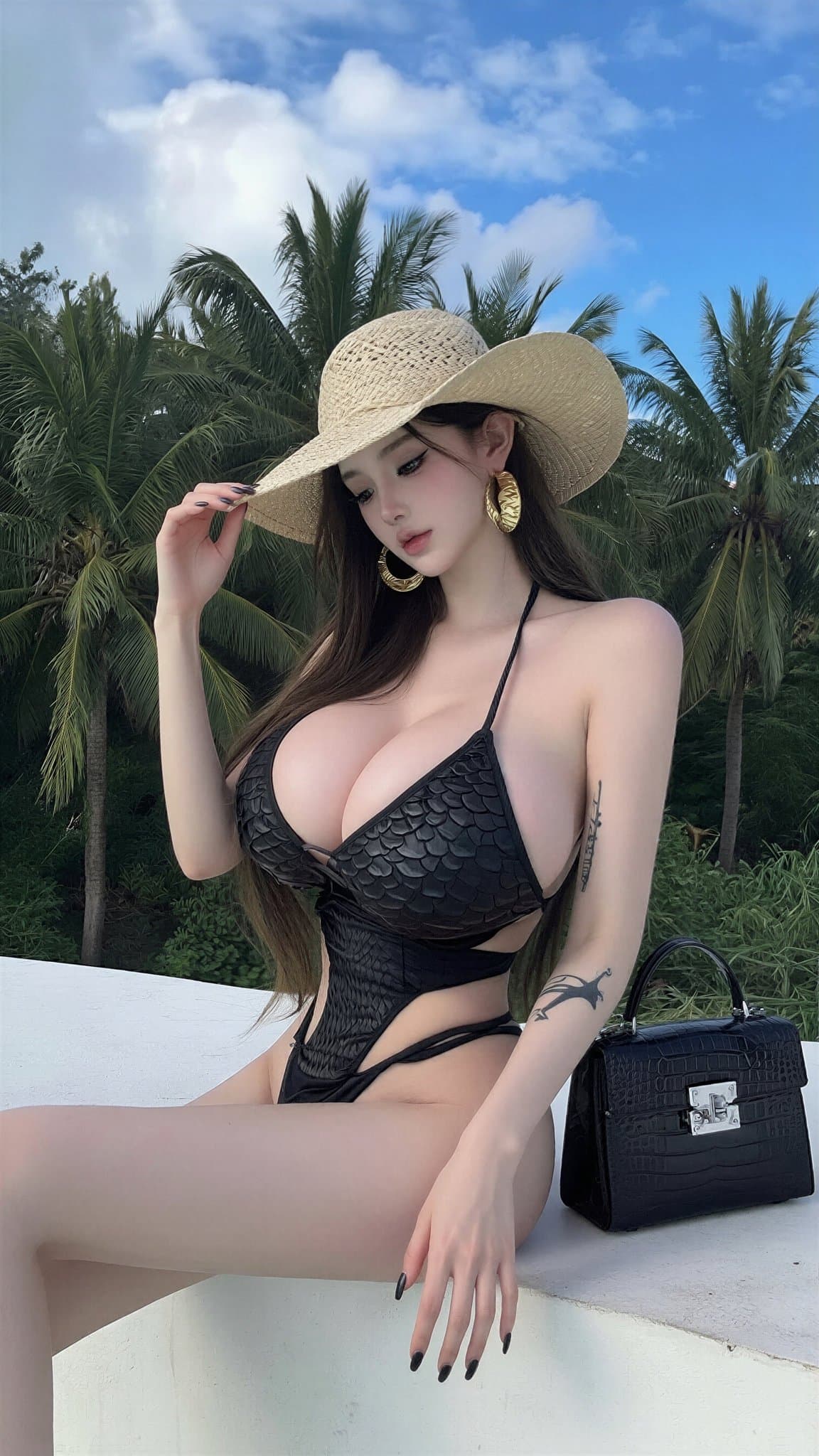
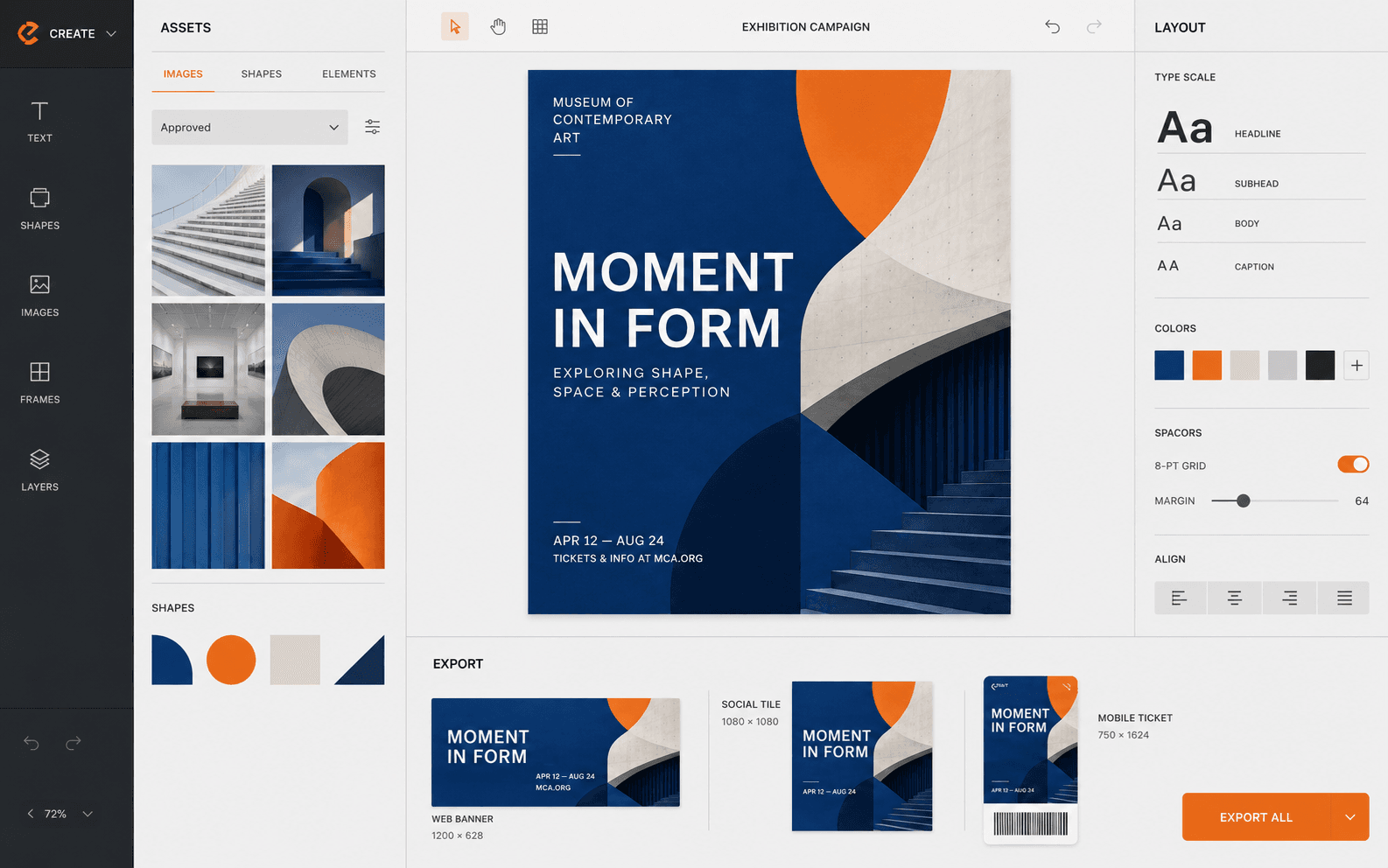
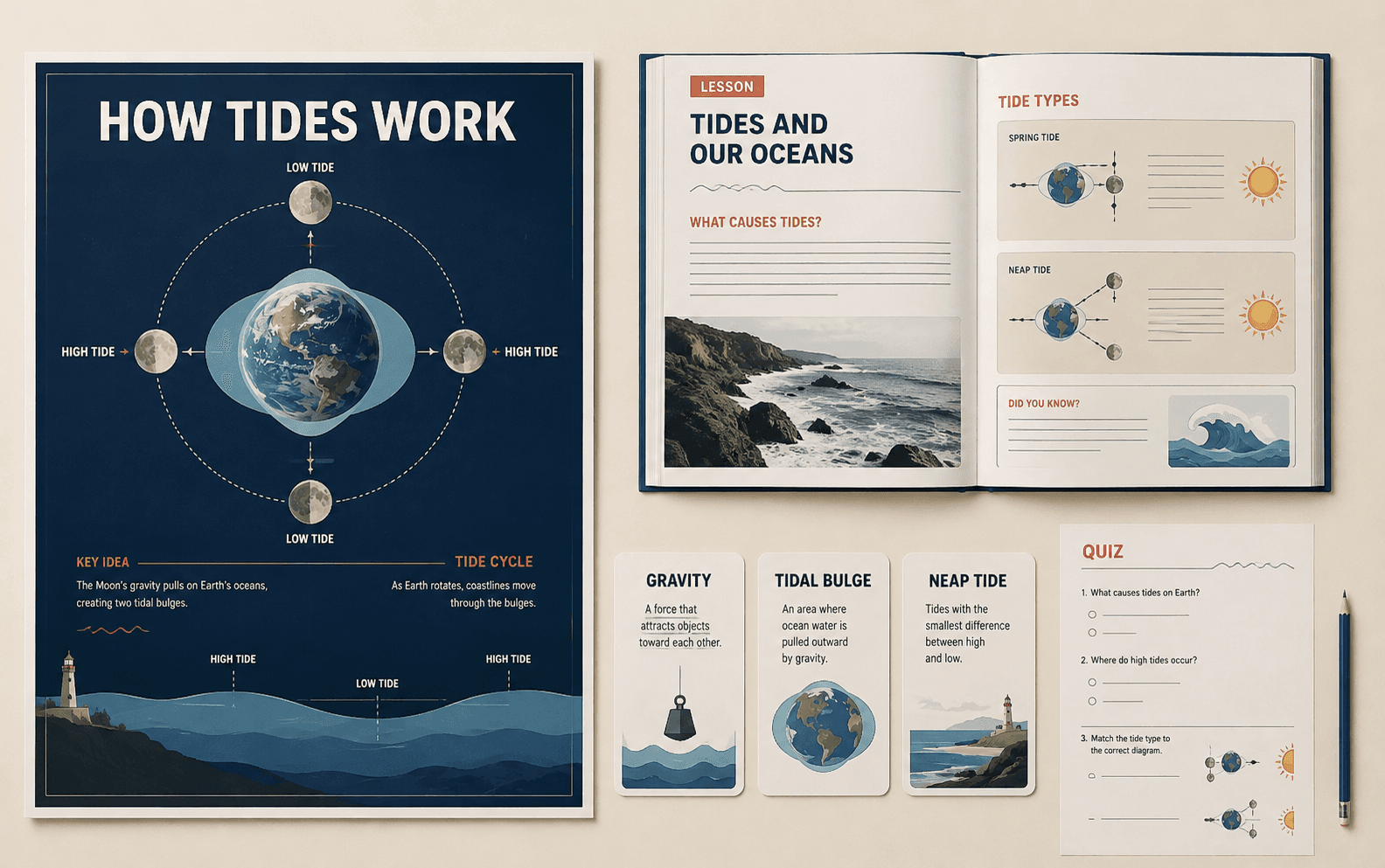
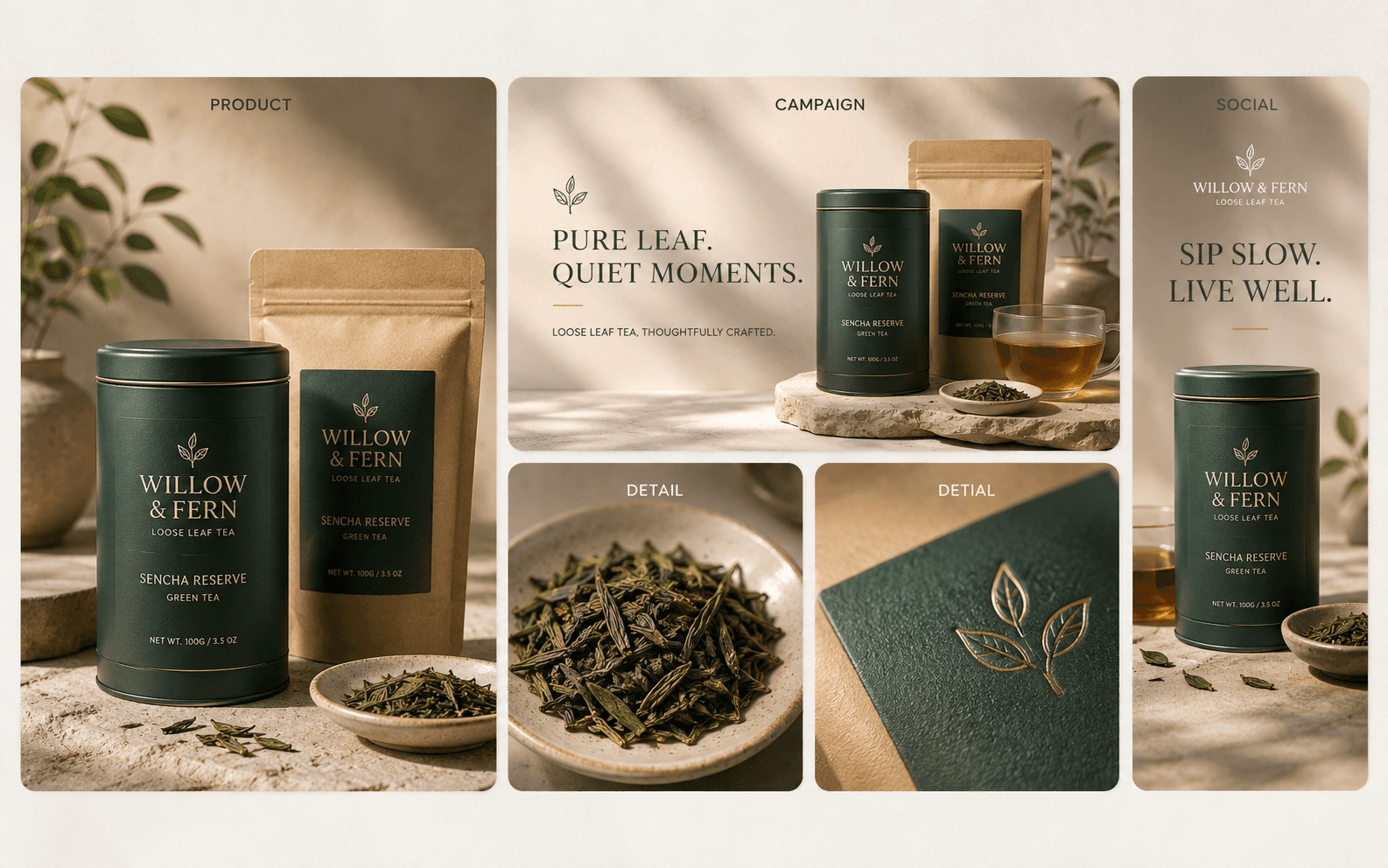
wan image 005
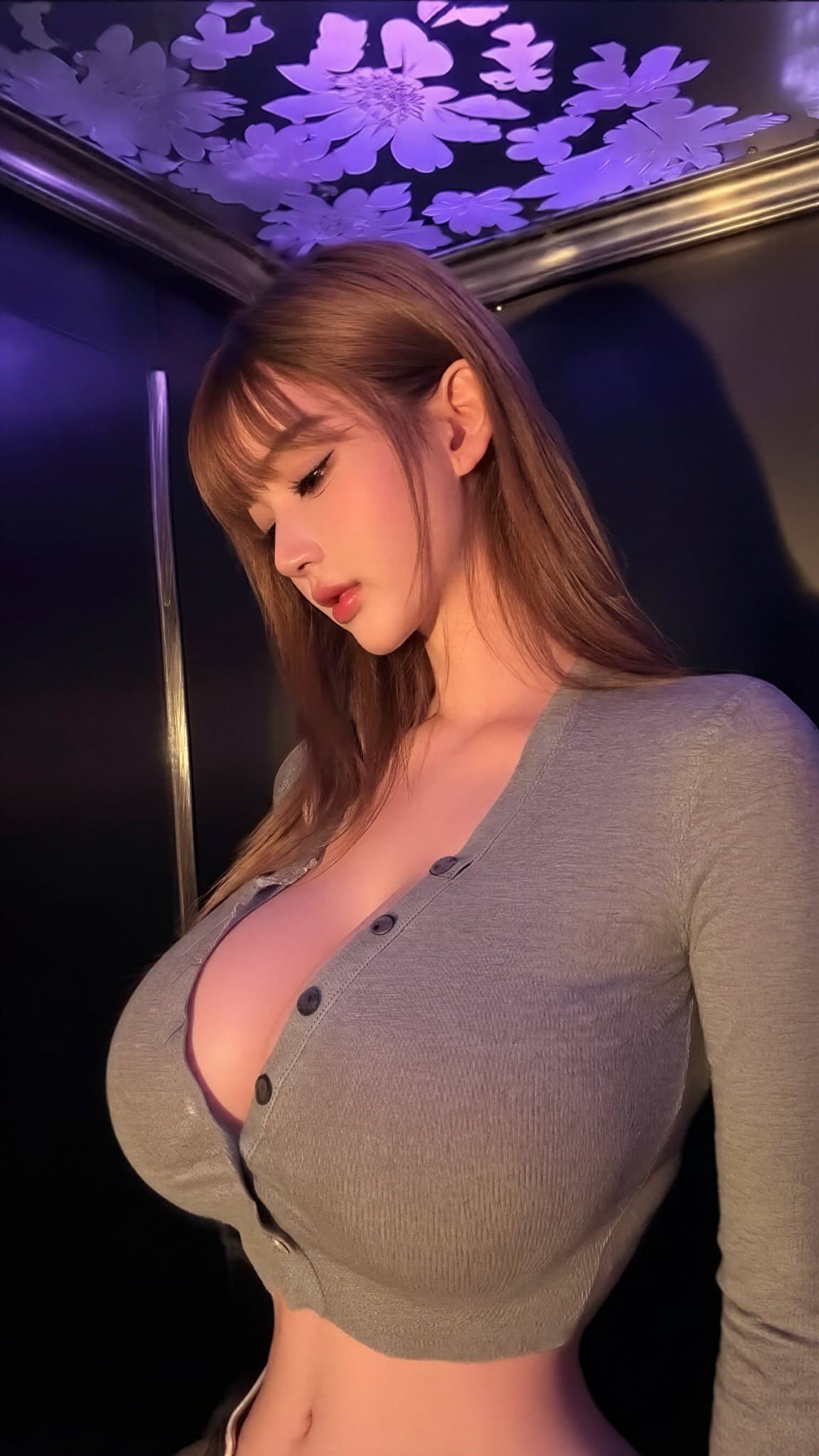
wan image 001
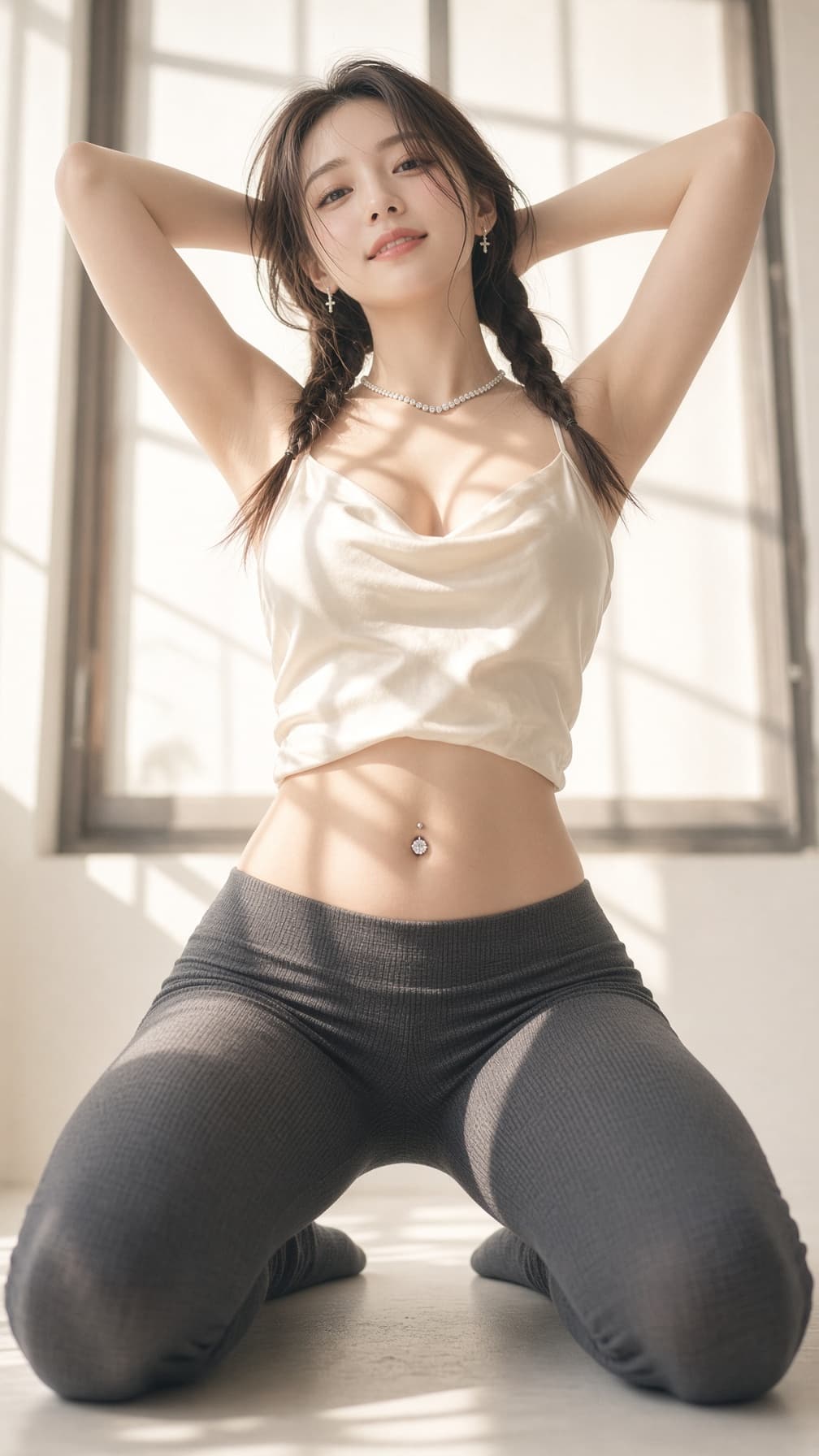
wan image 003
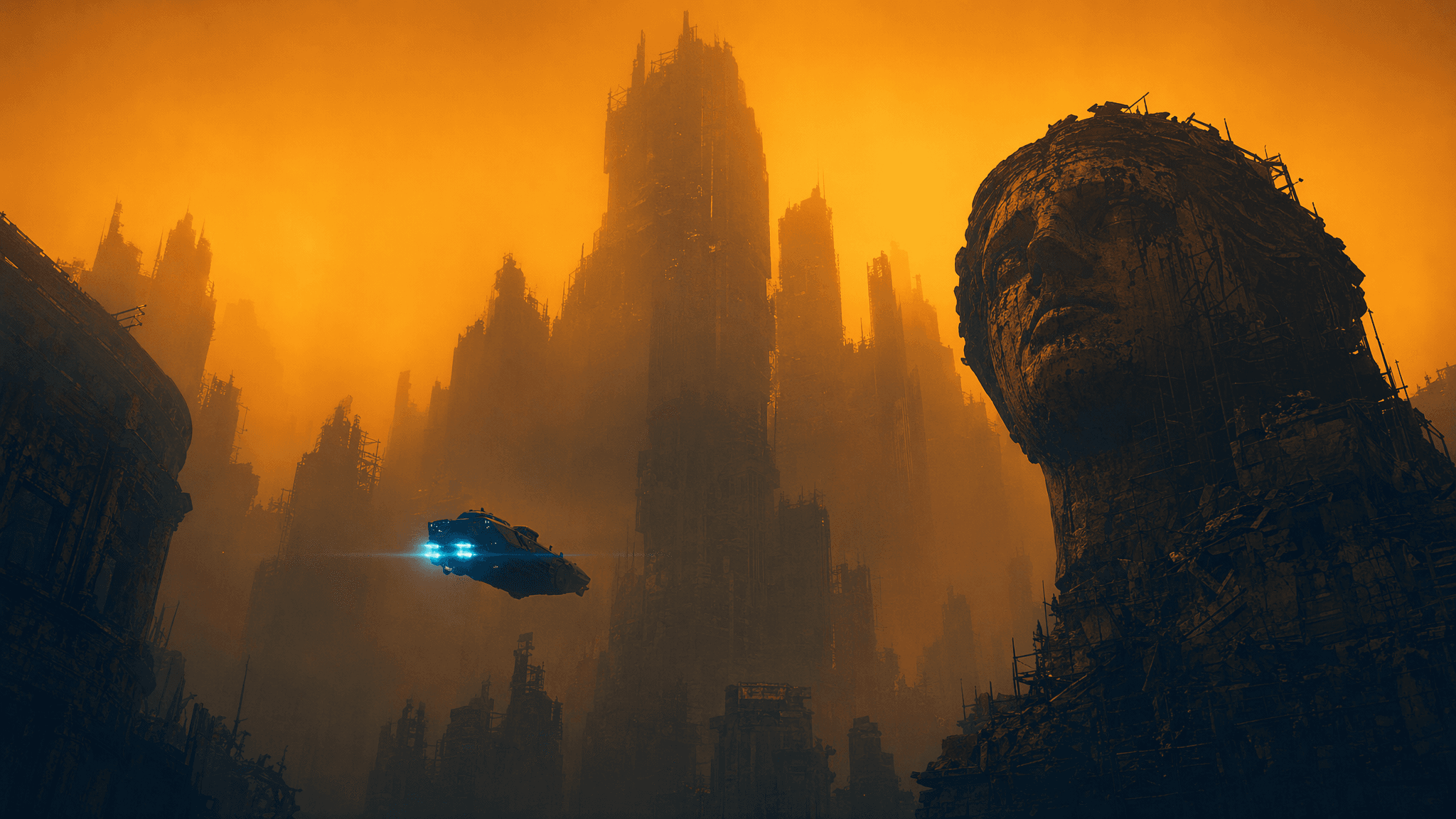
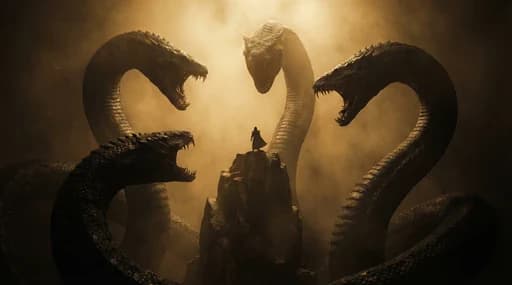
blade runner neo noir orange
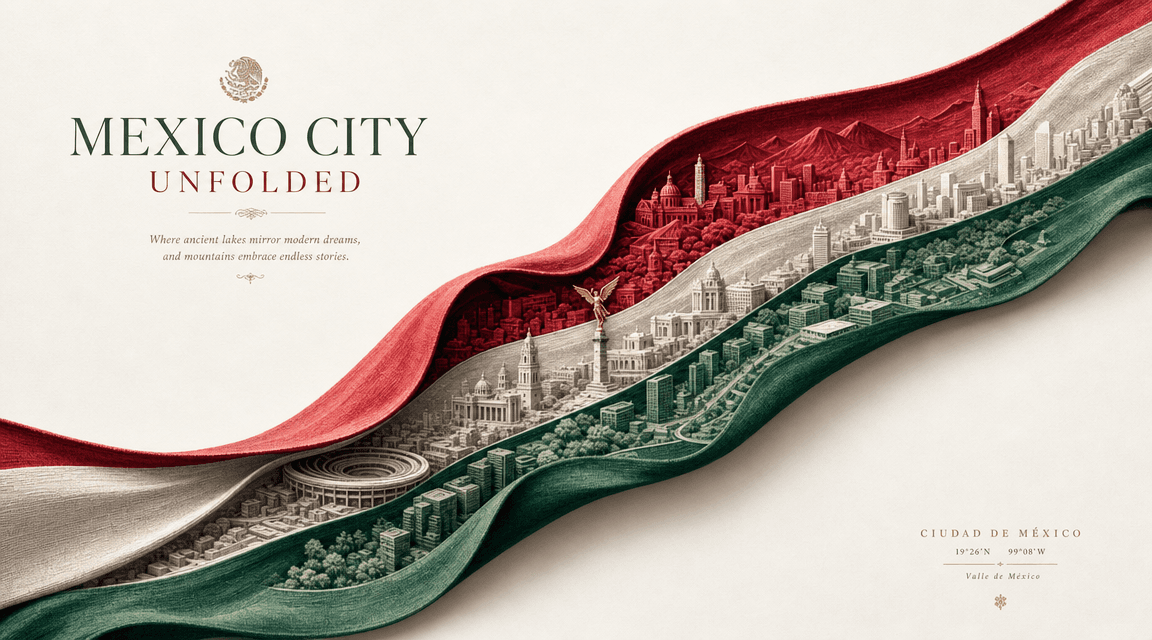
mexico city unfolded paper wave
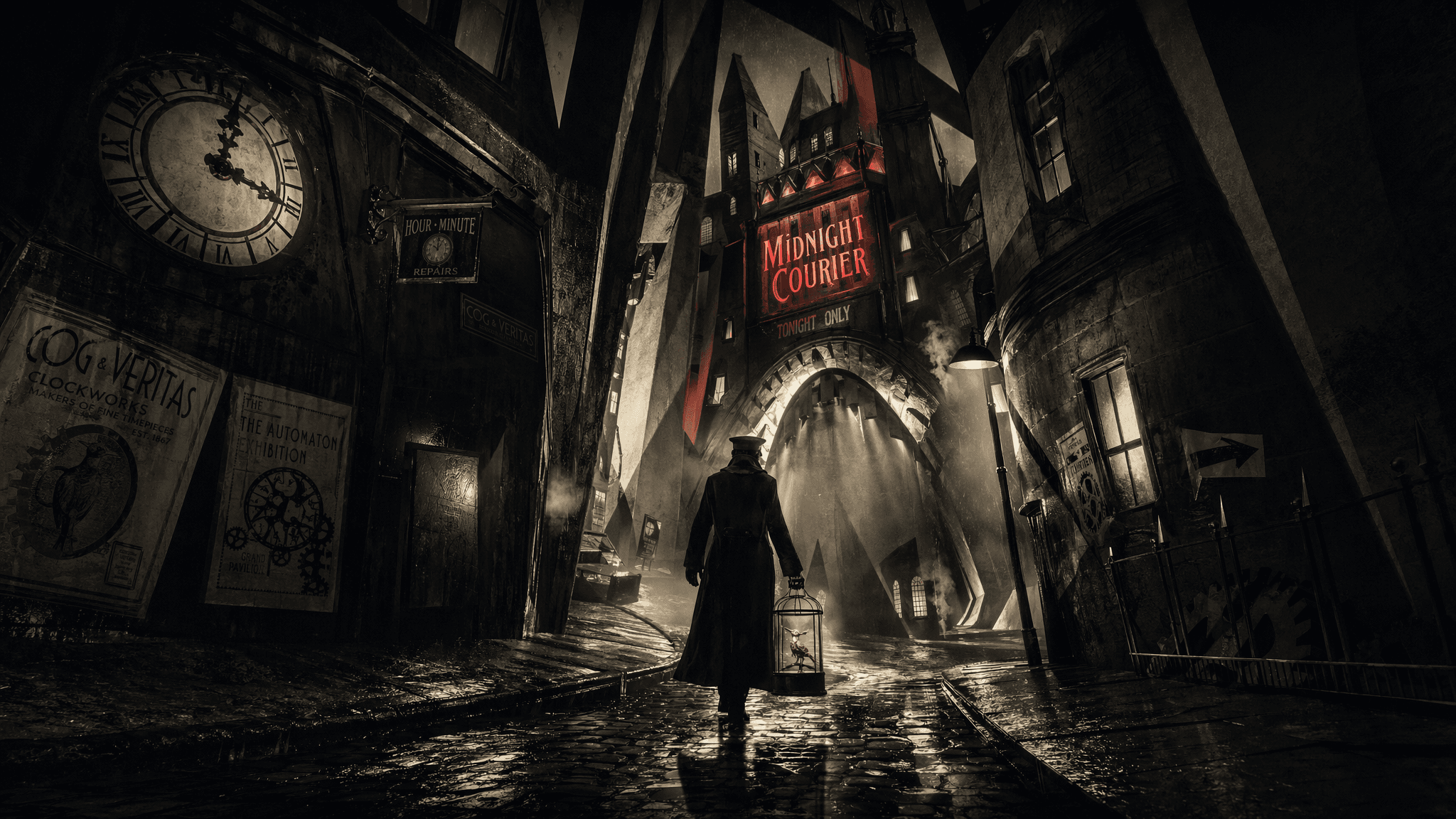
expressionist noir clockwork alley

Image model overview

What is Qwen Image 2.1?

Qwen Image 2.1 is Alibaba's compact image model for text-to-image generation and image editing. It supports native transparent assets, local edits, up to 10 reference images, 1K or 2K output, and stronger fidelity for people, products, and text.

Choose text-to-image for a new visual, image-to-image for a reference-led result, transparent output for reusable assets, or local editing when only one area needs to change.

Turn natural language into polished images
Edit existing images with natural language
Create native transparent assets
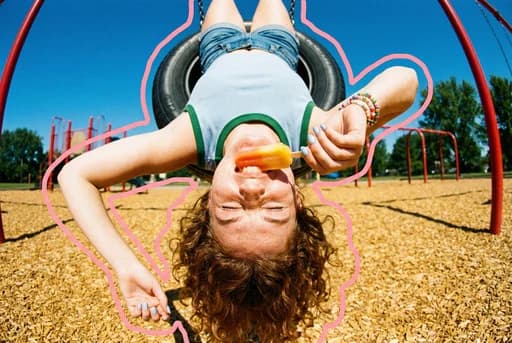
Combine up to 10 reference images

Product Features

Qwen Image 2.1 capabilities

Qwen Image 2.1 is Alibaba's compact image model for text-to-image generation and image editing. It supports native transparent assets, local edits, up to 10 reference images, 1K or 2K output, and stronger fidelity for people, products, and text.

Turn natural language into polished images
01

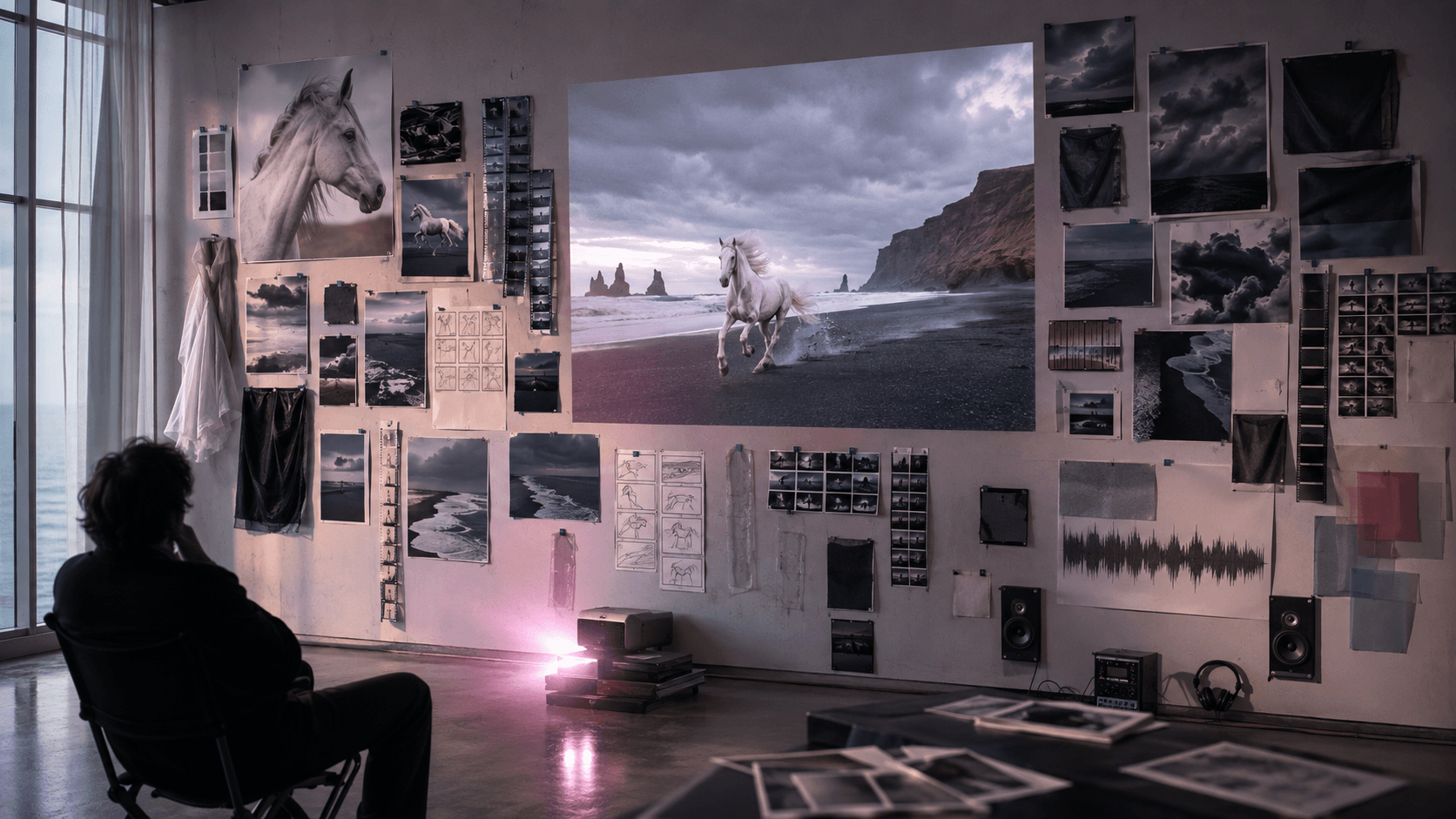
Turn natural language into polished images

Describe portraits, products, illustrations, marketing graphics, posters, or other visual assets in plain language and refine the result through prompt iteration.
Edit existing images with natural language
02

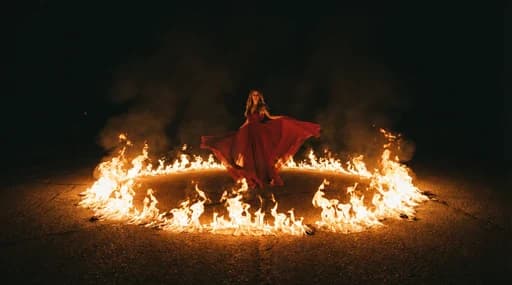
Edit existing images with natural language

Change objects, clothing, expressions, backgrounds, styles, and scene details without rebuilding the whole composition from scratch.
Create native transparent assets
03

Create native transparent assets

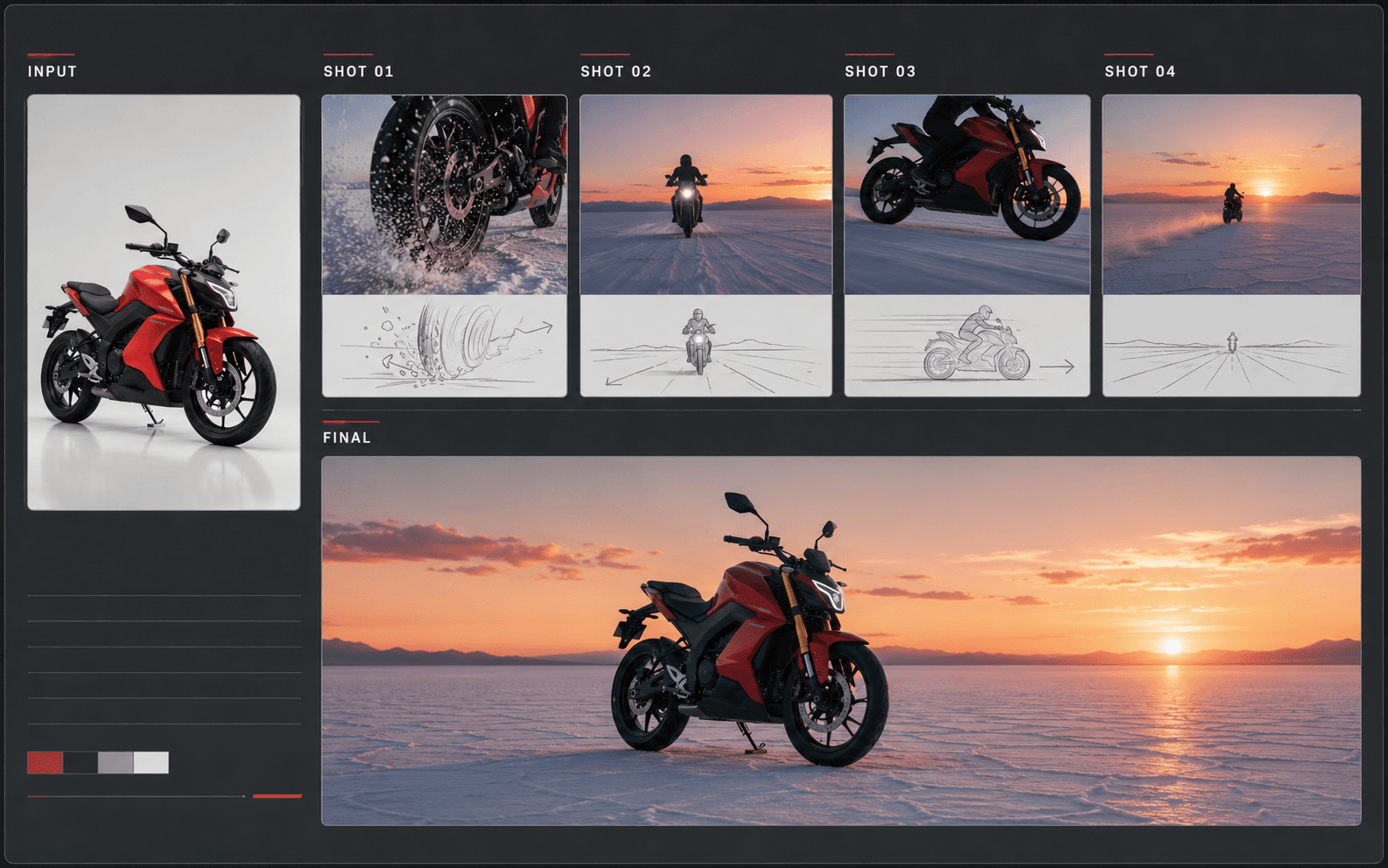
Generate transparent visual assets directly for stickers, product cutouts, design elements, graphics, and reusable creative libraries.

Image creation workflow

How to use Qwen Image 2.1

Choose a mode, organize prompts and references, configure the output, then review typography, layout, identity, and visual detail.
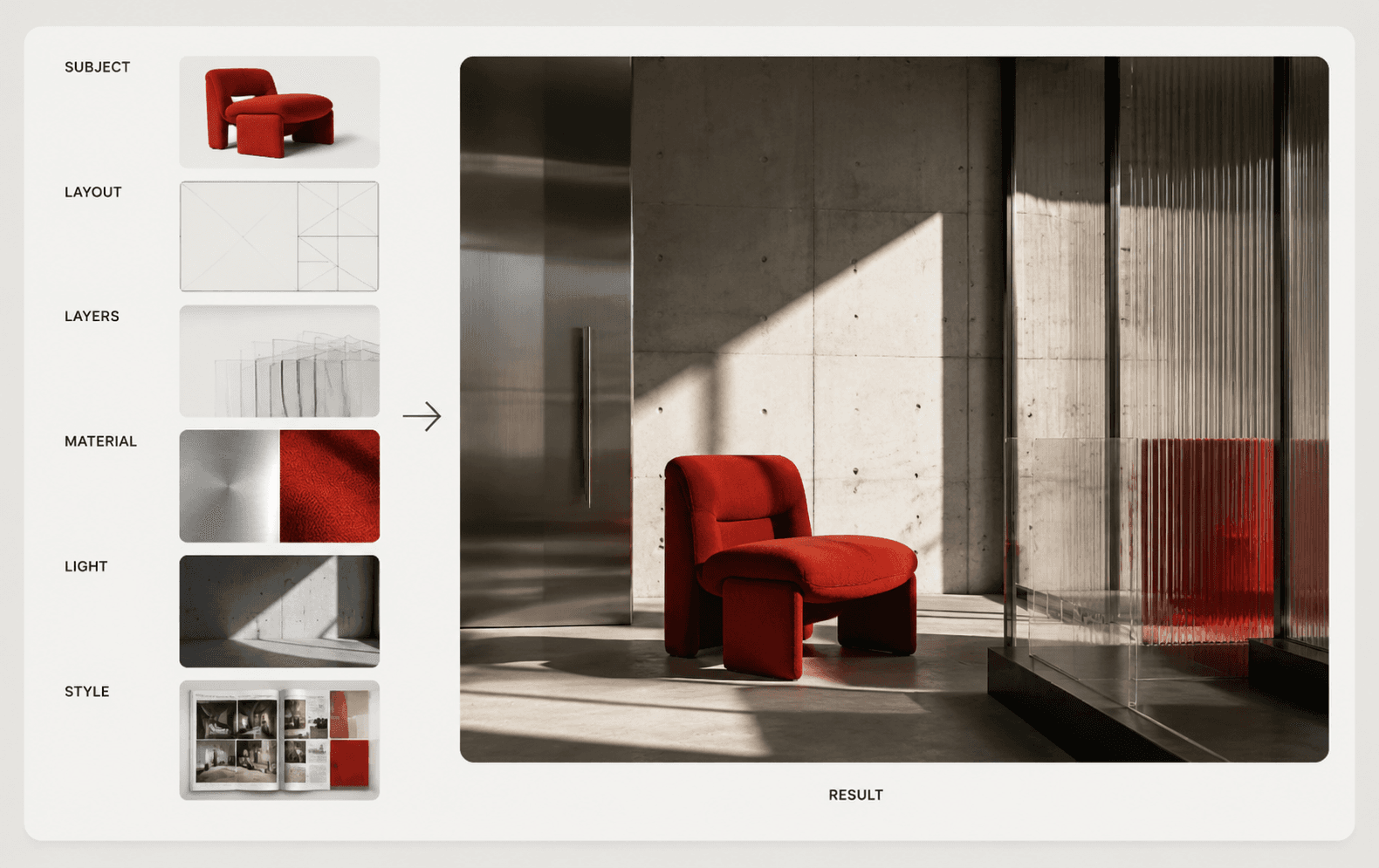
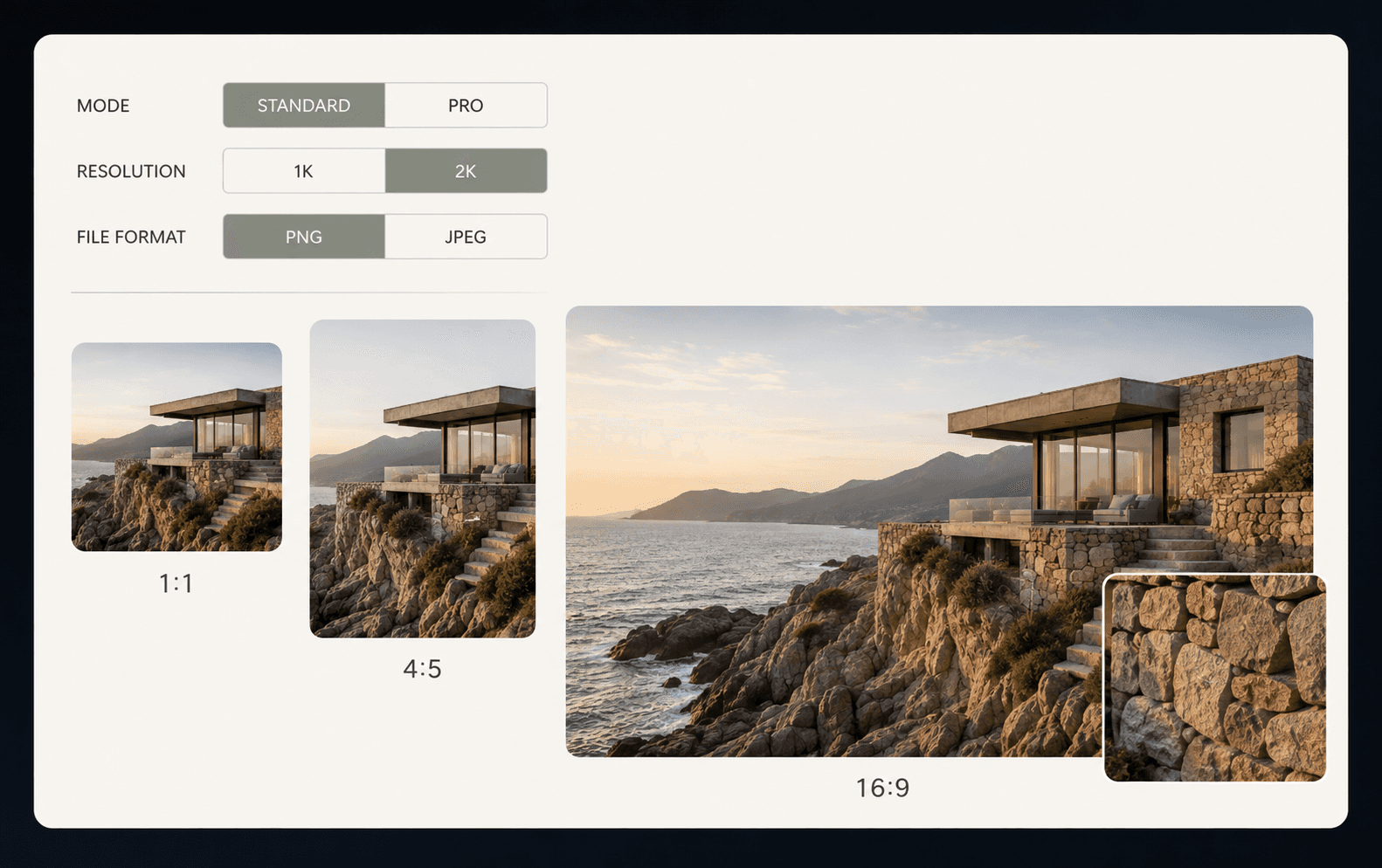
Choose the image workflowWrite a structured promptSet output and edit controlsReview identity, text, and edges
Choose the image workflow
01 / 04
Advantages

Why use Qwen Image 2.1 for image creation?

The unified generation and editing workflow makes Qwen Image 2.1 useful for both everyday visual creation and production-oriented image tools.
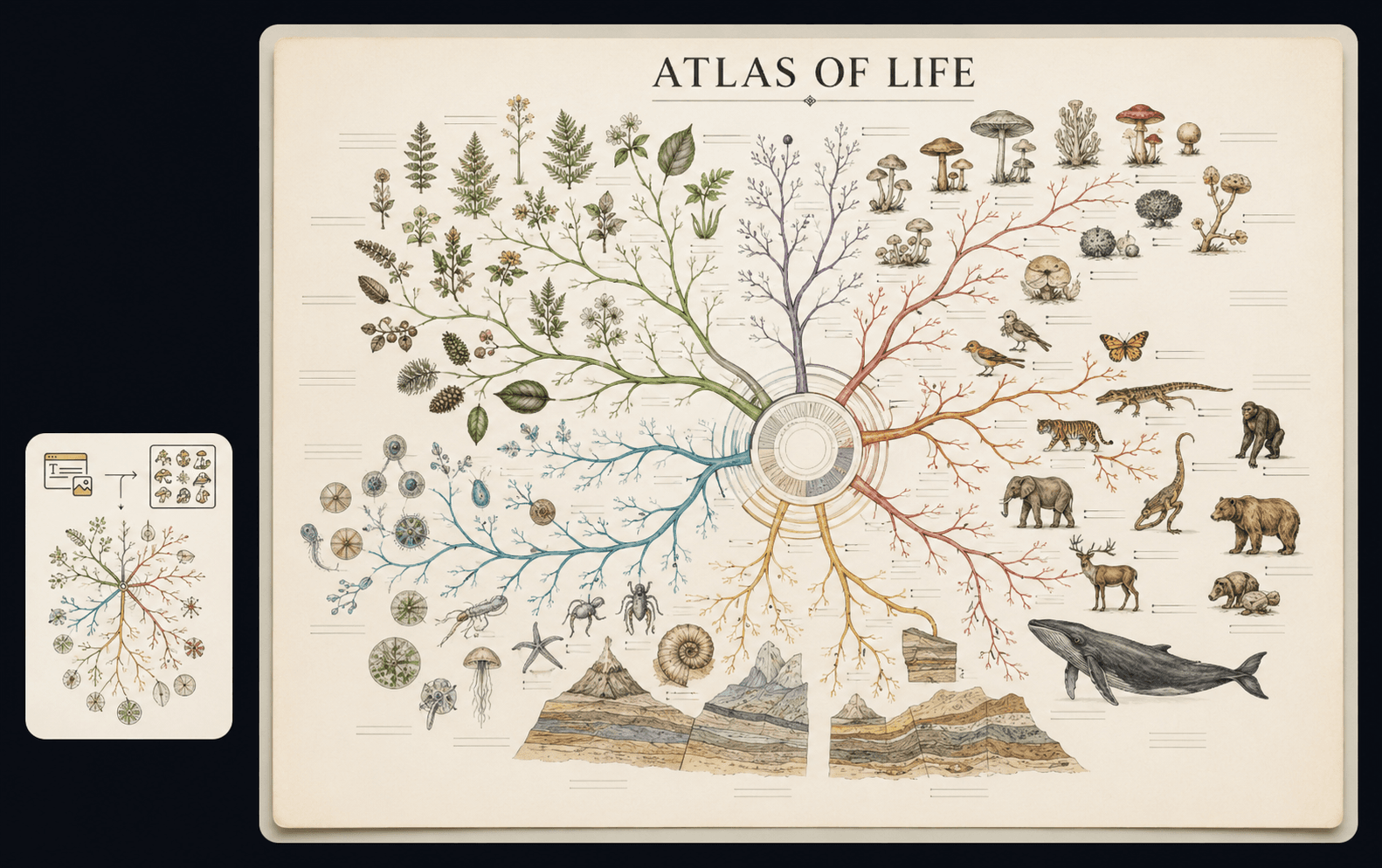
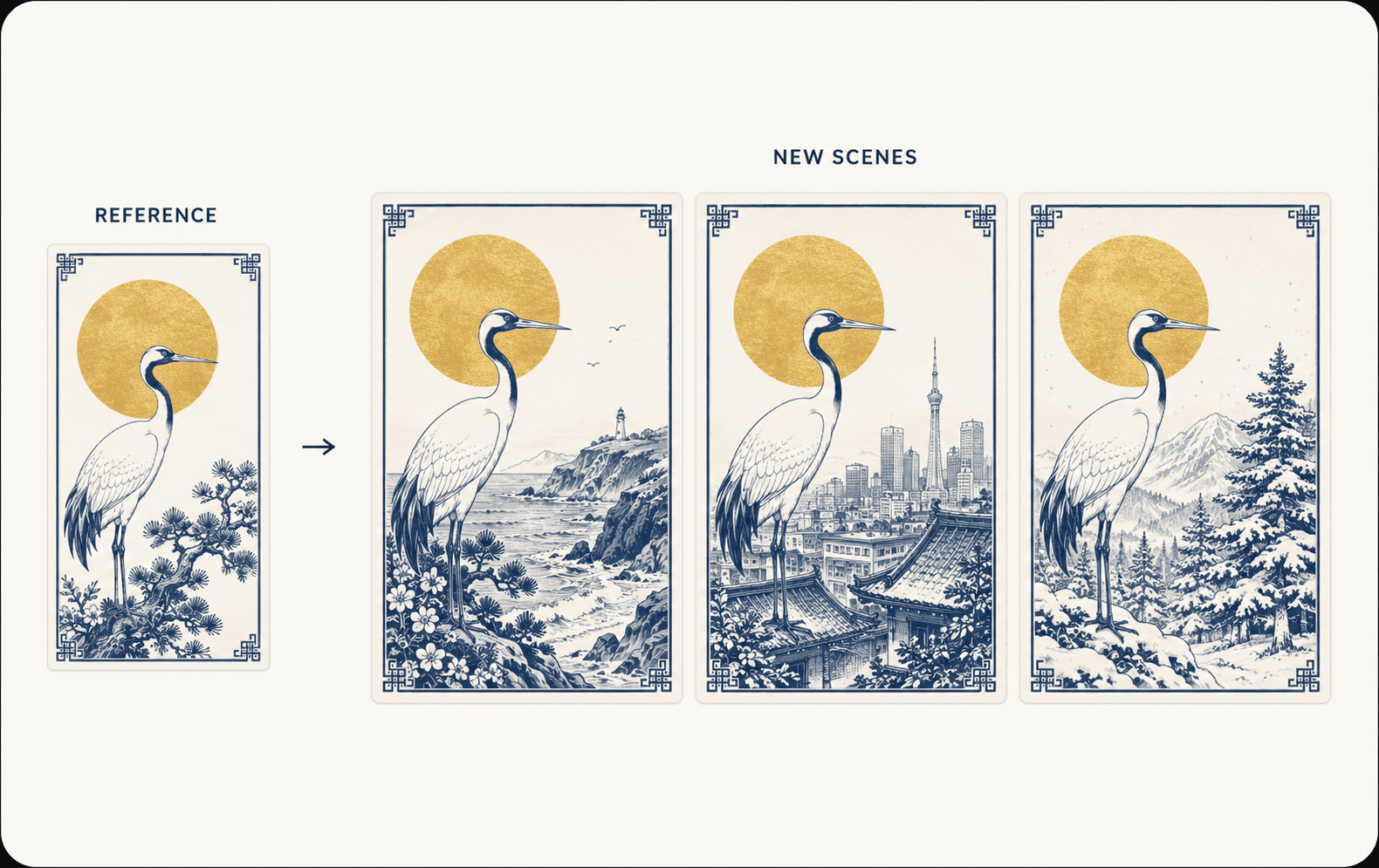
Build image generator appsCreate product and ecommerce visualsProduce reusable transparent assets
Build image generator apps
1 / 3

A compact and efficient image model

Open image workspace

Qwen Image 2.1 uses a compact 7B architecture with 32 single-stream DiT layers, mixed-granularity attention, and KV-cache reuse to improve inference efficiency and reduce memory use.
Compact 7B architecture

Compact 7B architecture

A smaller model footprint makes the workflow practical for cost-conscious image applications and high-volume creative tools.

Try now
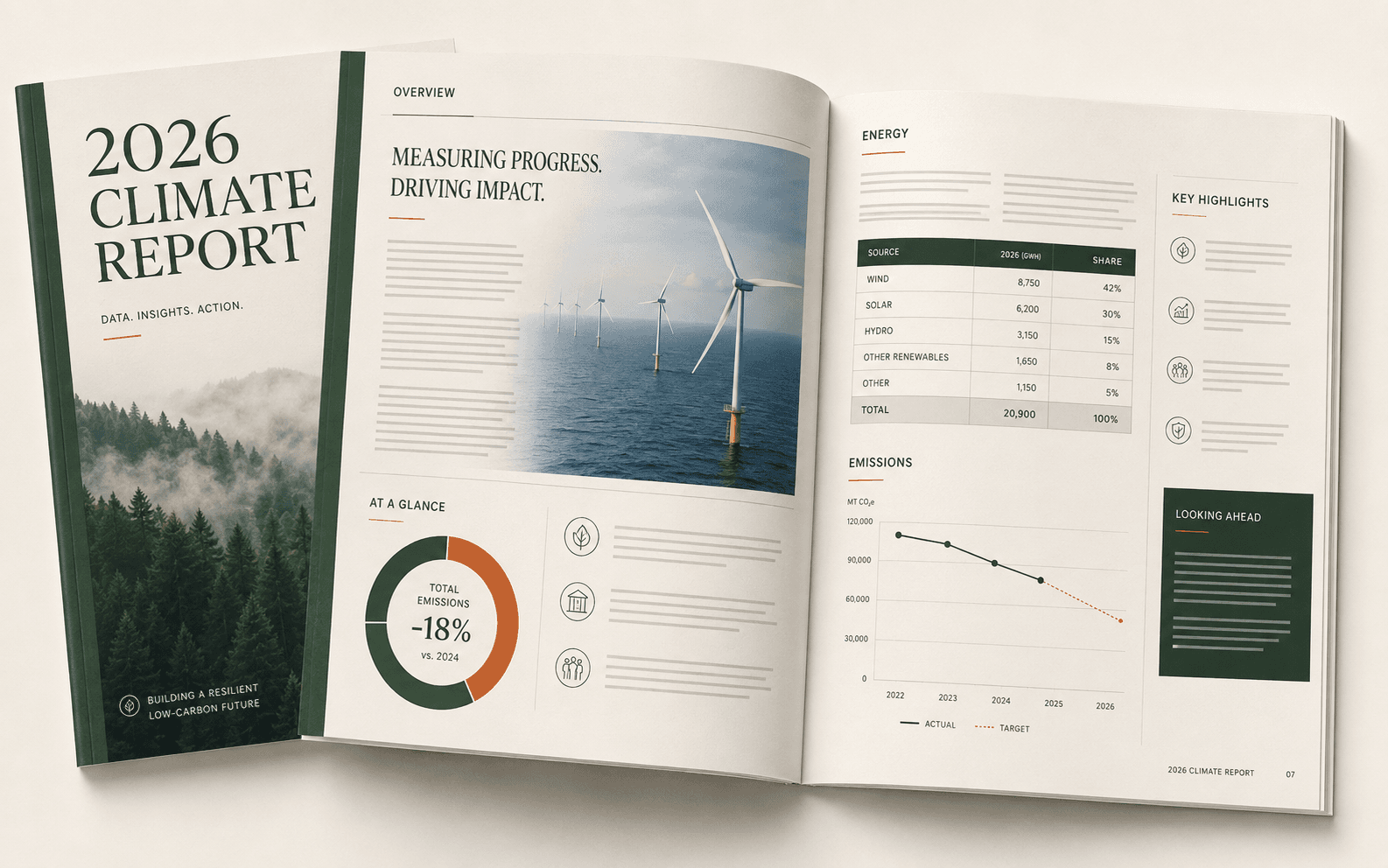
Generation and editing in one model

Generation and editing in one model

Keep creation, reference-led changes, transparent output, and local edits within one consistent image workflow.

Try now
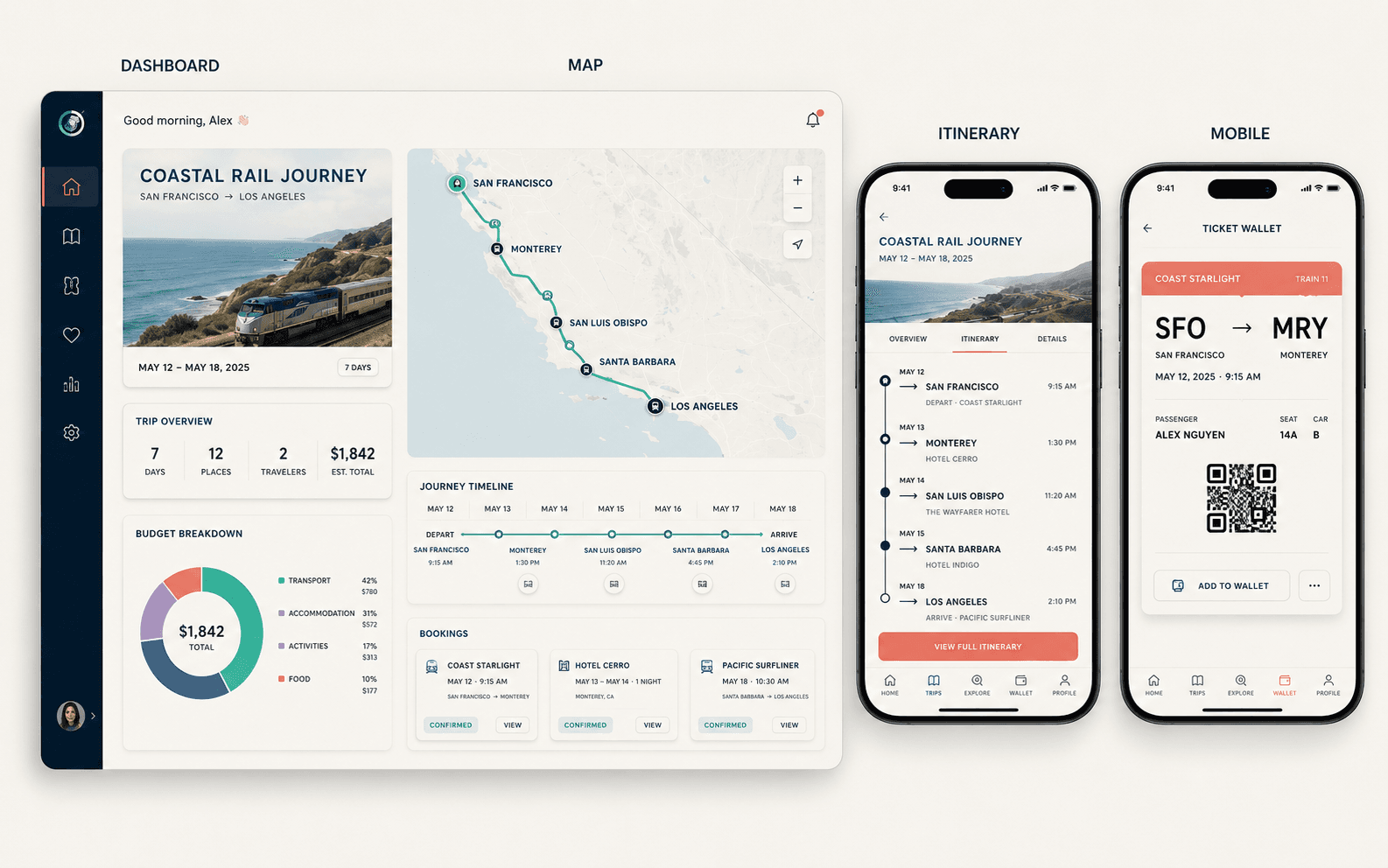
Designed for detail

Designed for detail

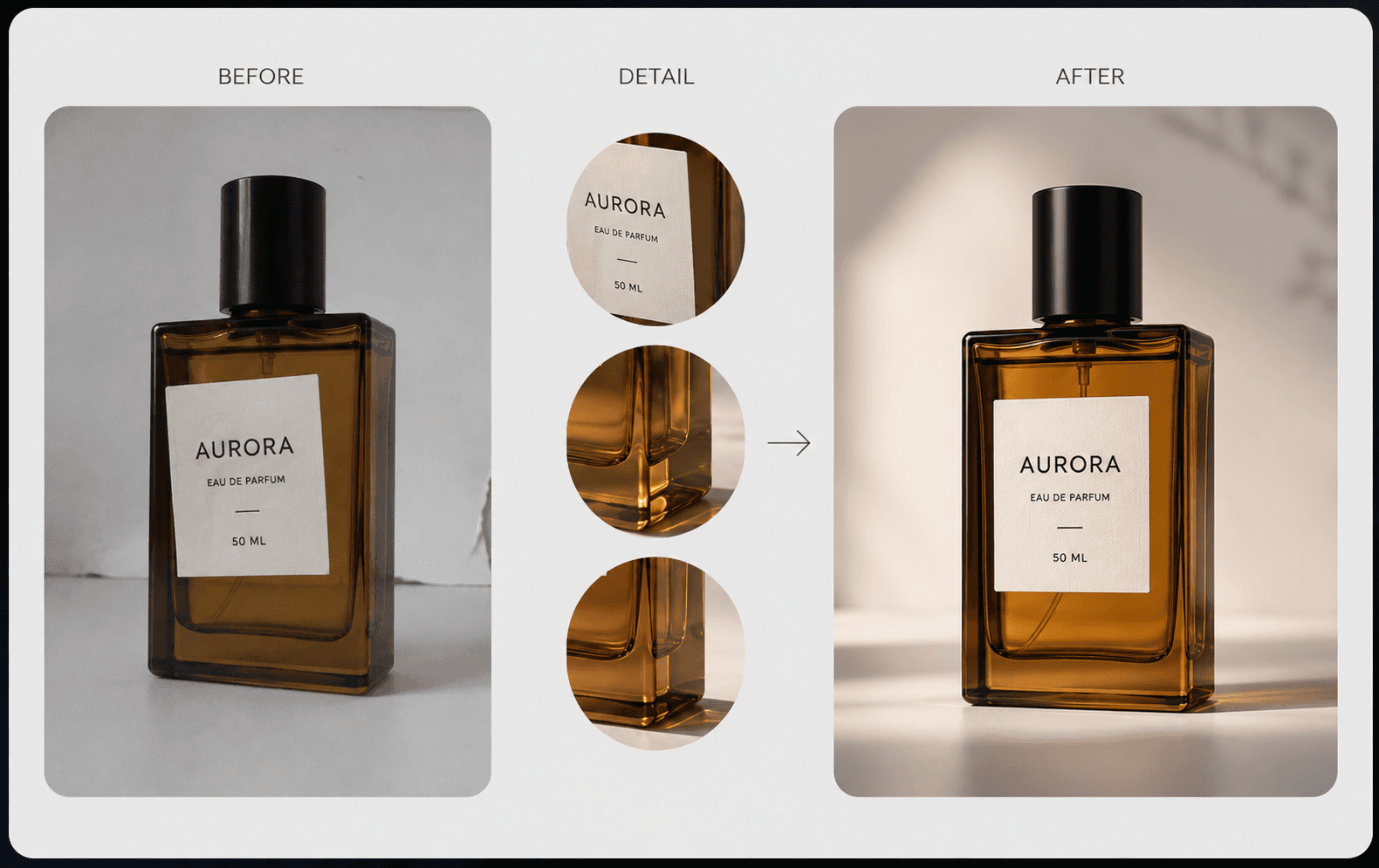
Use the model for people, products, materials, typography, and other visuals where fidelity matters.

Try now
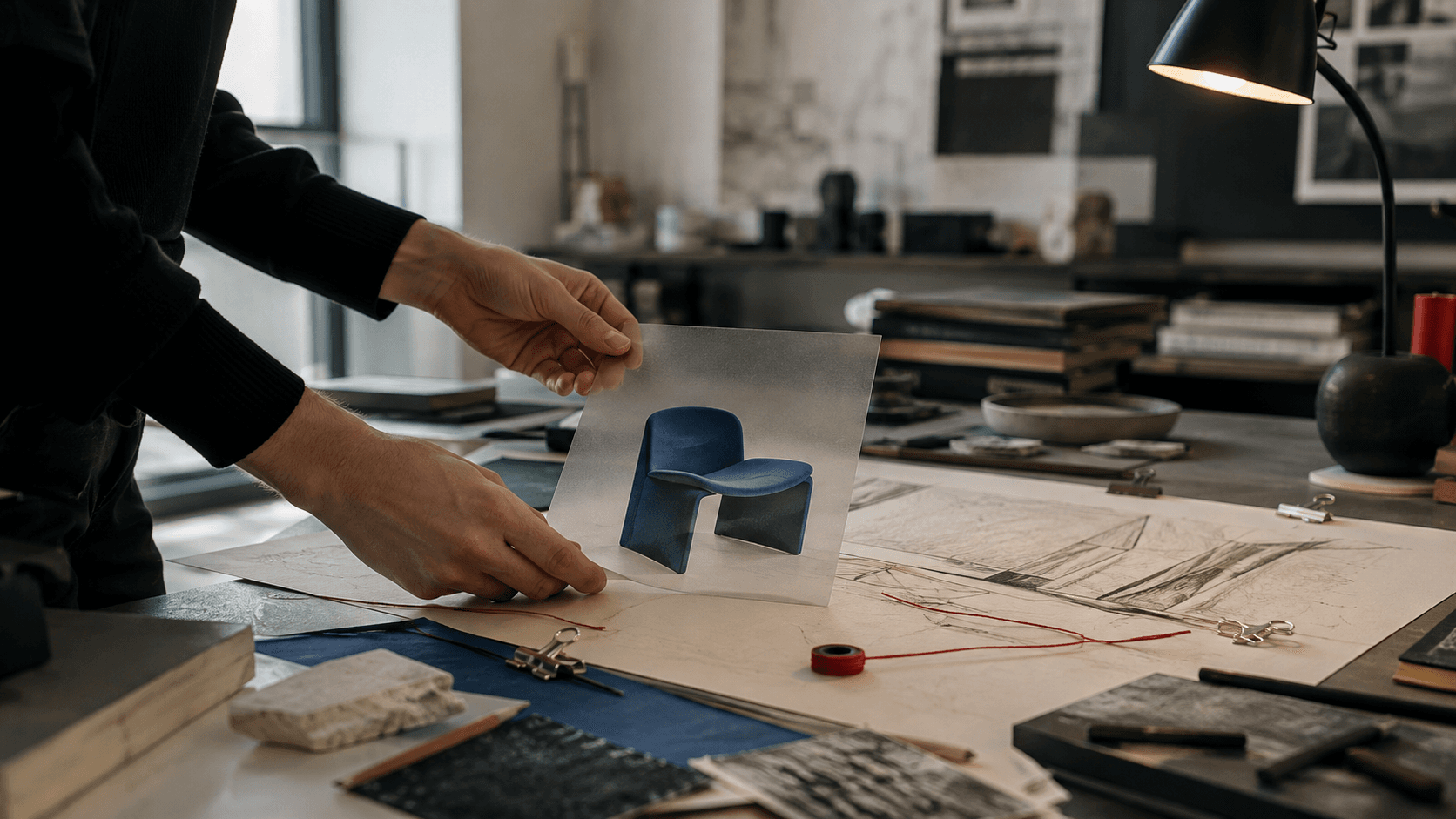
Start a new image project

Create your next visual with Qwen Image 2.1

Return to the image workspace, refine the prompt and references, choose the output settings, and start generating.

Qwen Image 2.1 FAQ

What is Qwen Image 2.1?
Qwen Image 2.1 is Alibaba's compact image-generation and editing model for text-to-image creation, reference-led editing, transparent assets, local edits, and detailed people, product, and text visuals.
How can I use the Qwen-Image-2.1 image workspace?
Open the image workspace, choose text-to-image or image-to-image, add your prompt and any supported references, set the output options, then run the task and review the result.
Can I try Qwen Image 2.1 online for free?
Availability depends on the current workspace plan and account status. Check the workspace before generating to confirm the current access and credit terms.
Does the Qwen-Image-2.1 API support image editing?
Yes. Use natural-language instructions to change objects, clothing, expressions, backgrounds, styles, or selected regions while keeping the rest of the image stable.
Can Qwen Image 2.1 generate transparent images?
Yes. It supports native transparent output for reusable stickers, product assets, graphics, and design elements. Describe the subject clearly and request a transparent background.
How many reference images does Qwen-Image-2.1 support?
The model supports multi-reference workflows with up to 10 images, subject to the input limits of the selected workspace.
Can Qwen Image 2.1 API preserve faces and products during editing?
It is designed to improve fidelity for people and products. Use clear reference images and precise instructions, then review identity, shape, texture, and text in the result.
What can I build with the Qwen Image 2.1 API?
Common applications include image generators, editing SaaS, ecommerce product tools, virtual try-on, transparent asset creation, posters, infographics, and automated creative workflows.
Why use a dedicated Qwen Image 2.1 workspace?
A dedicated workspace keeps prompts, reference inputs, output controls, task results, and editing iterations together, so you can move from an idea to a checked image without changing tools.