What is Qwen Image 2.1 Pro?+
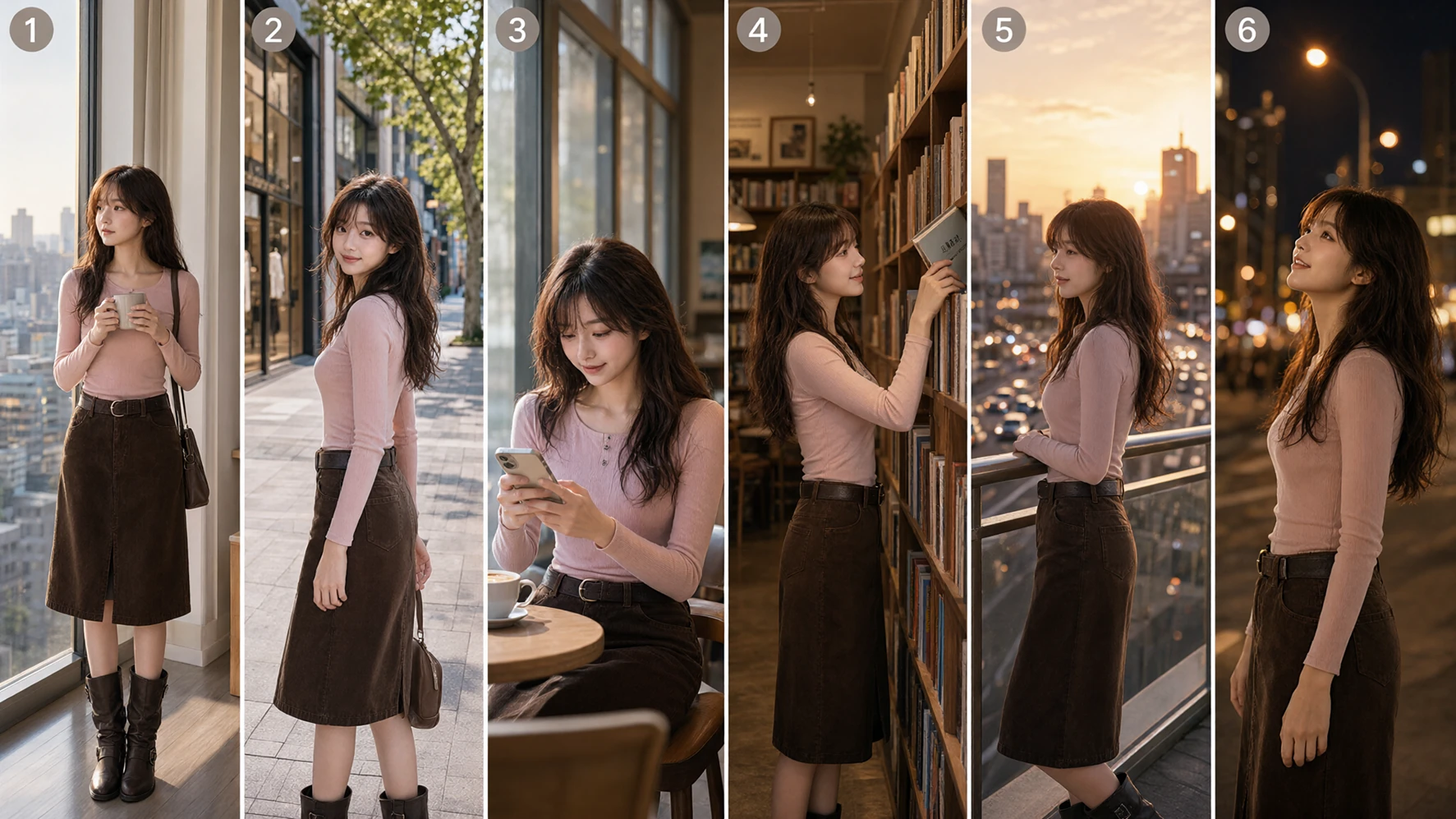
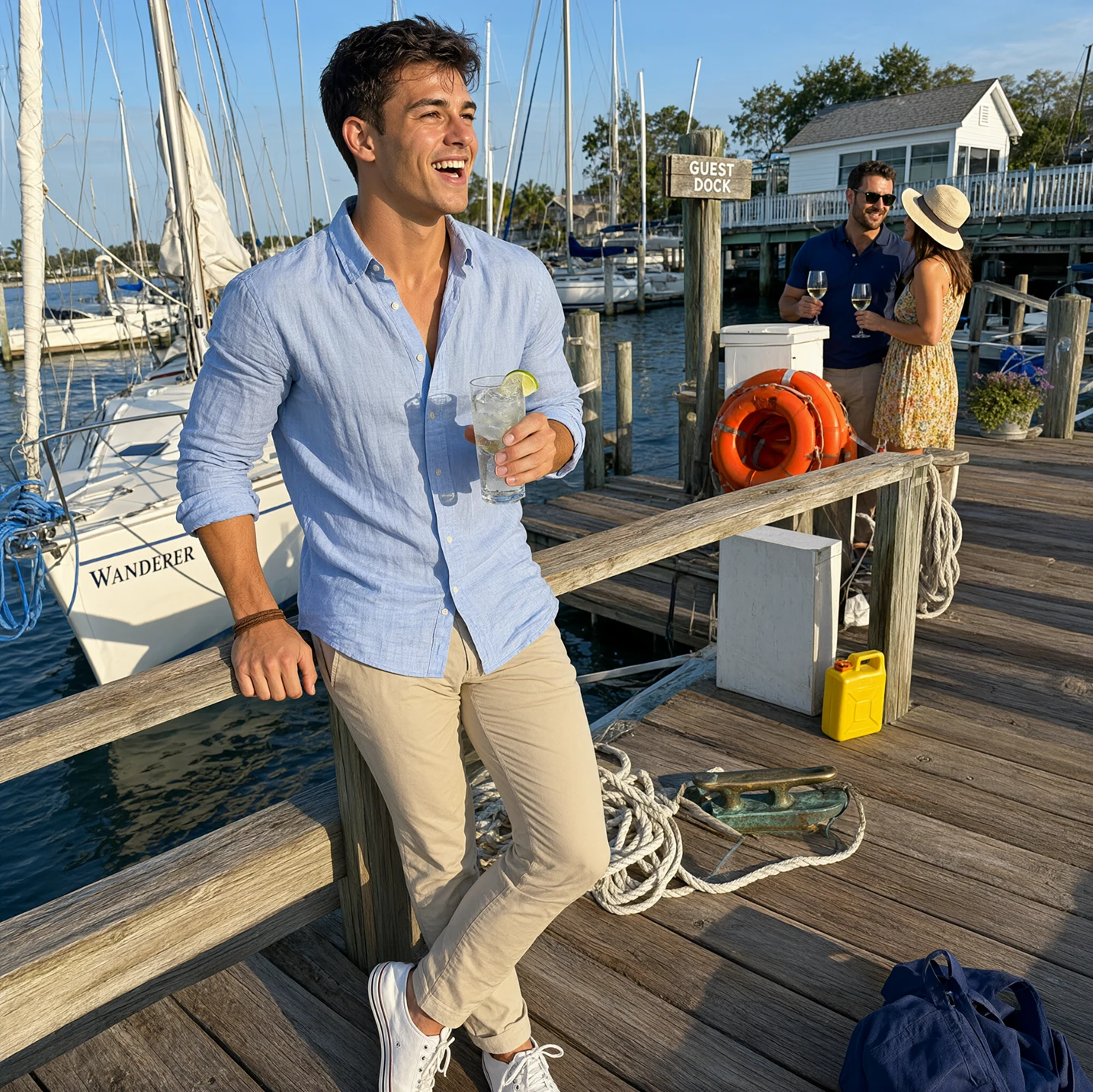
Qwen Image 2.1 Pro is an image creation product in the Wan workspace. It supports text-to-image, reference-based editing, up to 10 reference images and 1K, 2K or 4K output for product scenes, portraits, posters and character artwork. Saved images can be reused for further editing.
Should I use text-to-image or image editing?+
Start from text when you are inventing a scene, illustration or poster without source material. Use editing when an existing person, product or layout should stay recognizable. Describe the new result and the preservation requirements together, such as changing a background while keeping the package, label and colors.
How many reference images can I upload?+
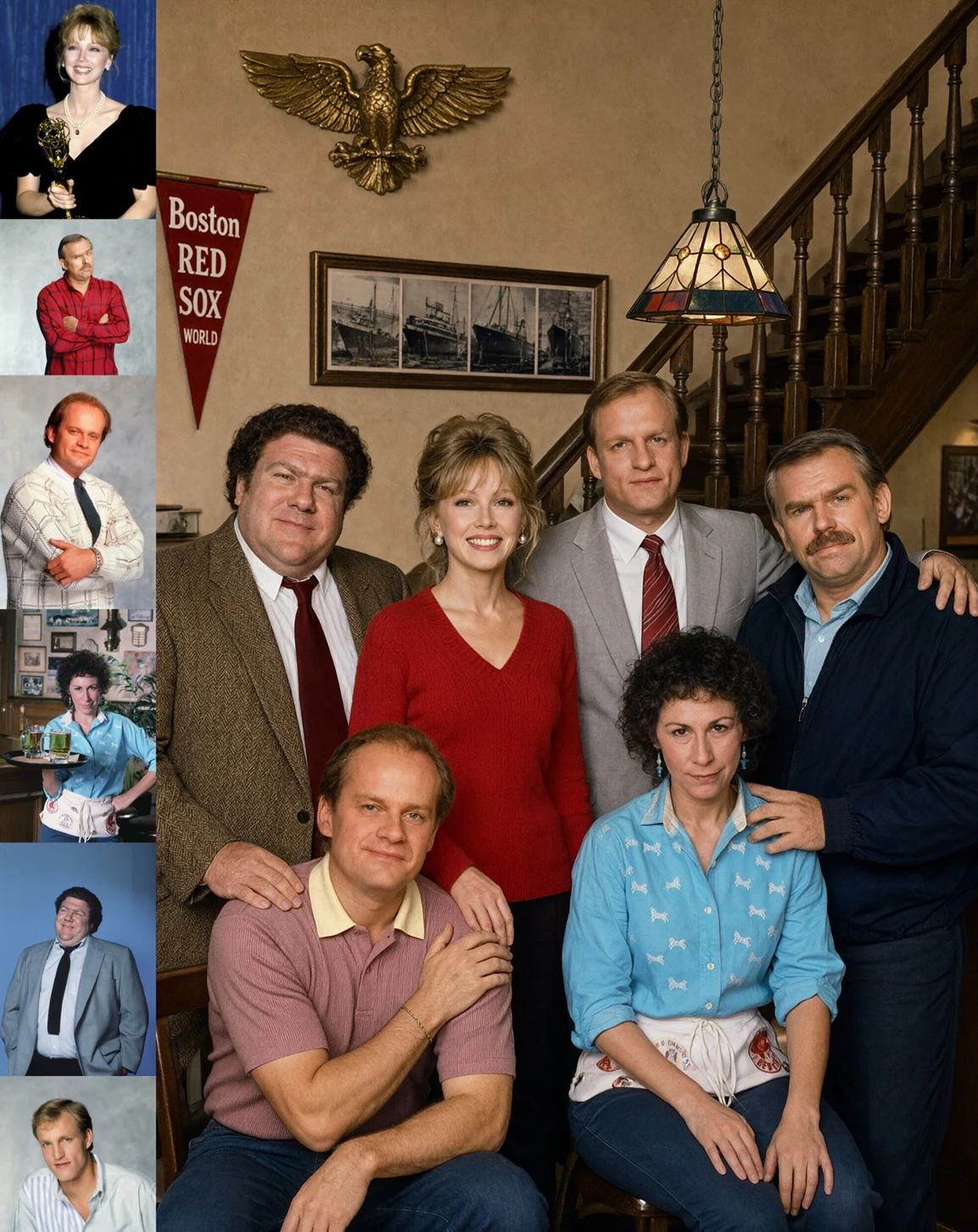
Image editing accepts up to 10 JPG, PNG or WebP references, each up to 30 MB. Explain the role of each image in upload order, such as the person, outfit, product or background.
Can I change only one part of an image?+
Describe the target object, its location and the intended change, together with the areas to preserve. A circled or marked reference can help explain a small region. Inspect both the edit and its surroundings afterwards: a local instruction does not promise pixel-for-pixel preservation everywhere else.
Which aspect ratios are available?+
Choose auto or 1:1, 2:3, 3:2, 1:4, 4:1, 3:4, 4:3, 4:5, 5:4, 1:8, 8:1, 9:16, 16:9 or 21:9. Try 1:1 for products, 2:3 or 9:16 for portrait posters, and 16:9 or 21:9 for landscape promotional art.
Does it support 4K output?+
Yes. Choose 1K, 2K or 4K. Start with 1K to check composition, then use 2K or 4K for a more detailed version. The aspect ratio affects the final width and height; view and download the completed image from the results.
Can it create Chinese or English poster text?+
Chinese and English prompts are supported, and text-led design is a suitable creative task. Supply the exact wording, hierarchy and position instead of requesting a vague slogan. Review spelling, numbers, punctuation and spacing. For long copy that must be exact, complete the final typography in a design tool after choosing the visual direction.
Can it preserve faces, products and logos?+
Clear references and explicit preservation instructions help guide recognizable features, but fidelity varies by task. Describe the face, hairstyle, package, label or logo to retain and compare the output with the source. Commercial assets need particular attention; complete reproduction of every detail is not guaranteed.
How do I refine an image over several rounds?+
Save the latest approved image and use it as the next reference. Change one group of details per round, such as the background, then lighting, then a local object. Keep the original and earlier outputs so you can notice identity, layout or text drift and return to a better version if necessary.
How do I save and edit an image again?+
Download completed images from the workspace. PNG is the default output for further layout and editing. Save the version you like, upload it as a reference and describe the background, lighting or detail you want to change.