Wan 2.7 Image FAQ
Answers to the questions people ask most before they create: editing, references, resolution, on-image text, prompts and credits. Short answers first, details after.
What is Wan 2.7 Image?+
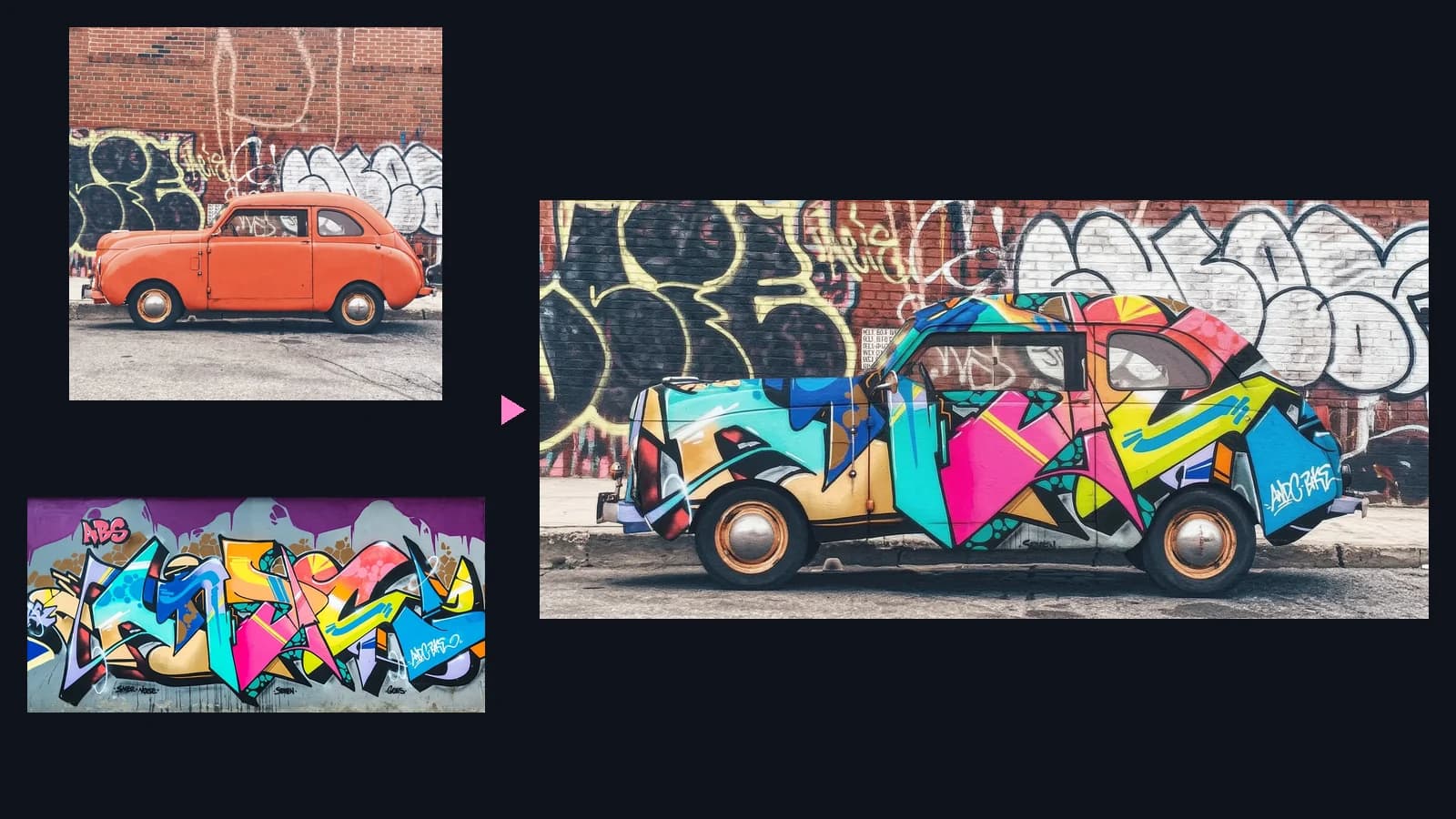
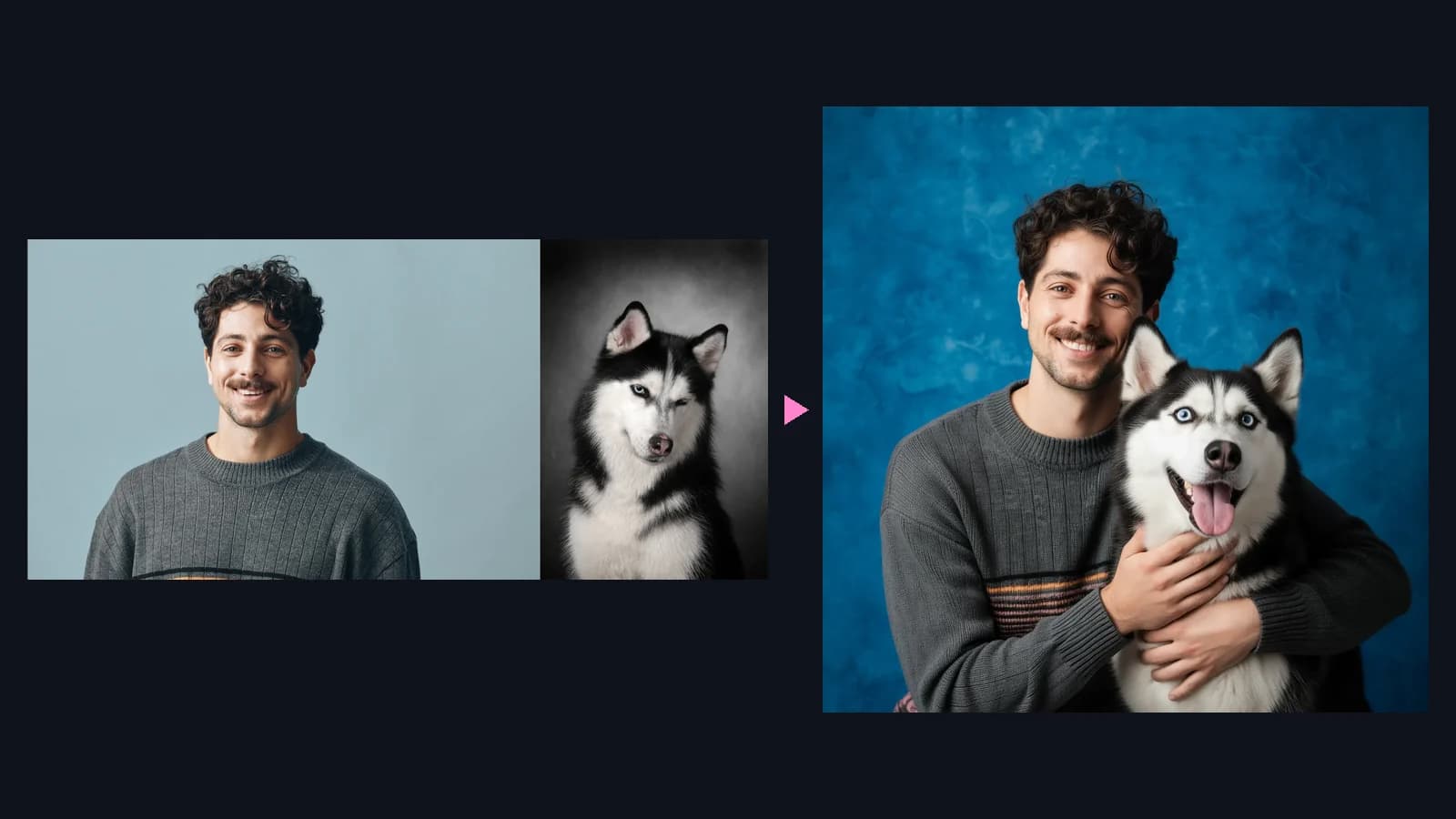
Wan 2.7 Image is Alibaba's unified AI model for image generation and editing. It creates pictures from text, edits uploaded images with plain instructions and combines up to 9 references in one result.
Is Wan 2.7 Image free to try?+
Yes. New accounts get free credits, and a Standard image costs only 3 credits, so you can test several prompts and edits before you choose a plan.
What is the difference between Standard and Pro?+
Pro gives finer detail and adds 4K for text-to-image, while Standard is faster and costs fewer credits. Both edit images, accept up to 9 references and render text in 12 languages, so most people draft on Standard and finish on Pro.
Can Wan 2.7 Image edit my photos?+
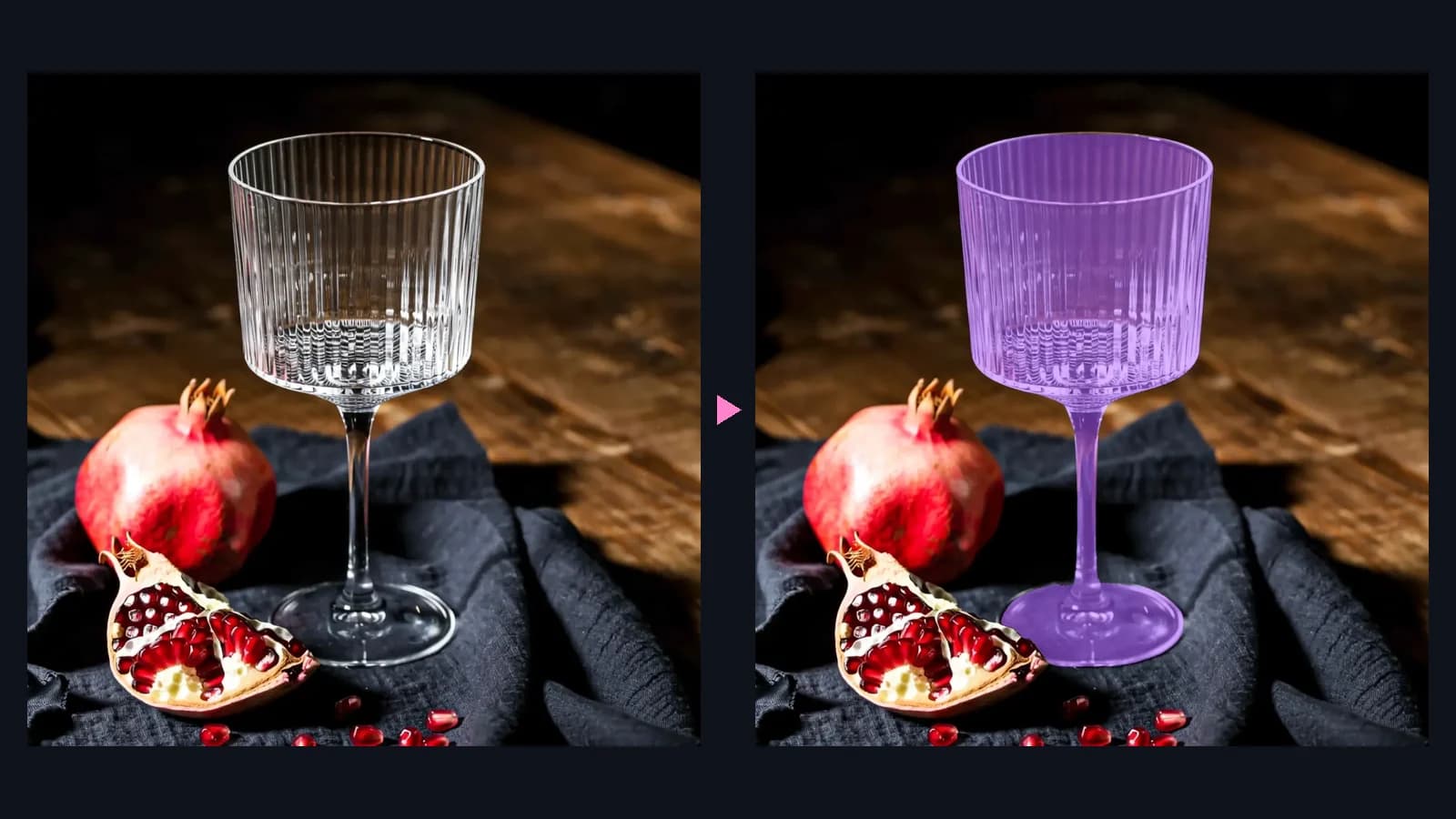
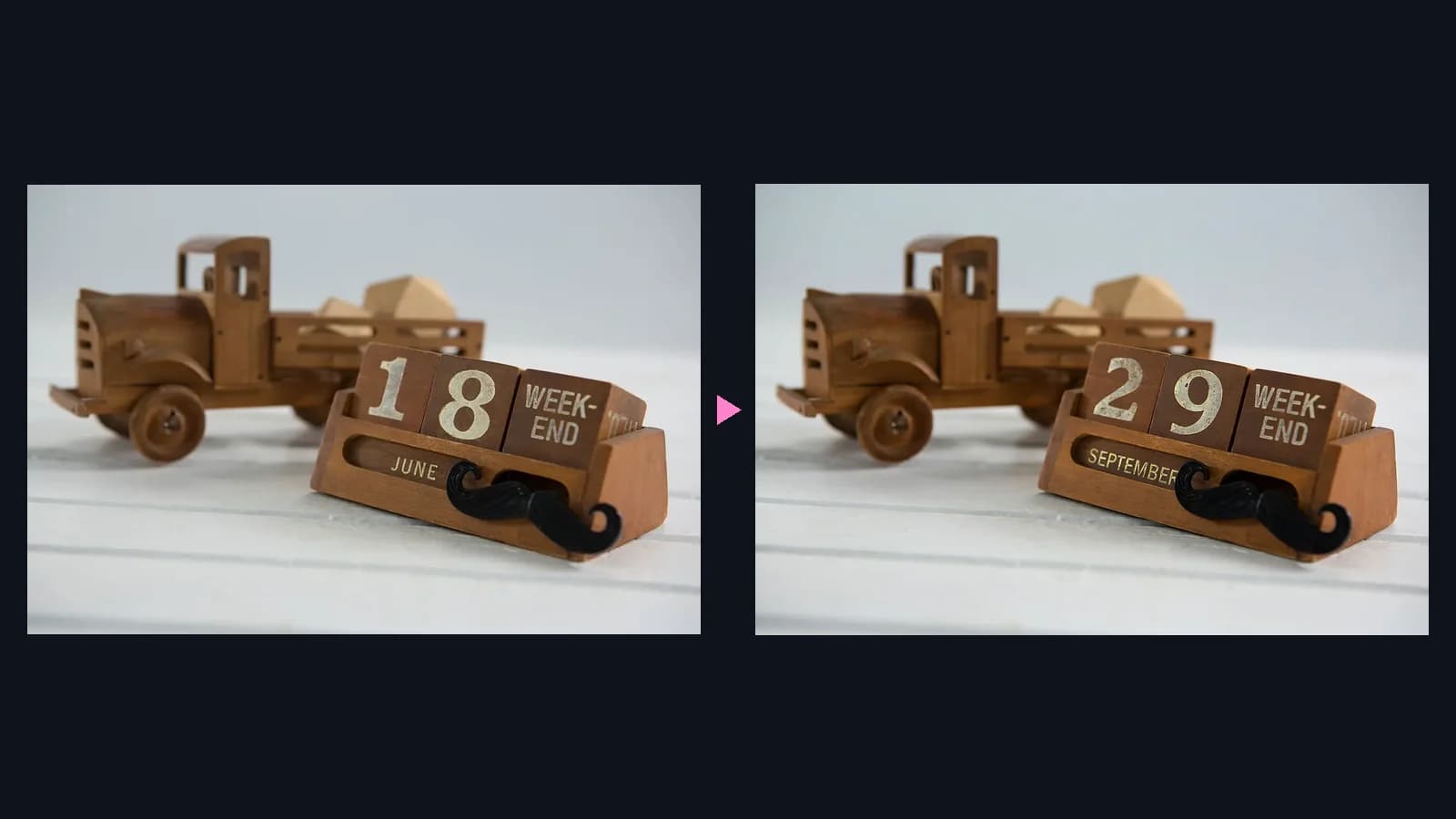
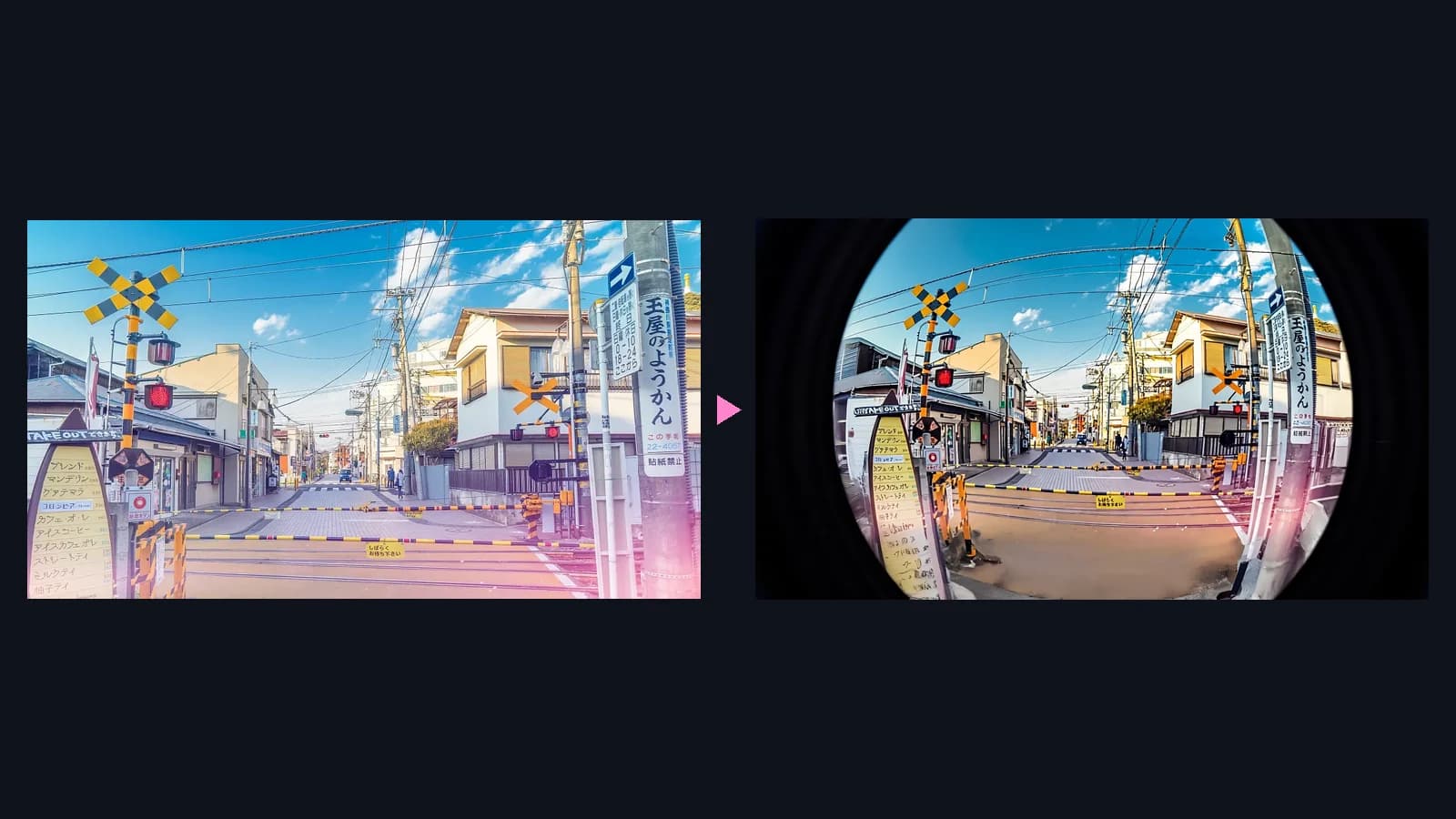
Yes. Upload a photo and describe the change, such as a new background, a different color or a replaced word. The model changes that part and keeps the rest of the picture intact, including faces, light and texture.
How many reference images can I upload?+
You can upload up to 9 images per edit. Use JPG, PNG or WebP files up to 10 MB each, with at least 240 px on every side. If a file breaks a rule, the workspace tells you exactly which one and why.
What resolutions and aspect ratios are available?+
Standard outputs 1K or 2K, and Pro adds 4K for text-to-image. New images can use 1:1, 16:9, 4:3, 21:9, 3:4, 9:16, 8:1 or 1:8, which covers feeds, stories, banners and wide hero images. Edited images follow the uploaded picture.
Can it write text inside images?+
Yes. It renders long, readable text in 12 languages, including Chinese and English, which suits posters, menus, charts and infographics. Put the exact words in quotes and keep each text block short for the best result.
Can I write prompts in Chinese?+
Yes. Prompts can be in Chinese or English and can run up to 5,000 characters, so you can describe complex scenes, layouts and long on-image text in full detail.
How many credits does Wan 2.7 Image cost?+
Each Standard image costs 3 credits at 1K or 2K. Each Pro image costs 8 credits at 1K, 2K or 4K. Every run returns one image, and the workspace shows the exact cost before you generate.
How do I get realistic faces?+
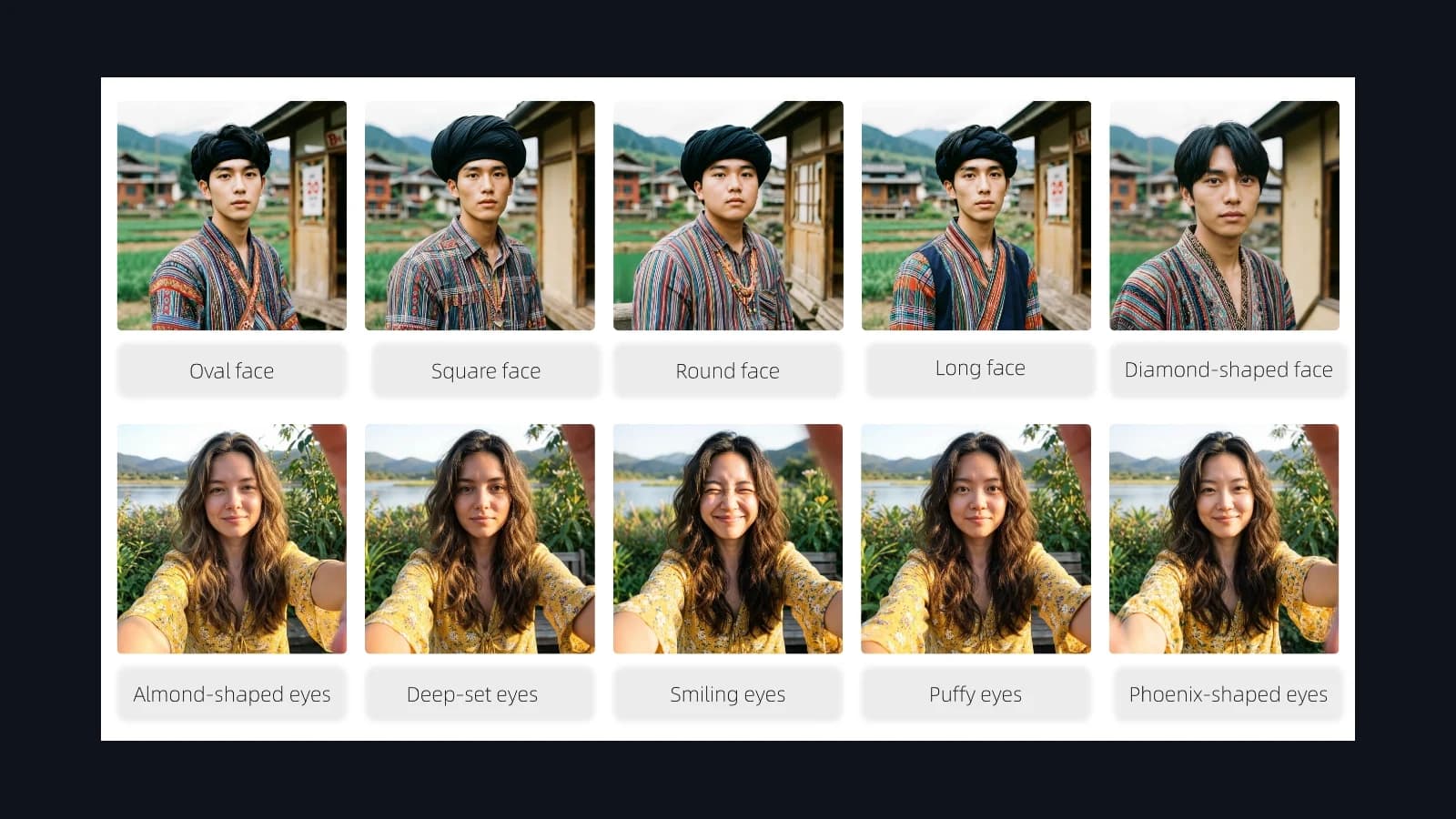
Describe the face in concrete terms: bone structure, eye shape, contour, makeup, hairstyle and accessories. The more specific the description, the more distinct and natural the portrait looks. Add lighting and lens details for a photographic feel.
What is Wan 2.7 Image best for?+
It is best for ad creatives, product photos, social posts, posters with text, portraits and avatars, and quick fixes to existing designs. Because creating and editing live in one tool, a small team can produce a full campaign without a long design cycle.