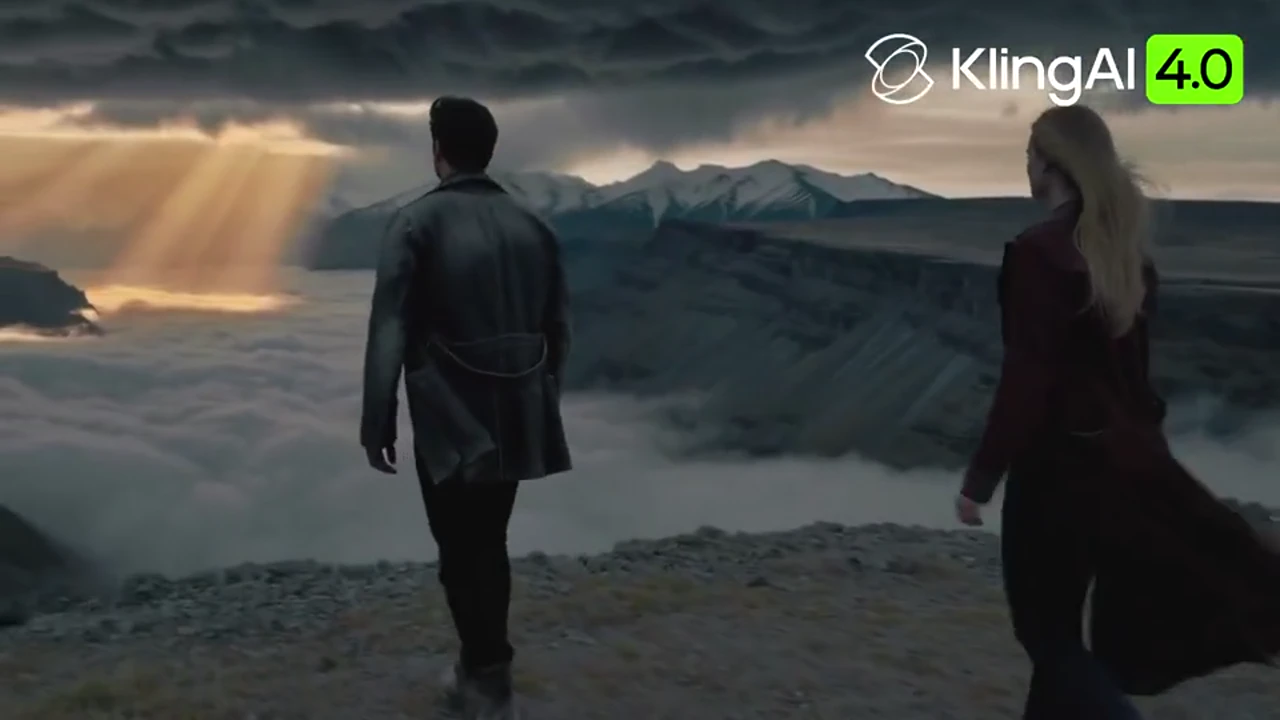
Kling 4.0 AI Video Generator

Kling 4.0 is Kuaishou's AI video model for realistic motion and sound that stays locked to the picture. One generation runs from 3 to 30 seconds at 720p, 1080p, or 4K, with 10-bit HDR on the 1080p and 4K picture, up to 15 references or 10 keyframes, two-channel stereo, and lip sync. Kling 4.0 is available on Wan 3.0 now.

Why choose Kling 4.0 for AI video generation?

Kling 4.0 holds a shot for up to 30 seconds, with a 4K picture, stereo sound, and direct control over people, products, and camera moves.

01

Native 30-second storytelling

A single generation can run from 3 to 30 seconds, so a walk, a product turn, or a short scene can finish without a cut. High-speed movement, tracking shots, orbits, and more complex camera moves stay stable. When the idea is detailed, the prompt can use up to 8,000 tokens.

02

Up to 10 keyframes for precise direction

Set up to 10 keyframes for a character's state, a scene change, or a story beat. Kling 4.0 moves from one frame to the next instead of inventing the middle. Keyframes are a separate generation from references.

03

Up to 15 multimodal references

A reference generation takes up to 15 items across images, videos, voice references, and subjects. As many as 10 of those items can be images, so a character, a product, an action, a camera move, composition, style, or pacing can stay put. Run references on their own, apart from keyframes.

04

High-resolution output

Export at 720p, 1080p, or 4K, and use 10-bit HDR on the 1080p and 4K picture. Frames include 21:9, 16:9, 1:1, 9:16, and Auto, from a wide cinematic bar to a square post or a vertical clip. Light, texture, and expression stay readable at each of those sizes.

05

Stereo audio and accurate lip sync

The clip can include two-channel stereo, generated with the picture. Lip sync keeps speech lined up with the performance. Write the dialogue you want, or ask for no subtitles and no music.

06

Edit, extend, and localize your story

Add up to 5 clips, each from 2 to 30 seconds, with 30 seconds combined. Extending the story means joining those clips inside that limit, not stretching one file past 30 seconds. The same scene can change language, accent, or dialect, and text, emoji, and logos read more clearly.

How to create a video with Kling 4.0

Turn an idea into a finished Kling 4.0 video in three practical steps.

  1. 01

    Add your prompt and references

    Write a prompt of up to 8,000 tokens, and add references when a person, product, action, or voice has to stay. One reference generation holds up to 15 items, including up to 10 images, plus video and voice references. Keep that pass separate from keyframes.

  2. 02

    Direct the story with keyframes

    Place up to 10 keyframes where the character, the scene, or the beat has to change. Kling 4.0 carries the action from frame to frame across 3 to 30 seconds. Use this pass on its own when you are not loading references.

  3. 03

    Generate, refine, and extend

    Generate the clip, then adjust the line, the pace, or the language. To continue the story, combine up to 5 clips of 2 to 30 seconds, still within 30 seconds altogether. Create now opens image-to-video so you can use Kling 4.0 on Wan 3.0.

    Create now

Kling 4.0 vs Kling 3.0

Kling 4.0 runs longer, with stereo sound, more references, and 10-bit HDR. Kling 3.0 stops at 15 seconds, with single-channel audio and an 8-bit SDR picture.

Kling 4.0 compared with Kling 3.0
FeatureKling 4.0Kling 3.0
Video length3–30 seconds3–15 seconds
KeyframesUp to 10 keyframesFirst and last frame
ReferencesUp to 15 items, including 10 imagesUp to 7 references
Picture720p, 1080p, and 4K with 10-bit HDR720p, 1080p, and 4K in 8-bit SDR
AudioTwo-channel stereo and lip syncSingle channel
Clip inputUp to 5 clips, 30 seconds combinedOne video, up to 15 seconds

Kling 4.0 FAQ

Everything you need to know about Kling 4.0.

What is Kling 4.0?

Kling 4.0 is Kuaishou's AI video model for realistic motion and synchronized sound. A generation can last up to 30 seconds at 720p, 1080p, or 4K, with references, keyframes, stereo audio, and lip sync.

How long can Kling 4.0 videos be?

A Kling 4.0 video can run from 3 to 30 seconds in one generation. That span holds continuous action and a short narrative, and up to 10 keyframes can mark how it develops.

How many references does Kling 4.0 support?

Kling 4.0 supports up to 15 reference items across images, videos, voice references, and subjects. Up to 10 of them can be images for characters, products, actions, camera, composition, style, and pacing.

How many keyframes can Kling 4.0 use?

Kling 4.0 can use up to 10 keyframes for character states, scene changes, and story beats. Keyframes are generated separately from the reference set.

Does Kling 4.0 support 4K and HDR video?

Yes. Kling 4.0 supports 4K and 10-bit HDR now, along with 720p and 1080p. 10-bit HDR applies to the 1080p and 4K picture, in 21:9, 16:9, 1:1, 9:16, or Auto.

Does Kling 4.0 generate audio and lip sync?

Yes. Kling 4.0 generates two-channel stereo with the picture and lines the mouth up with speech. You can write dialogue, or ask for a track without subtitles and music.

Does Kling 4.0 support multiple languages?

Yes. Kling 4.0 supports multiple languages, accents, and dialects in one kind of scene. Text, emoji, and logos also come through more clearly.

Can Kling 4.0 edit or extend existing videos?

Yes. You can bring in up to 5 clips, each 2 to 30 seconds, totaling 30 seconds. Extending a story means combining those clips inside that limit.

How do I use Kling 4.0 on Wan 3.0?

Kling 4.0 is available on Wan 3.0 now. Add your prompt and references, direct the story with keyframes, then generate, refine, and extend. Create now opens image-to-video.

Who should use Kling 4.0?

Kling 4.0 fits vlogs, documentaries, product ads, animation, short dramas, music videos, claymation, and stylized 3D. Use it when the clip needs time, sound, and a steady hold on the subject.
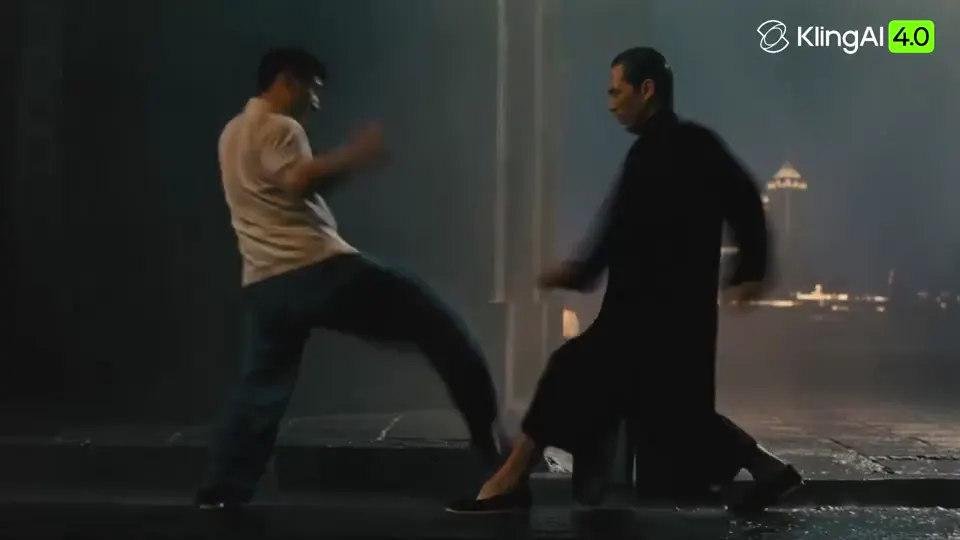
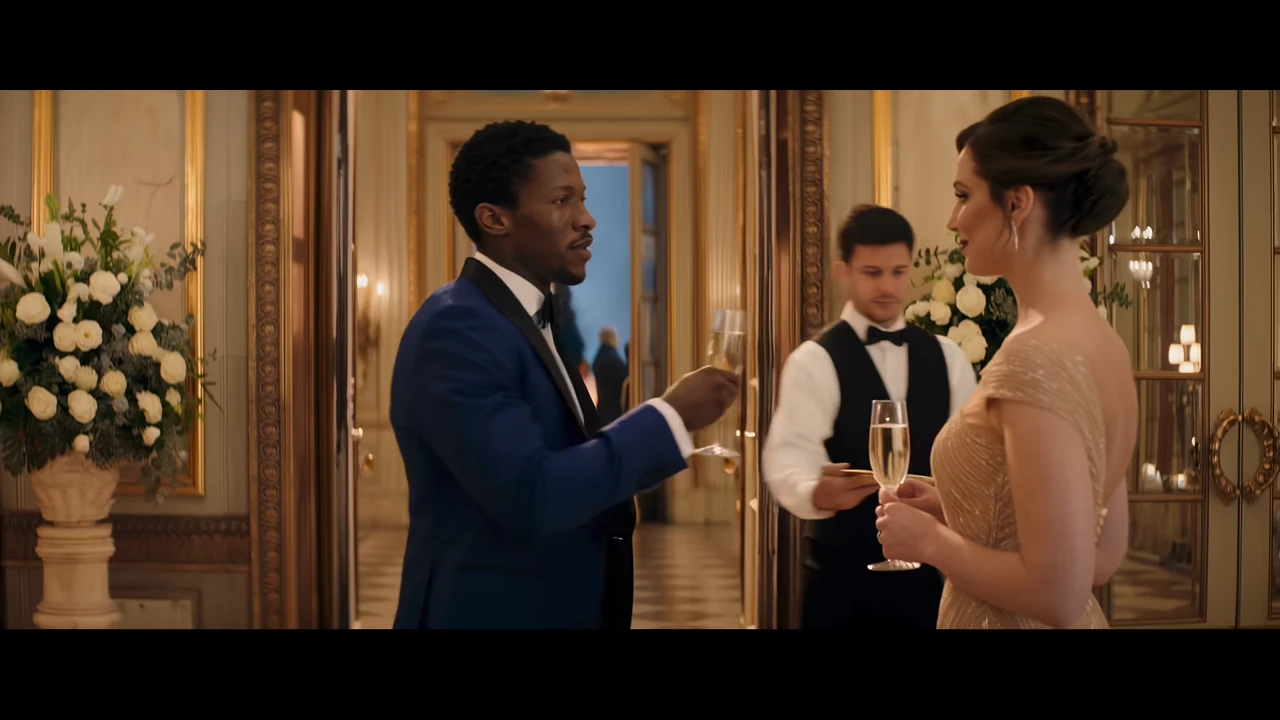
Ready to direct your next 30-second cinematic AI video with Kling 4.0?

Create now opens image-to-video. Kling 4.0 is available on Wan 3.0 now.

Create now