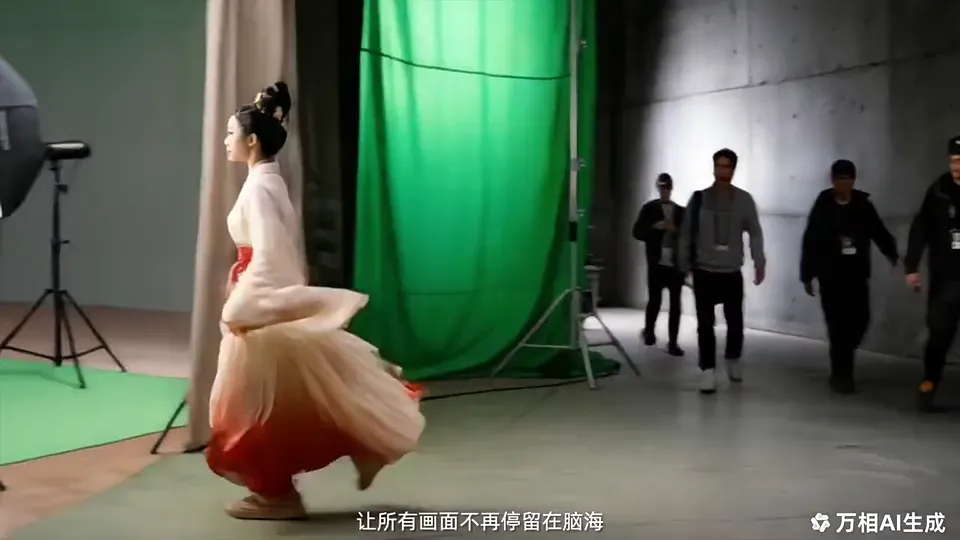
Wan 2.6 AI Video Generator

Wan 2.6 delivers affordable 1080p multi-shot video generation with stable characters and synchronized native audio. Create cinematic videos up to 15 seconds from text or images, with better motion logic, stronger visual consistency and production-grade quality.

Wan 2.6 Core Features

Cinematic multi-shot storytelling, stable characters, 15-second HD output and native audio turn short prompts and images into coherent video stories.

Multi-Shot Storytelling with Cinematic Precision

Wan 2.6 introduces a re-engineered storytelling engine that generates multi-shot 1080p videos with smooth transitions, balanced pacing and natural camera movement. It understands storyboard-style prompts and scene descriptions, turning shot order, camera direction, pacing and mood into a coherent sequence rather than a single isolated clip. Switch on multi-shot and tell a short story in one prompt.

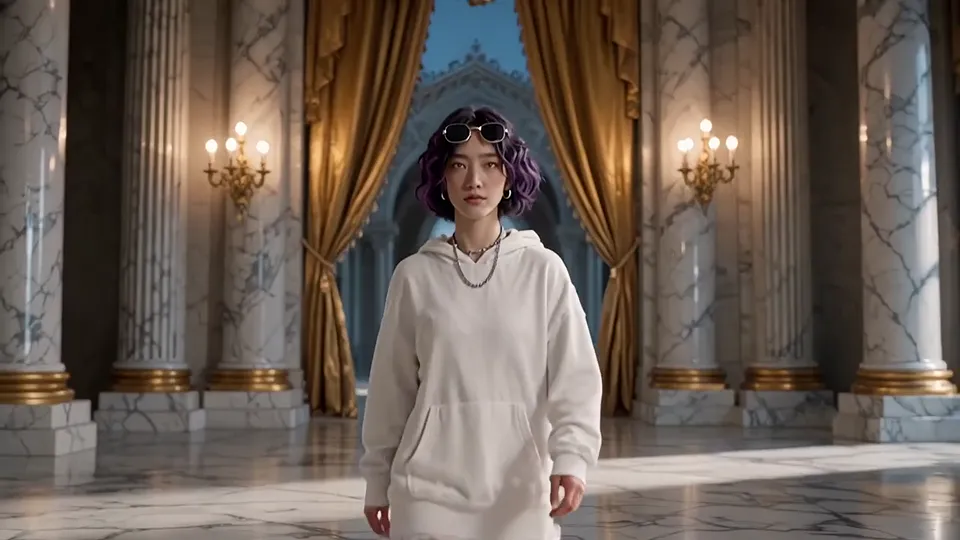
Wan 2.6 · Video example

Stable Characters from Shot to Shot

This generation brings stronger scene continuity and more stable characters, keeping faces, outfits, textures and lighting consistent across shots. Improved temporal attention holds lighting, wardrobe and environmental details steady throughout motion. It suits short dramas, brand videos and any content that needs strong continuity.

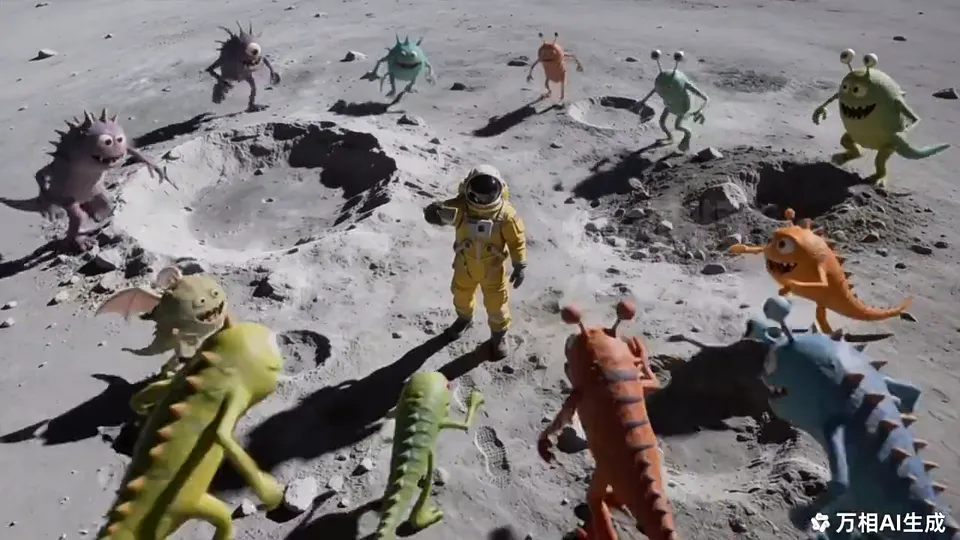
Wan 2.6 · Video example

Up to 15 Seconds of HD Video

Video length extends to up to 15 seconds while keeping HD clarity and frame-to-frame consistency. Choose 5, 10 or 15 seconds in 720p or 1080p. Longer, smoother output gives you more room for richer narratives.

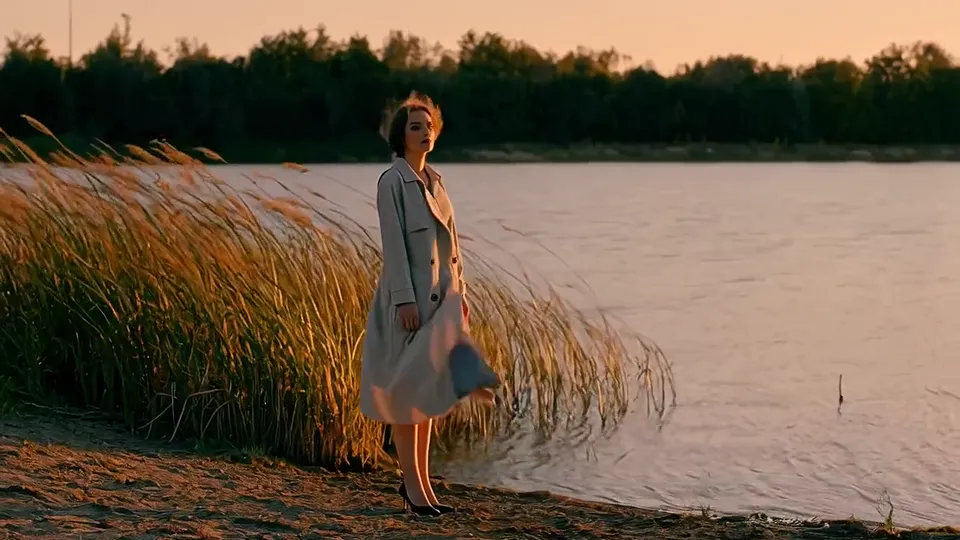
Wan 2.6 · Video example

Native Audio with Precise Lip Sync

Native audio creation and advanced camera physics come together in one workflow. You get synchronized dialogue, background music and ambient sound with precise lip sync, plus realistic pans, zooms and tracking shots. The result is high-fidelity, ready-to-publish cinematic HD video.

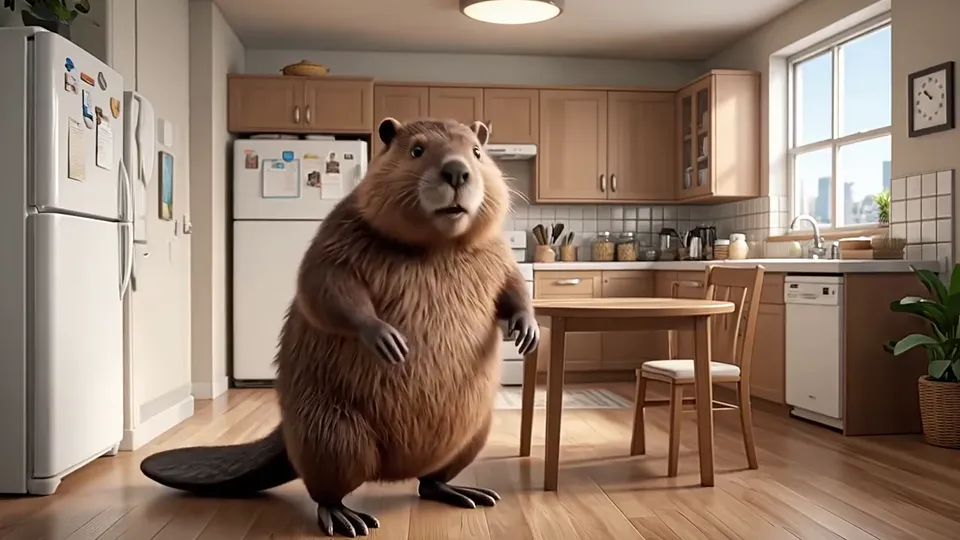
Wan 2.6 · Video example

Text to Video for Scripts and Briefs

Generate cinematic videos directly from natural language. The model understands multi-shot prompts and storyboard-style descriptions, translating shot order, camera direction, pacing and mood into a coherent video sequence. It is well suited for scripts, briefs and structured scene descriptions, with prompts of up to 5,000 characters.

Wan 2.6 · Video example

Image to Video That Keeps Your Subject

Animate a single image into motion while preserving subject identity and visual style. Facial features, proportions, textures and overall composition stay true to the source. It is ideal for portraits, product images, illustrations and other static visuals that need to become short-form video.

Wan 2.6 · Video example

How to Create Videos with Wan 2.6

Create stunning AI videos in three simple steps:

  1. 01

    Choose How to Start

    Open the workspace with the model already selected. Write a prompt for text to video, or upload one JPG, PNG or WebP image for image to video: up to 10 MB and at least 256 px per side.

  2. 02

    Set Length, Quality and Shots

    Pick 5, 10 or 15 seconds and 720p or 1080p. Turn on multi-shot when you want several connected shots, and describe each shot in order in your prompt.

  3. 03

    Generate and Download

    Confirm the credits and start. Your video appears in your creations, ready to preview and download. Adjust the prompt and run it again anytime.

Wan 2.6 vs Wan 2.5

Compared with Wan 2.5, the new generation adds longer videos, stronger multi-shot handling, steadier characters and native audio with lip sync.

Wan 2.6 compared with Wan 2.5
FeatureWan 2.6Wan 2.5
Video length5, 10 or 15 seconds5 or 10 seconds
Resolution720p and 1080p HD720p and 1080p
Multi-shot storytellingMulti-scene prompts with smooth transitionsLimited
Character consistencyStrong multi-shot consistencyModerate
AudioNative audio with precise lip syncSupports audio generation
Camera motionNatural cinematic motionLimited
Best forCinematic narratives and multi-shot shortsCore short-video creation

Wan 2.6 FAQ

Everything you need to know about length, audio, multi-shot and credits.

What is Wan 2.6?

Wan 2.6 is an AI video generation model from Alibaba's Wan team that turns short prompts and images into coherent multi-shot video stories. It supports text to video and image to video, creates 1080p videos up to 15 seconds long, keeps characters stable and adds native audio.

How long can the videos be, and at what resolution?

Each video can run up to 15 seconds, with 5, 10 or 15 seconds to choose from. Resolution options are 720p and 1080p, and longer clips stay sharp and consistent from frame to frame.

Which creation modes are supported?

It supports text to video and image to video. Text to video creates footage directly from natural language; image to video brings a single picture to life while keeping its subject and visual style.

Does it generate sound?

Yes. Native audio is generated together with the picture, including dialogue, background music and ambient sound, with precise lip sync.

How do I use multi-shot?

Turn on multi-shot in the workspace and the model creates several shots with transitions from your prompt. Describe each shot's scene, camera move and pacing in order for the best result; with multi-shot off you get one continuous shot.

What is the difference between Wan 2.6 and Wan 2.5?

The newer model extends videos to 15 seconds, handles multiple shots better, keeps characters more consistent and adds native audio with lip sync. Wan 2.5 is best for core 5- or 10-second clips.

How many credits does a video cost?

Pricing is fixed by length and resolution. At 720p, 5, 10 and 15 seconds cost 44, 87 and 130 credits; at 1080p they cost 65, 130 and 194 credits.

What images can I use for image to video?

Use a JPG, PNG or WebP image up to 10 MB and at least 256 px on each side. If a file doesn't fit, the upload box tells you why and what to change.

What is Wan 2.6 best for?

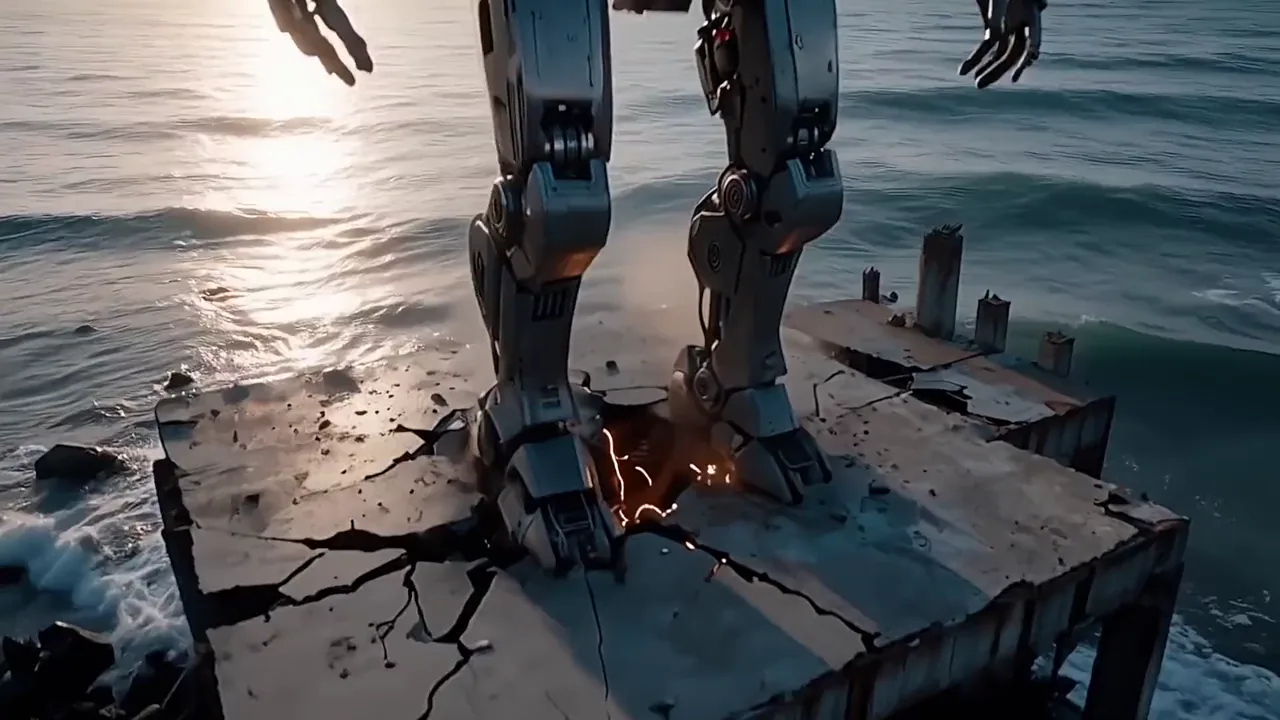
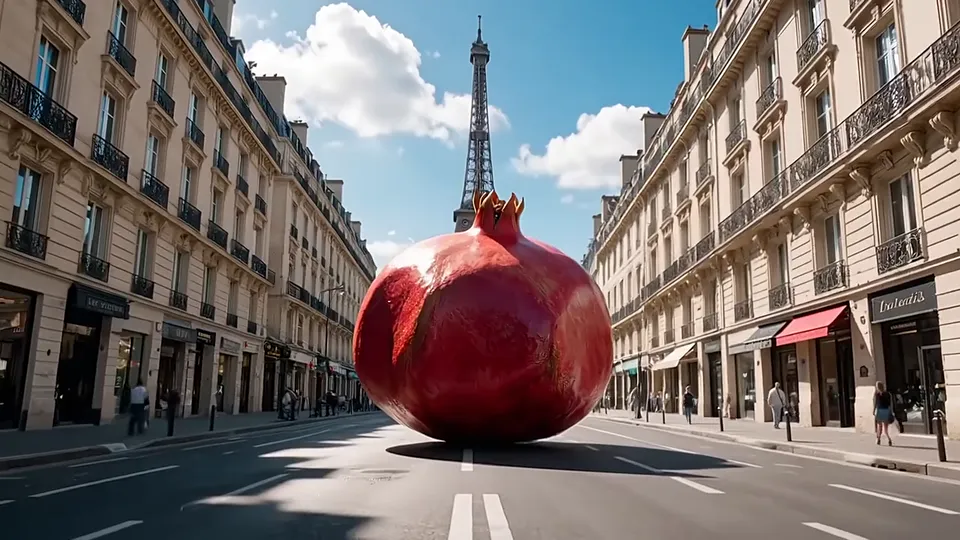
It shines for surreal cinematic animation, hyperreal ASMR macro shots, product reveals and brand content, and atmospheric sci-fi worlds. It is especially strong when you need several shots to tell one connected story.
Start Creating Multi-Shot Videos with Wan 2.6

Write your story or upload an image to get a cinematic 1080p video with native audio.

Create Now