Write the creative brief
Describe the subject, scene, camera movement, lighting, mood, and rhythm.
common.nav.generator
All-in-one AI video platform
Set the prompt, references, model, audio, aspect ratio, and duration together, then use each result to guide the next generation.
Describe the subject, scene, camera movement, lighting, mood, and rhythm.
Switch between text-to-video, image-to-video, and director-level control.
Select Wan 3.0, Video Prime, Wan 2.7, or Seedance 2.5, then set resolution and duration.
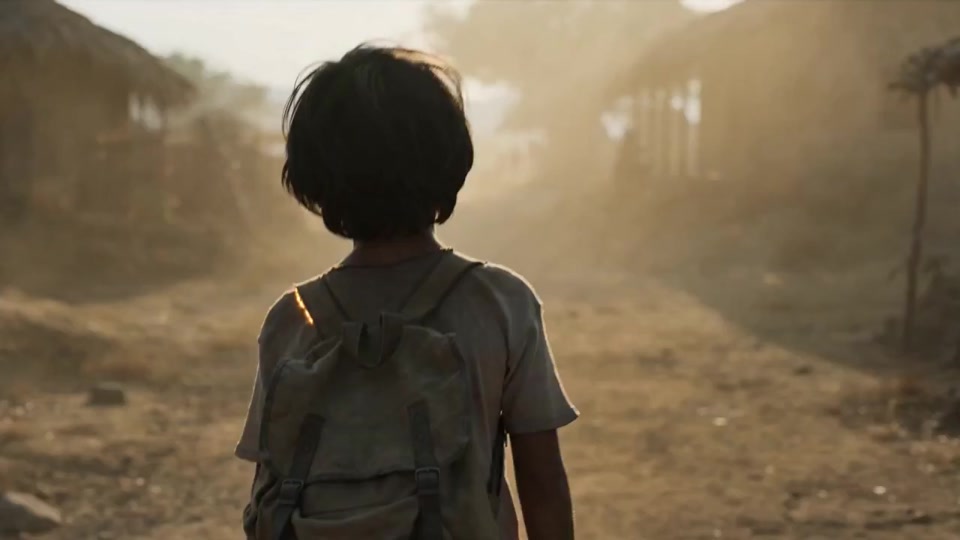
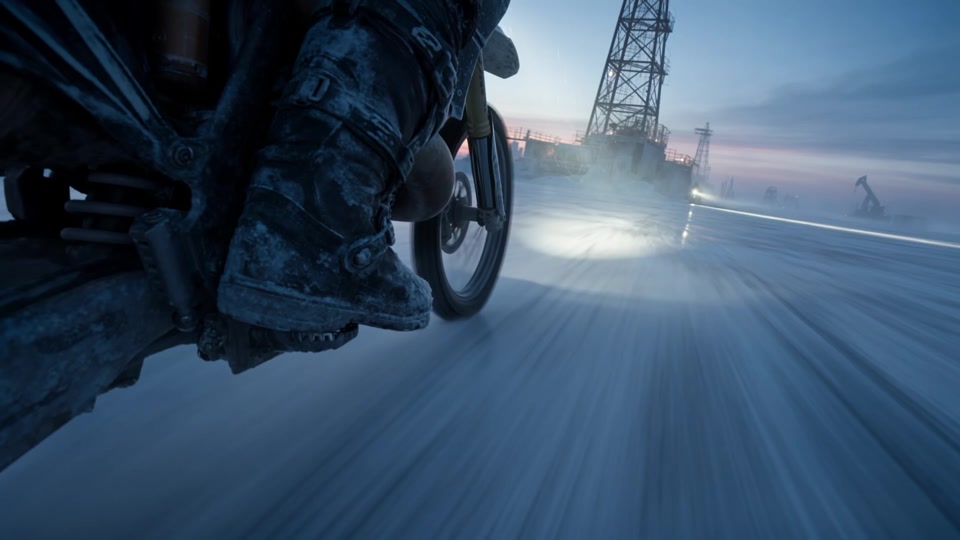
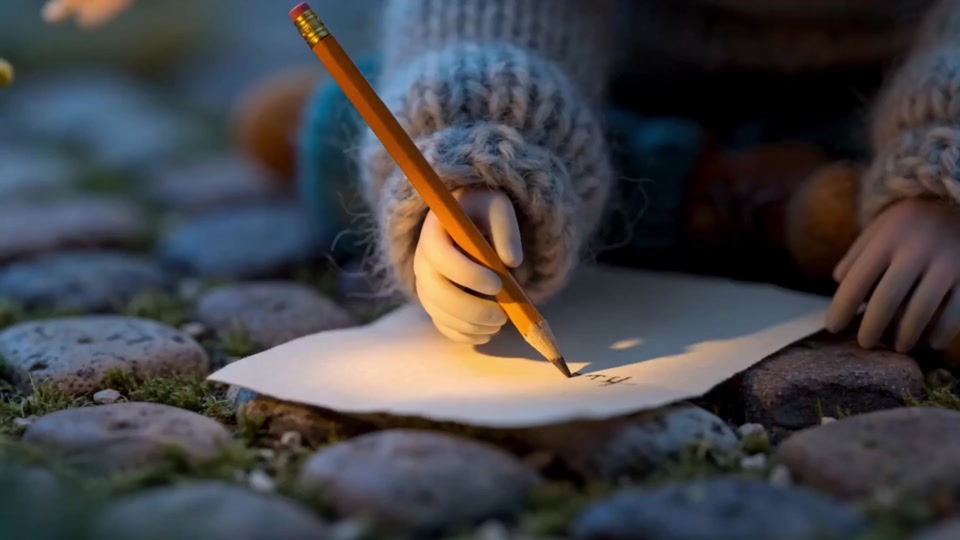
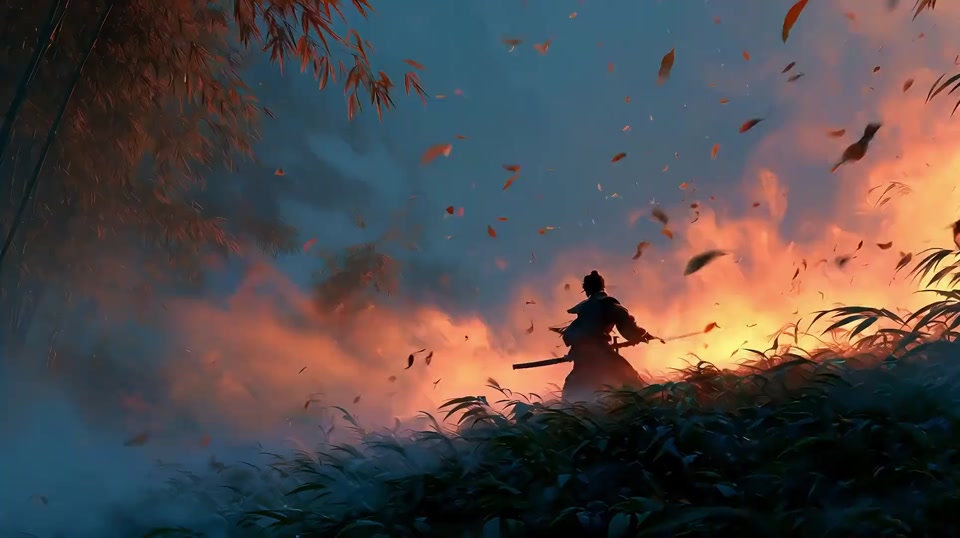
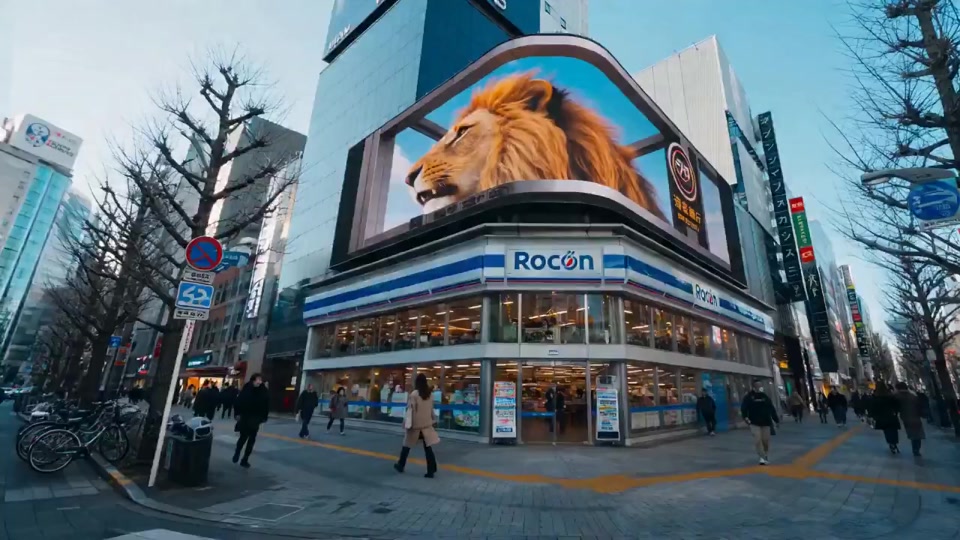
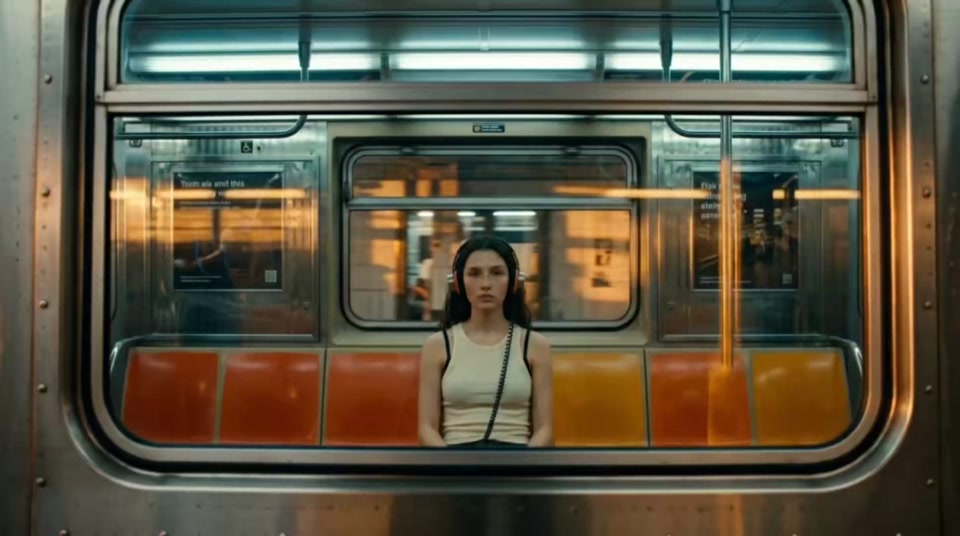
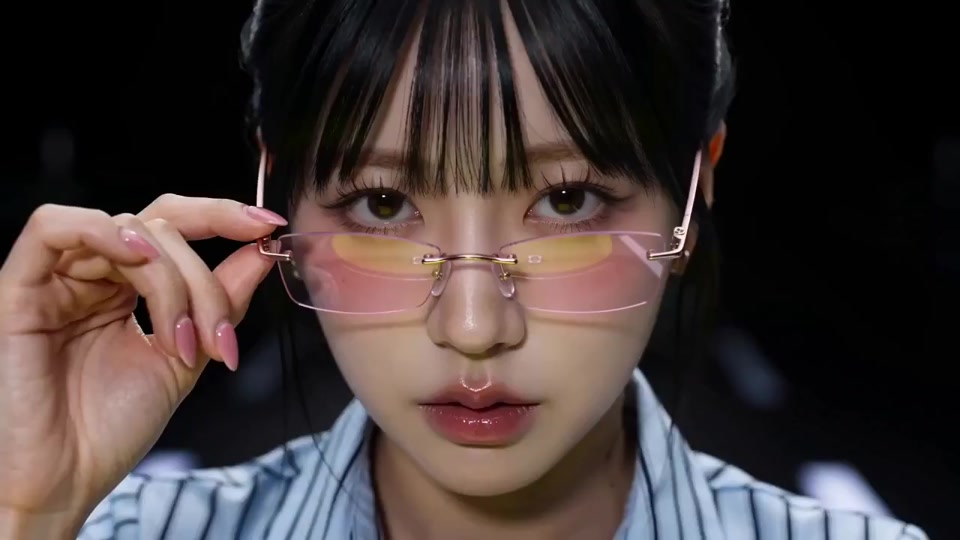
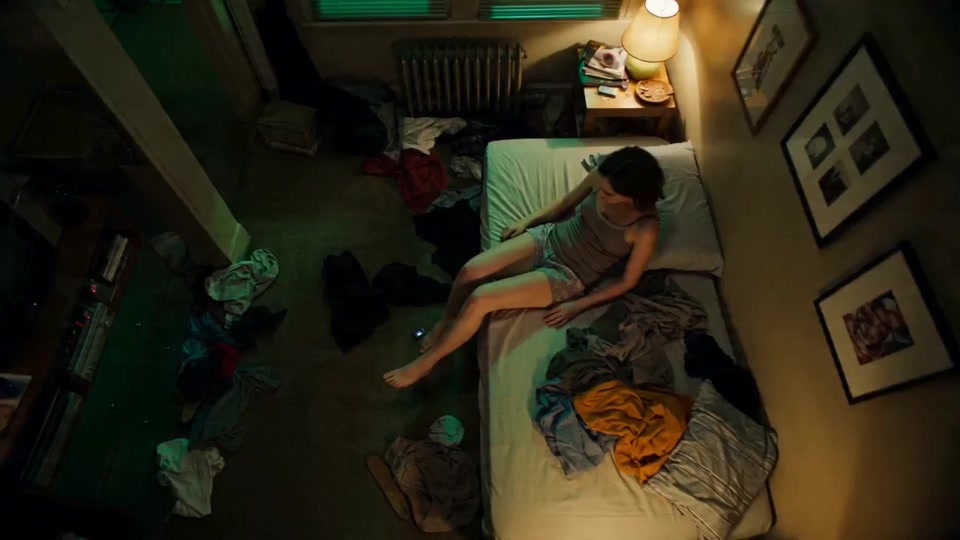
Use real examples to judge motion, framing, style, and expected output.
Review history in My videos for comparison, download, and iteration.
Use strong directions for ads, product shots, social clips, or character scenes.
Why teams choose Wan 3.0
Text + image
Covers blank-slate ideas and reference animation
1080P
Supports the documented HD output tier
Examples + history
Keeps references and results in one view
Turn product images, campaign concepts, and camera notes into video drafts.
Test openings, visual hooks, and pacing before committing production time.
Animate posters, characters, storyboards, and references for visual storytelling.
Open the workspace, choose text or a reference image, preview a first direction, then refine model, ratio, and quality.
Start with a short prompt, then add references, model choices, and output settings.
Duration · Estimated credits
5 seconds195 credits